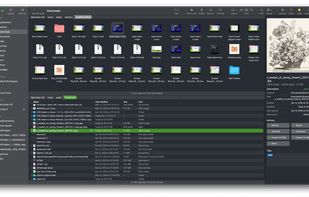
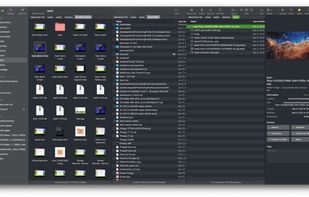
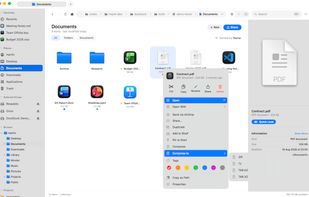
The finest replacement for Finder with powerful tools to streamline your workflow, enhance productivity, and keep everything organized at your fingertips.
Cost / License
- Paid
- Proprietary
Application type
Platforms
- Mac



+8


Finder is described as 'The Finder is the first thing that you see when your Mac finishes starting up. It opens automatically and stays open as you use other apps. It includes the Finder menu bar at the top of the screen and the desktop below that' and is a popular File Manager in the file management category. There are more than 100 alternatives to Finder for a variety of platforms, including Windows, Mac, Linux, Android and Android Tablet apps. The best Finder alternative is Double Commander, which is both free and Open Source. Other great apps like Finder are Files, Spacedrive, Total Commander and Dolphin File Manager.
The finest replacement for Finder with powerful tools to streamline your workflow, enhance productivity, and keep everything organized at your fingertips.

Marta is a dual-pane file manager. Most of the time you work with two directory panes placed side-by-side. It allows you to do the basic file operations such as copying or moving files in a fast and efficient way, because you can see both source and target directories, and you...
 Russia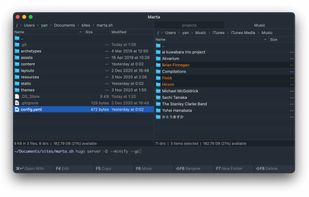


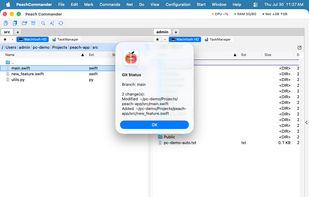
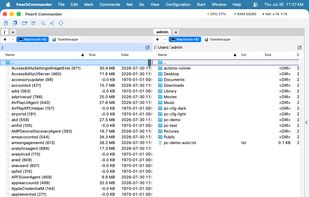
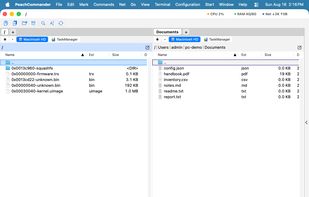
Peach Commander is a dual-pane file manager for macOS, written in Swift and AppKit and modelled on the orthodox file managers that DOS and Windows users know from Norton Commander and Total Commander. Two directory panels sit side by side, and almost everything is reachable from...
 Germany
 EU
EU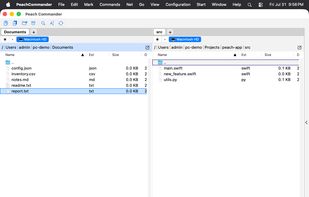


A small and two-pane file manager with open plugin architecture. Has the ability to view content of files (text, html, over 40 picture formats, mp3), support for archives (zip, rar, arj, cab, tar/gzip, etc.), and (S)FTP support.
 CzechiaEU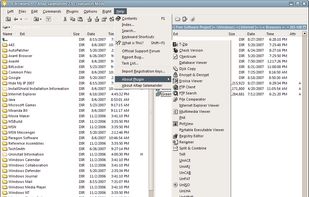

 Mexico
 Russia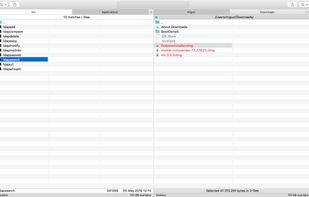
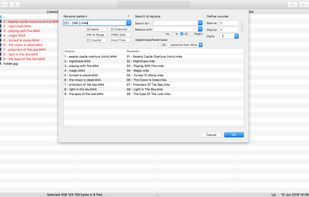
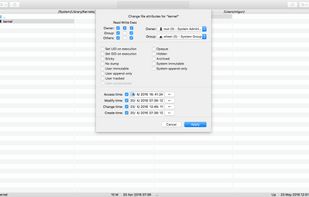


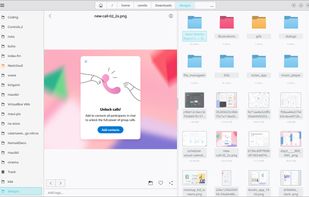
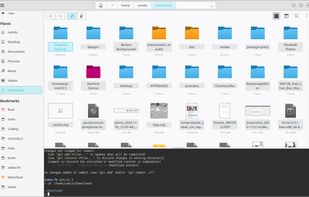
Index is a convergent file manager, it the user with a simple way to navigate and manage files. Index incorporates features such as miller columns, embedded terminal, split views, file previews, experimental WebDAV support, tags.
Mexico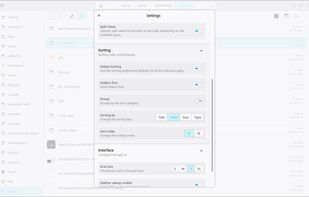



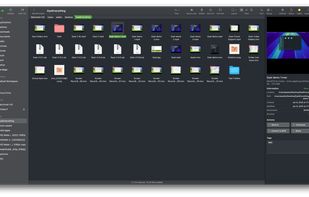
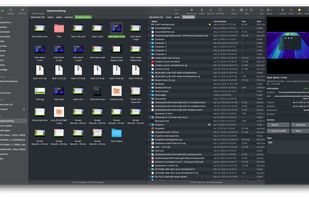
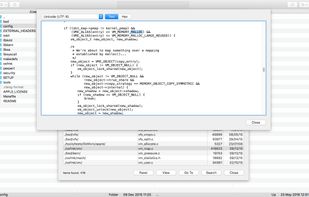
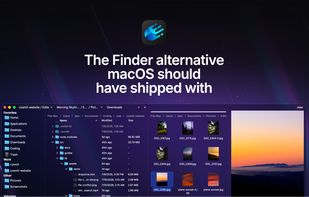
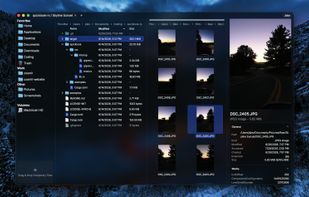
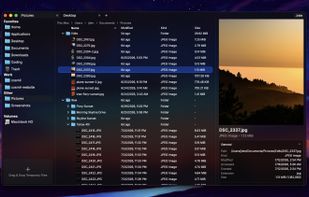
Minimal file manager for macOS featuring resizable panes, customizable layouts, workspace restoration, on-demand folder size calculation, advanced file operations, sidebar dropzone, strict icon view order, job manager for transfers and searches, no analytics, and a one-time license.

 Russia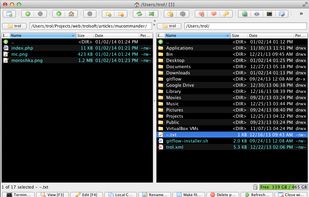
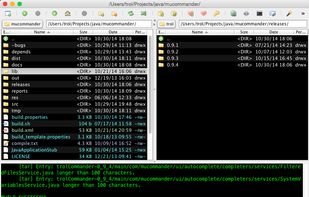
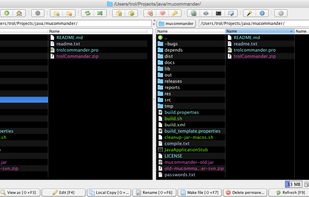
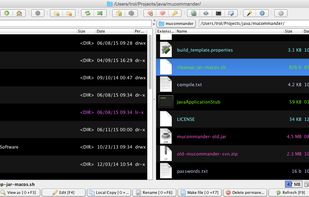


Innovative, convenient, fast, feature-packed File Manager, with a unique, powerful and, at the same time, familiar and easy to use interface, designed for all users.
 United States
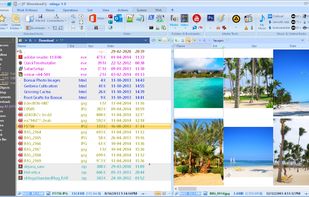


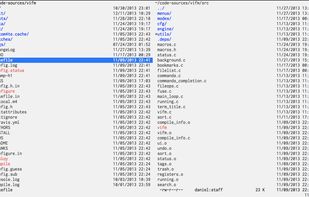
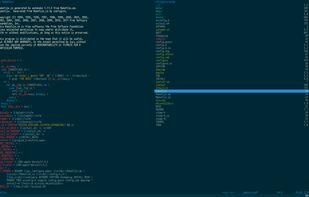
Vifm is a file manager with curses interface, which provides Vi[m]-like environment for managing objects within file systems, extended with some useful ideas from mutt.


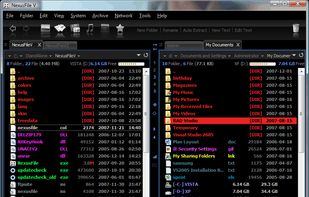
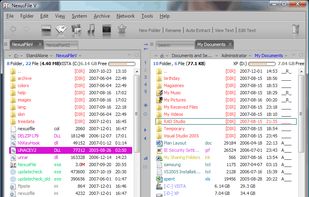
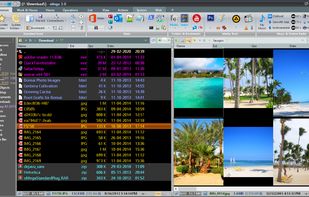
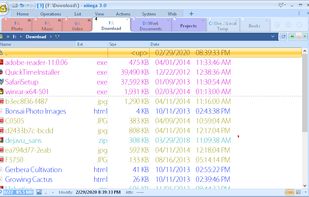
NexusFile is a file manager for Windows. You can manage many files very fast and easily. NexusFile will increase your computing performance. If you still use Windows Explorer, you must try this one.
 South Korea