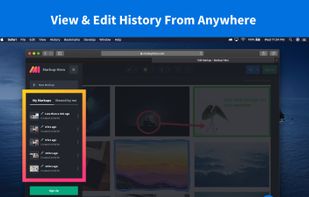
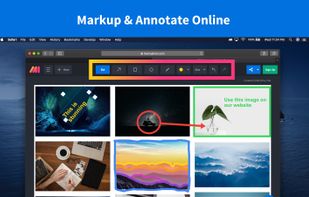
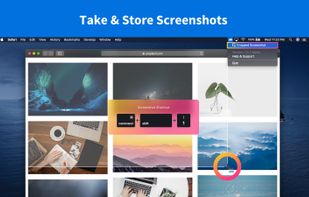
Lightning fast and ultra elegant screenshot and annotation tool that does all you need without the bloat. Made for Mac and Windows.
Cost / License
- Free
- Proprietary
Application type
Platforms
- Mac
- Windows
- Software as a Service (SaaS)
 United States



+1
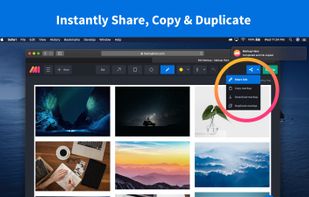


Flameshot is described as 'Open-source screenshot tool with cross-platform support, customizable interface, built-in editing, CLI access, and direct Imgur uploads' and is a very popular screenshot capture tool in the photos & graphics category. There are more than 100 alternatives to Flameshot for a variety of platforms, including Windows, Mac, Linux, Google Chrome and Web-based apps. The best Flameshot alternative is ShareX, which is both free and Open Source. Other great apps like Flameshot are Greenshot, Ksnip, PicPick and Gradia.
Lightning fast and ultra elegant screenshot and annotation tool that does all you need without the bloat. Made for Mac and Windows.
United States
A macOS app for capturing, annotating and sharing screenshots. Quickly add comments, highlight what matters or blur any sensitive content. Upload screenshots to Google Drive or Dropbox. Copy screenshots to the clipboard and paste them directly into Slack, Skype, Jira, Trello and...


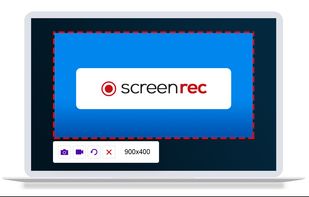
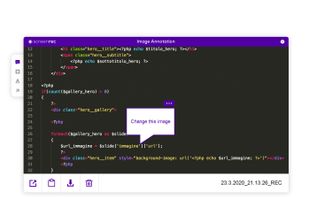
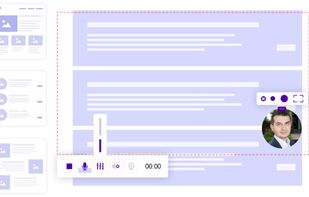
ScreenRec is a free screen recorder for Windows, Linux, and Mac with webcam, microphone, and system audio capture. Record without a watermark or time limit, store videos in free cloud storage, and share instantly with private links.
 Bulgaria
 EU
EU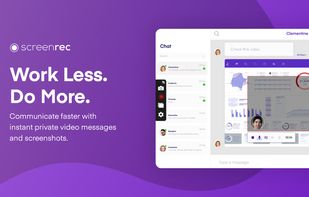


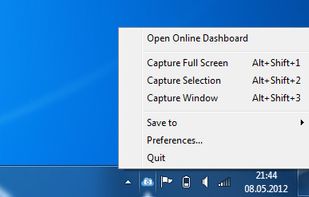
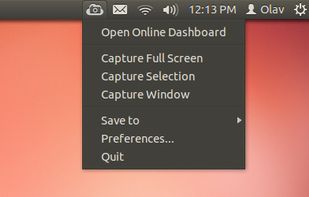
ScreenCloud is an easy to use screenshot sharing application. Take a screenshot using one of the 3 hotkeys or simply click the ScreenCloud tray icon. You can choose where you want to save your screenshot.


Swappy is a Wayland screenshot editing tool featuring brushes, text, shapes, arrows, and blur. Images can be saved locally or copied directly to the clipboard.
 FranceEU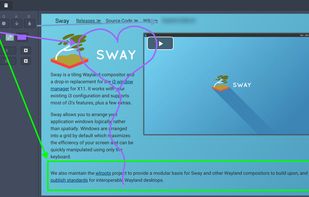


 United Kingdom
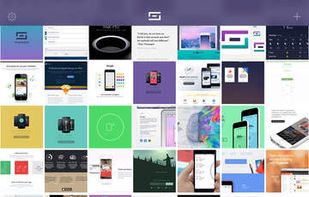


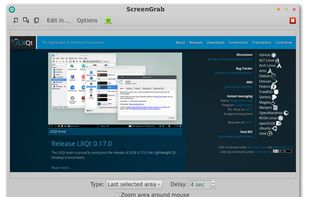


Szoter is easy to use, free, online image annotation tool. It makes expressing Your ideas and thoughts easy. It can be used to share Your ideas with friends, highlight important parts of images or even to create readable bug reports.

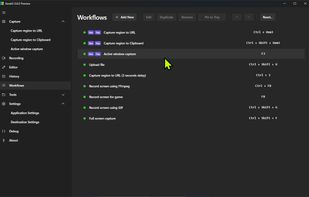
The most advanced screen capture tool for Windows, macOS, and Linux. ShareX reimagined with modern UI technologies, built from the ground up for cross-platform performance.
United States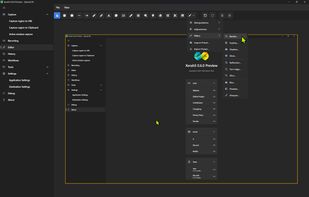


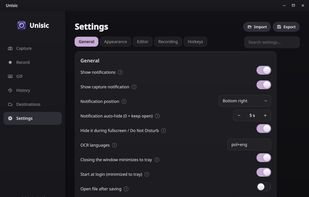
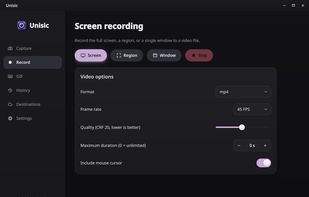
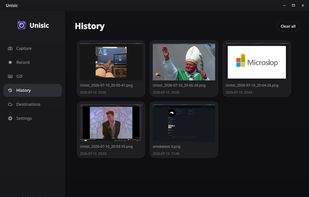
Unisic is a ShareX-style screenshot and screen-recording tool built natively for Linux Wayland, with first-class support for KDE Plasma/KWin and portable fallbacks via xdg-desktop-portal for GNOME, niri, and other compositors.
 PolandEU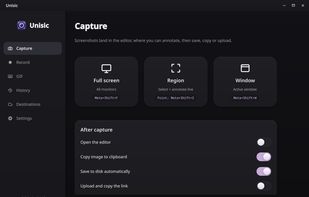


Movavi ScreenShot is a screenshot extension for Chrome and Firefox that lets you grab full and partial screen captures as well as save screenshots in multiple formats.
 CyprusEU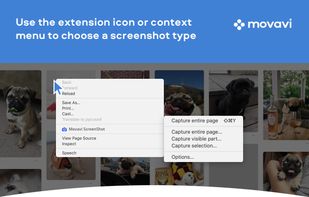




Snip tool is a screen capture tool that lets you capture one or more selected areas on your desktop and save it with optional annotations.
 GermanyEU



 Russia