





Ghostly Bridge
1 like
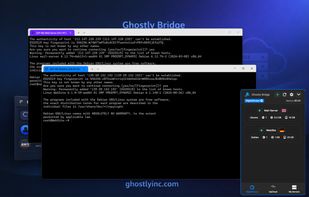
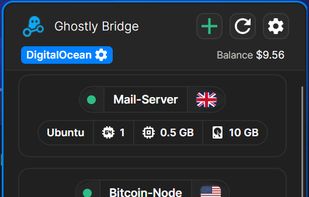
Ghostly Bridge is a lightweight Windows tray app to manage servers and expose local apps instantly. Access UpCloud, DigitalOcean, and your own machines from one place.

Cost / License
- Freemium (Pay once)
- Proprietary
 EU
EUPlatforms
- Windows


+10


Features
Ghostly Bridge News & Activities
Highlights All activities
Recent activities
- GHostly updated Ghostly Bridge
- GHostly updated Ghostly Bridge
- reviewed Ghostly Bridge★★★★★
Nice GUI. When you use UpCloud that is the best tool
- GHostly added SSH Client as a feature to Ghostly Bridge
- GHostly liked Ghostly Bridge
- GHostly rated Ghostly Bridge
- GHostly added Ghostly Bridge
 GHostly added Ghostly Bridge as alternative to KiTTY, OpenSSH, MobaXterm and Tabby

Ghostly Bridge information
Developed by
 GhostlyInc
 Licensing
Proprietary and Freemium product.Pricing
One time purchase (perpetual license) that costs up to $11 + free version with limited functionality.Alternatives
51 alternatives listedBadge
Get an embeddable badge for Ghostly BridgeSupported Languages


Comments and Reviews
Nice GUI. When you use UpCloud that is the best tool