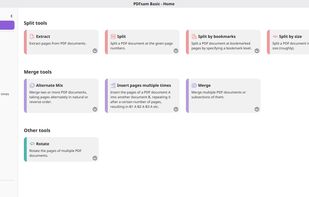
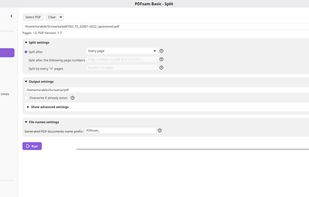
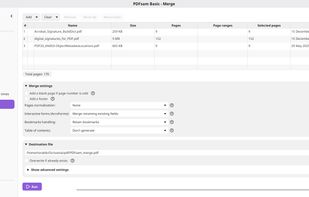
Free and open source desktop application to split, merge, extract pages, rotate and mix PDF files.


Nitro PDF is not available for Linux but there are plenty of alternatives that runs on Linux with similar functionality. The best Linux alternative is PDFsam, which is both free and Open Source. If that doesn't suit you, our users have ranked more than 100 alternatives to Nitro PDF and 19 are available for Linux so hopefully you can find a suitable replacement. Other interesting Linux alternatives to Nitro PDF are Master PDF Editor, Qoppa PDF Studio, Sejda and PDFedit.
Free and open source desktop application to split, merge, extract pages, rotate and mix PDF files.


Master PDF Editor is complete solution for editing PDF and XPS files. You can insert, edit, remove, copy, add images or graphics. Export, import, remove and change page layouts. Also Master PDF Editor provides full functionality for changing PDF information, including author...


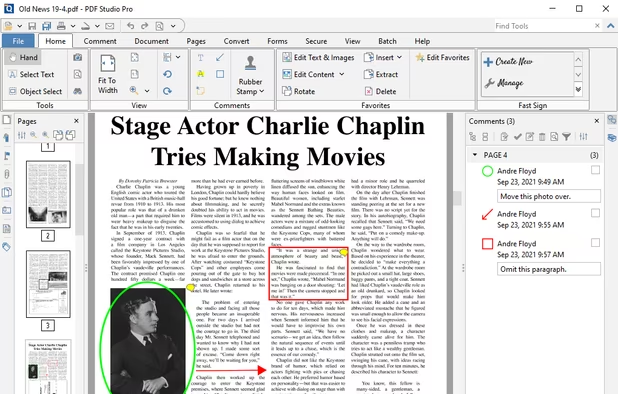
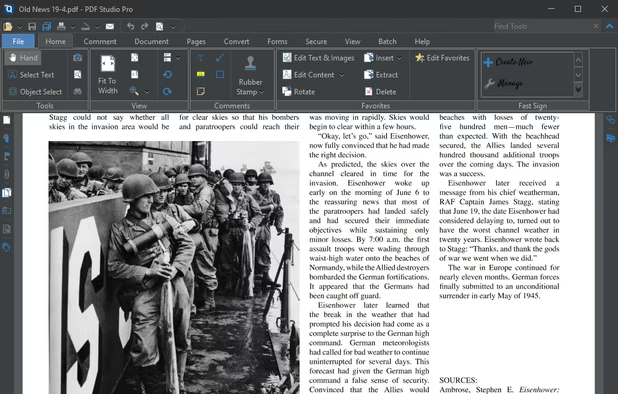
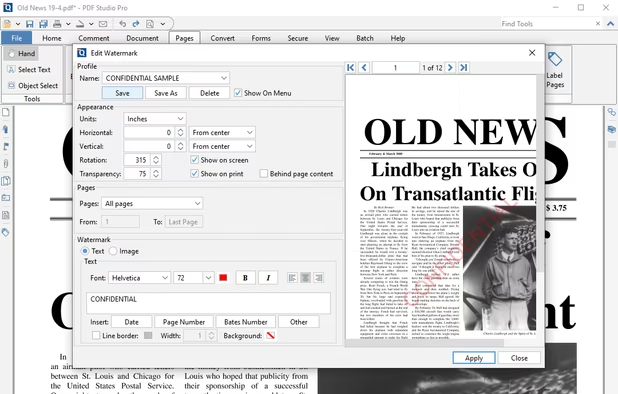
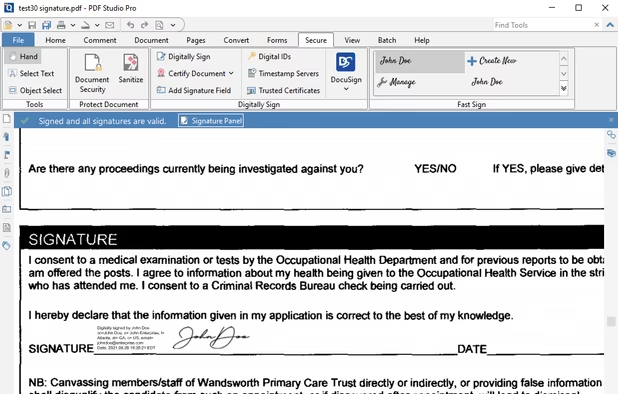
Create, Convert, Review and Edit PDF Documents on Windows, macOS, and Linux.


Sejda helps with your PDF tasks: edit existing text, split, merge, extract, compress, export to other formats and more.


Free (and open source) editor for manipulating PDF documents. GUI version + commandline interface. Scripting is used to a great extent in editor and almost anything can be scripted, it is possible to create own scripts or plugins.


Open-source PDF viewer and editor using Qt framework, featuring hardware-accelerated rendering, encryption, multithreading, text-to-speech, annotation tools, form filling, high-res monitor support, document compression, audio book conversion, and signature validation.


PDF Automation Server is a modular server product that provides a rich set of PDF processing functions for different environments.


Adlib PDF delivers enterprise-class, document-to-PDF conversion software. It offers the highest fidelity PDF rendering engine on the market, with accurate OCR capabilities and intelligent document assembly.
jPDFSecure is a Java PDF library SDK that can digitally sign PDF documents and change security settings on PDF Documents.


Professional PDF tools without the cloud. 100% offline, native performance, and zero data collection. Your documents stay where they belong: on your device.


The Pdf It! extension is designed for FireFox and runs on any platform: Windows, Mac OS X and Linux. The Pdf It! menu item will be installed at Browser-->Tools menu as well as context menu

Not a complete PDF editing suite like Nitro PDF