




PDF Expert
39 likes
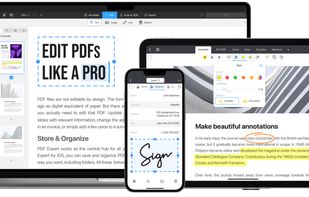
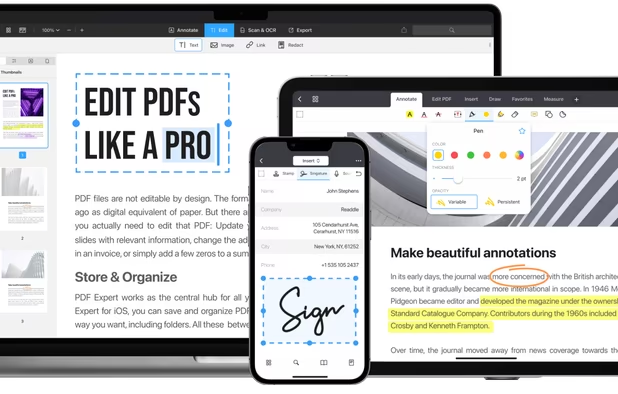
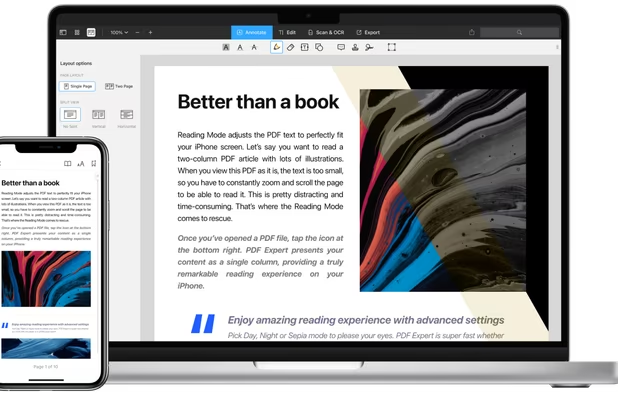
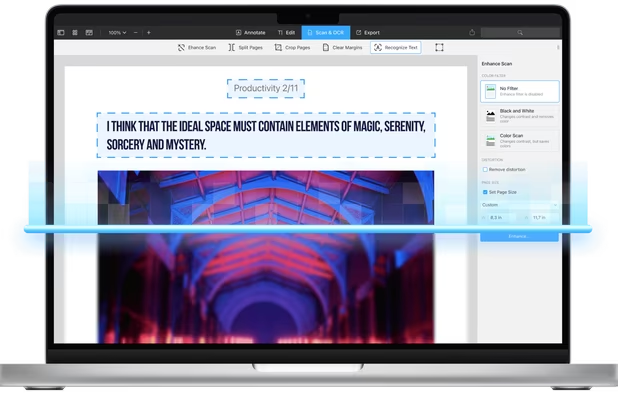
Read, annotate, and highlight PDFs, fill interactive forms with saved input, underline or strike through text, manage bookmarks, sync files from cloud services, and share documents. Compatible with Preview and Adobe Acrobat annotations, supporting extensive iOS features.
Cost / License
- Pay once or Subscription
- Proprietary
Application typeApplication types
Platforms
- Mac
- iPhone
- iPad

Features

PDF Expert News & Activities
Highlights All activities
Recent News
No news, maybe you know any news worth sharing?
Share a News TipRecent activities
 Nettongia added PDF Expert as alternative to Nettongia PDF Editor
Excellent app, but overpriced. Hardly any features of the free version work in MacOS 27.
 noshudotnet added PDF Expert as alternative to PDF Toolbox
 Omitly added PDF Expert as alternative to Omitly
 psychosonicconsulting added PDF Expert as alternative to Bibliome
 juebrauer added PDF Expert as alternative to Scribylus
 PDFluent added PDF Expert as alternative to PDFluent
 TheEmperorArt added PDF Expert as alternative to Perfect PDF Reader
 mhrsntrk added PDF Expert as alternative to Velum Privacy
 dcarrero added PDF Expert as alternative to files.co PDF Suite


Featured in Lists

A list with 807 apps by AmileyaRyver without a description.
List by AmileyaRyver with 807 apps, updated

It was a big deal when Apple brought pressure-sensitivity to iOS devices through its innovative 3D Touch. Apple's user...
List by David with 17 apps, updated

A list with 19 apps by virgilinojuca without a description.
List by Jucá Costa with 19 apps, updated

What is PDF Expert?
PDF Expert information
Developed by
 Readdle Limited
 Licensing
Proprietary and Commercial product.Pricing
One time purchase that costs $150, and / or subscription that costs $7 per month.Rating
Average rating of 4.6Alternatives
163 alternatives listedBadge
Get an embeddable badge for PDF ExpertSupported Languages
AlternativeTo Categories
Office & Productivity, Photos & Graphics, File ManagementApple AppStore
- Updated
- 4.67 avg rating


Comments and Reviews
very good intuitive and functional tools for annotating as well as editing pdf files.
Excellent app, but overpriced. Hardly any features of the free version work in MacOS 27.
I use the free version on my iPhone and iPad mini. I can't edit PDFs directly, but I can add annotations, highlights, and markups. Works great with syncing to iCloud and google drive.
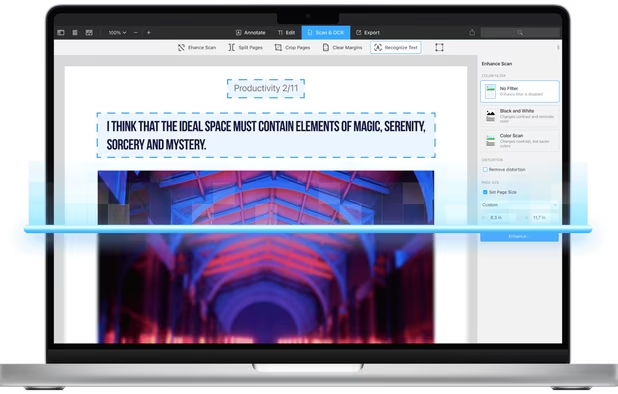
Lightweight and really well-made app to read and edit PDF's files. It has a nice offline OCR. It let you add outlines and bookmarks.
Lightweight and many features, intuitive. However it has a subscription model rather than just paying to license it
Have been using PDF Expert for 5 years and it's a very powerful tool that is constantly updated. I've become so used to PDF Expert, that I find it hard to use Adobe Reader. At TechNoir Solutions we have to edit a lot of contracts and documents. PDF Expert is a real help.
Very good Pdf app for pdf editing and viewing. Clean GUI, fast. I use it on iPad in combination with Documents and on my Mac; here for deleting pages and compressing. I get THE BEST results in compressing Pdfs. No noticeable quality loss with "high", but minimal file size. I always compress Pdfs with PDF Expert instead of Acrobat. It's easy and most effective. I would appreciate if the thumbnail overview could be changed in size and I miss export to png/jpg. Compared to other pdf edit apps Pdf Expert has much less options and functions, but it does well what it does.