

Cost / License
- Paid
- Proprietary
Application typeApplication types
Platforms
- Mac



+1
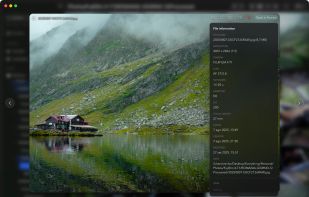


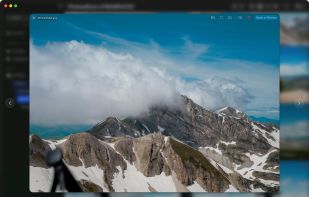
PhotoPrism is described as 'AI-powered, privacy-focused photo management with face recognition, advanced search filters, seamless device sync, direct editing, and private server hosting' and is a very popular Photo Manager in the photos & graphics category. There are more than 100 alternatives to PhotoPrism for a variety of platforms, including Windows, Mac, Android, Web-based and Self-Hosted apps. The best PhotoPrism alternative is Ente Photos, which is both free and Open Source. Other great apps like PhotoPrism are Immich, Fossify Gallery, digiKam and Google Photos.

PicPocket is a photo storage service with a unique premise. Users create 'Pockets' which mimic chats, and then upload groups of photos as 'events' in the chat.
 United Arab Emirates



Tired of scrolling through hundreds of photos to find your best shots? SpectraSort uses on-device AI to instantly score and rank your photos so the best ones rise to the top.
 United States




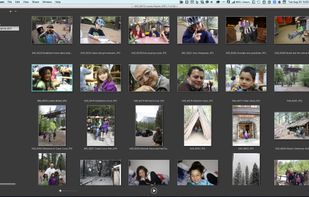
iFotosoft Photo Viewer is a super fast photo viewer, versatile RAW image viewer, powerful editing and batch functions to deal with photos easily.
 China
China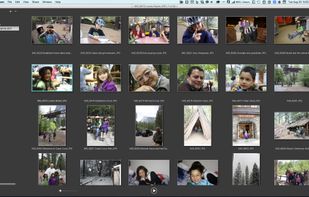


 India
India



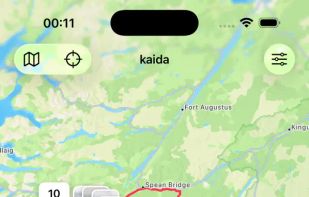
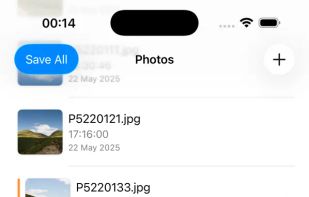
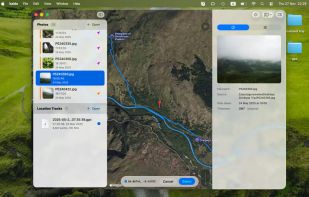
Effortlessly geotag your photos with kaida ("where" in Tatar). This universal app uses GPX track data to automatically add GPS coordinates to your images.
 Russia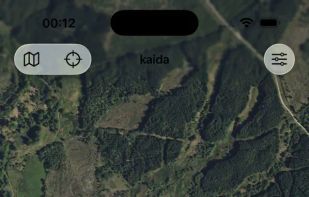


The offline face-recognition photo organizer for Windows. It finds and groups every photo of the same person across your whole library, automatically. Free for personal and commercial use.
India



ImageTome is a zero-knowledge platform for sharing photos, videos and posts in private invite-only spaces called tomes, encrypted in your browser with a key the server never receives.






Memora is a privacy-first photo management application for Windows. Instead of manual tagging, it uses local AI to understand the content of your images, so you can search your library by describing a scene in plain language. Everything runs on your own computer.
 Austria
 EU
EU
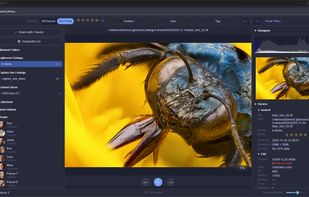
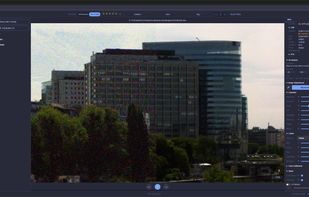
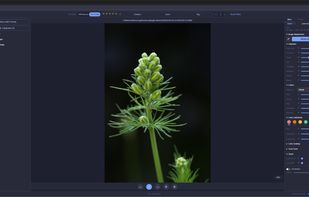


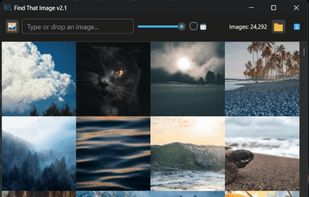
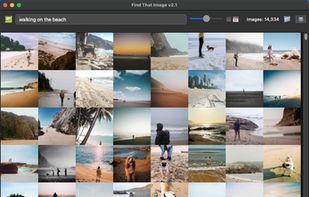
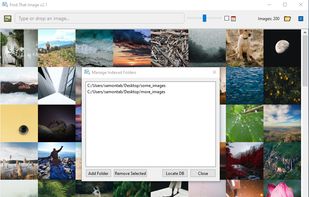
Whether you have hundreds or thousands of images stored locally, Find That Image helps you instantly find what you're looking for. Just type a few words or drop in an image and Find That Image will take care of the rest.



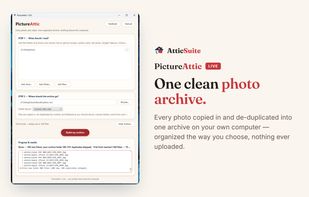
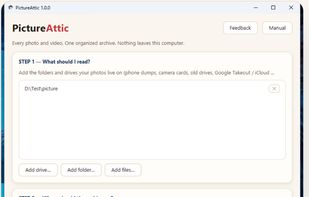
Gather scattered photos from every drive and phone into one de-duplicated archive, filed by capture date, on your own computer.
 Canada