Cost / License
- Free
- Open Source
Application type
Platforms
- Mac
- Windows
- Linux

T


The Daily Project is described as 'A Productivity Tool designed around simplicity and efficiency, while giving you a lot more flexibility to manage your tasks' and is a todo list manager in the office & productivity category. There are more than 100 alternatives to The Daily Project for a variety of platforms, including Web-based, iPhone, Android, Mac and Windows apps. The best The Daily Project alternative is Trello, which is free. Other great apps like The Daily Project are Todoist, TickTick, Workflowy and Tasks.org.

Make unlimited private checklists that only you can see. Need help completing a checklist? Collaborate with friends, family, or coworkers.
 United States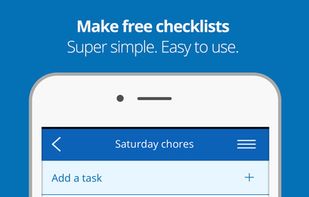
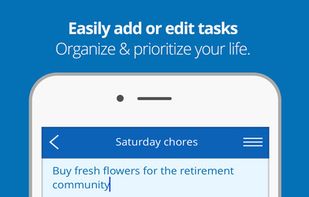







Todoey is the simplest way to remember things. It sits in your menubar so it is always just one click away. It blends perfectly into your macOS desktop in both dark and light theme. It also syncs using iCloud so you will be always backed up and up to date on all your Macs.
 Poland
 EU
EU




TaskJot - GTD app made for Blackberry featuring sync to Toodledo.com. A Blackberry todo application more convienient than any other!
United States


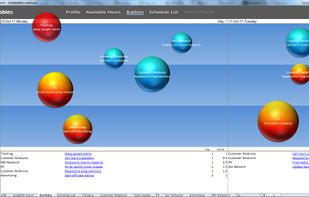
Free your mind with automated time management and visual to-do lists. TimeBubbles gives you a plan of the best things to work on based on a few inputs from you.


todo.vu is integrated time tracking, billing and task management software, providing an easy-to-use productivity tool for small and mid-sized businesses.
 United Kingdom





Taskastics is an easy way to track your task & time spent on it:
Application features:





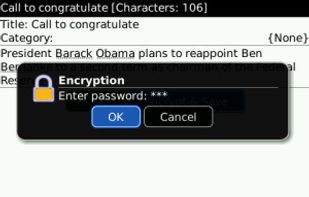
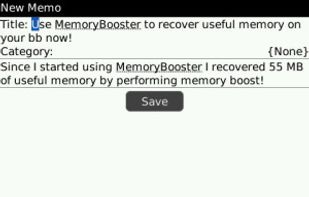
ActionPad is a replacement application for the original BlackBerry MemoPad. It provides quick access to memos for boosting your productivity.
 Hong Kong SAR China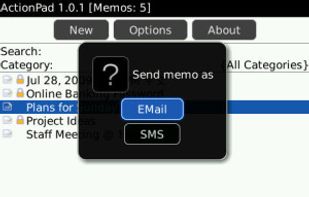


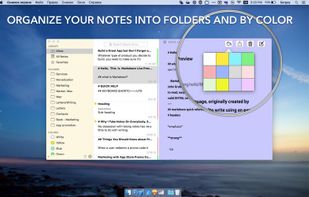
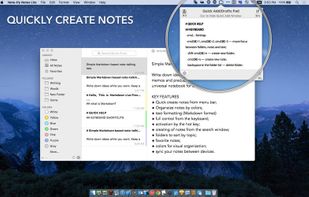
Note-Ify Notes is a simple Markdown based note-talking app. Write down ideas while you work. Keep a diary. Write memos and practice "freewriting". Note-ify - universal notebook for all of your thoughts.
 Ukraine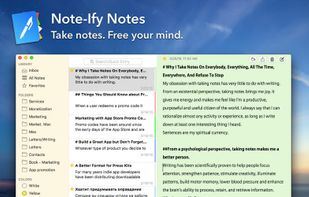



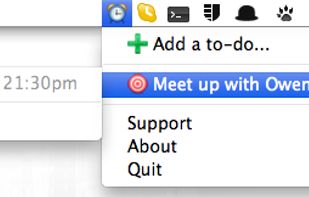
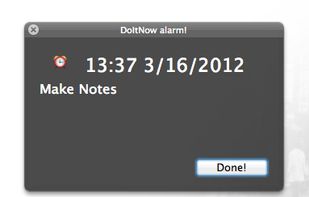
Do it now is a simple todo list for Mac OSX 10.6 and newer. Creating tasks can't be any simpler - just type it into the text box, and DoItNow! should automatically parse the to-do info from your input, using natural language.