


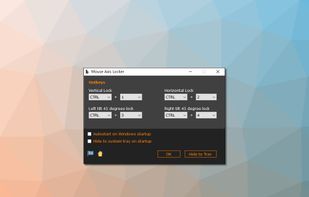
MouseAxisLocker is a small Windows software utility, which easily locks the mouse axis and limits the cursor to move in a horizontal, vertical or 45 degree diagonal mode as long as hotkeys are pressed.
Cost / License
- Free
- Proprietary
Platforms
- Windows
 China
China

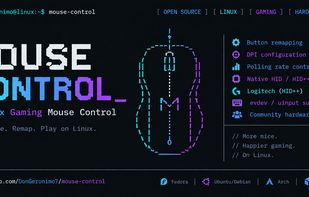
Open-source Linux gaming mouse configuration and remapping: map mouse buttons to keyboard keys, configure supported DPI and polling rates, and help test new hardware. It remaps extra mouse buttons through evdev/uinput, including mapping a mouse button to a keyboard key...
Cost / License
- Free
- Open Source (GPL-3.0)
Platforms
- Linux
 United States
 Best alternatives are8 alternatives
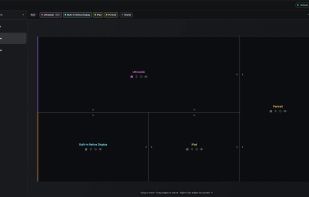
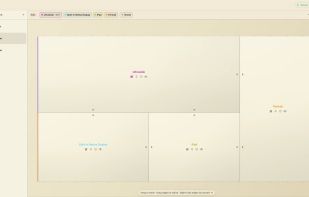
Displace is a utility for creating custom display layouts and controlling how your cursor moves across them beyond what macOS allows.
Cost / License
- Freemium
- Proprietary
Platforms
- Mac
 Argentina
Highlight mouse pointer/cursor using a dot - useful for presentations, screen sharing, .
Cost / License
- Free
- Open Source (MIT)
Application type
Platforms
- Linux
 Best alternatives are15 alternatives

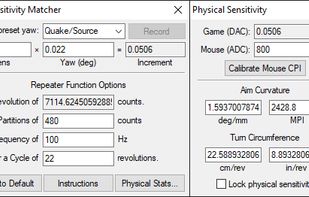
This script lets you match your mouse sensitivity between any 3D games directly, and much more accurately than any paywalled calculators.
Cost / License
- Free
- Open Source (GPL-3.0)
Application type
Platforms
- Windows
 Best alternatives are6 alternatives


Cost / License
- Free
- Open Source (MIT)
Platforms
- Windows
 Israel
 Best alternatives are12 alternatives
Let you bind anything to any button on most peripherals that will work with xinput on linux.
Cost / License
- Free
- Open Source
Platforms
- Linux
Best alternatives are8 alternatives
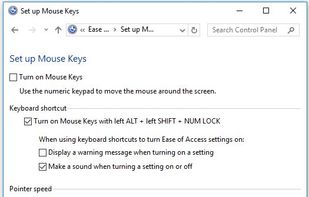
Microsoft Windows accessibility feature that allows users to control mouse movement using the number pad on the keyboard. The Mouse Keys feature is enabled through the Accessibility Options or Ease of Access Center in the Windows Control Panel.
Cost / License
- Free
- Proprietary
Platforms
- Windows
 Best alternatives are6 alternatives


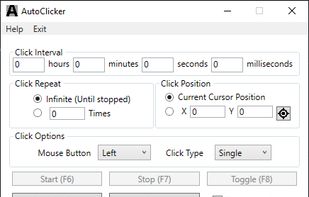
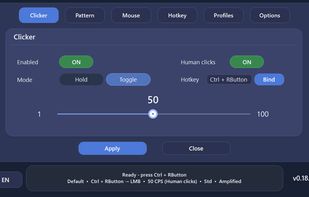
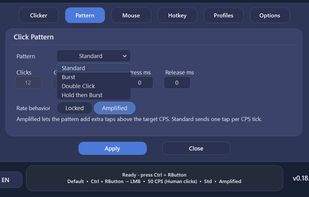
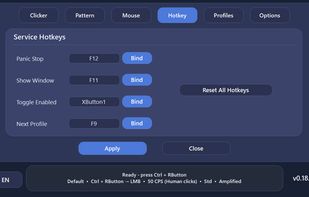
Kofge-Clicker is a free and open-source Windows auto clicker designed for configurable and flexible mouse automation.
Cost / License
- Free
- Open Source (MIT)
Platforms
- Windows
 +2
+2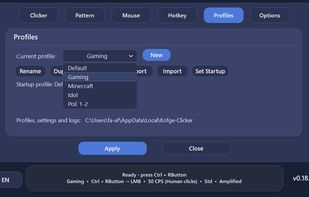 Best alternatives are2 alternatives

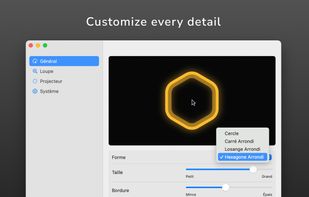
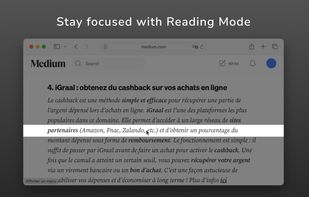
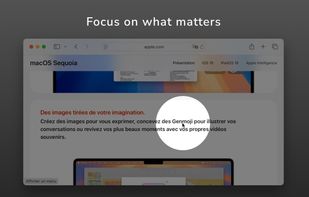
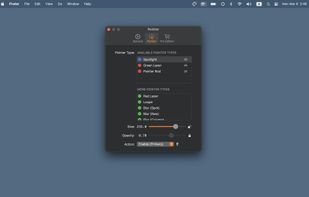
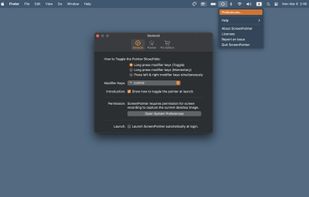
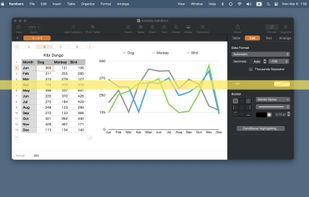
Turn your cursor into a powerful visual communication tool, perfect for presentations, video tutorials, screen sharing, and video calls.
Cost / License
- Paid
- Proprietary
Application type
Platforms
- Mac
- Global
 +2
+2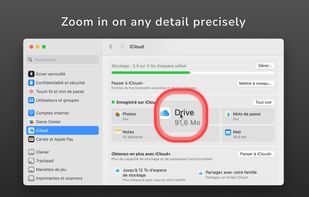 Best alternatives are5 alternatives
Click on a window and shake the mouse left and right to popup a menu with 4 buttons. Each button can be assigned to a set of keyboard keys. You can also run a program.
Cost / License
- Free
- Proprietary
Platforms
- Windows

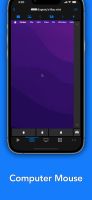
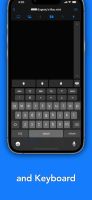
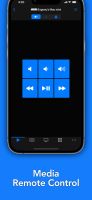
Turn your iPhone or iPad into a friendly yet powerful remote control for your computer.
Cost / License
- Freemium
- Proprietary
Platforms
- Mac
- iPhone
- iPad
- Apple Watch
- Apple TV
- Israel
 Best alternatives are20 alternatives
 KDE Connect
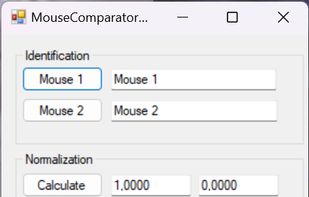
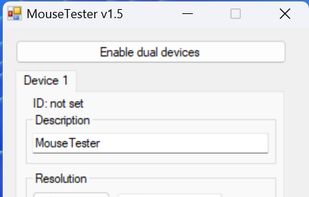
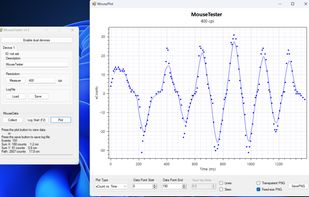
Software for logging and comparing counts from two mice simultaneously connected to your PC. Has built-in plotting, CSV save and load, and plot export to PNG capability.
Cost / License
- Free
- Open Source (MIT)
Platforms
- Windows
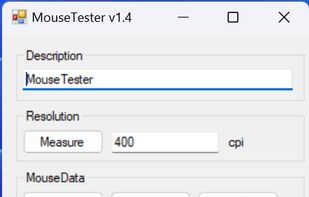
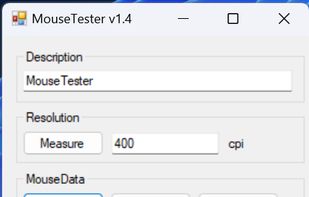
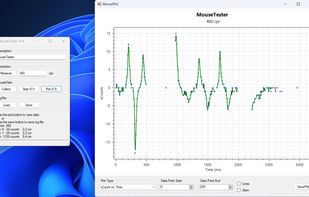
I wrote this to be a simple mouse testing software that has built-in plotting, CSV save and load, and plot export to PNG capability.
Cost / License
- Free
- Open Source (MIT)
Platforms
- Windows
 Best alternatives are5 alternatives


Cost / License
- Freemium
- Proprietary
Platforms
- Mac
 Japan
Japan
 +4
+4
Key features
You can use this to detect / measure the following sensor defects:
data path limit perfect control speed pixel skipping jitter low speed inaccuracy unstable polling rate input lag acceleration
Most important changes from v1.2:
.
Cost / License
- Free
- Open Source (MIT)
Platforms
- Windows
 Best alternatives are4 alternatives
Treadphone is a Windows desktop app that turns your phone into a wireless PC touchpad. You run the .exe on your PC, scan a QR code with your phone's camera, and your phone screen becomes a trackpad — tap, scroll, drag, and right-click just like a physical touchpad.
Cost / License
- Paid
- Proprietary
Platforms
- Windows
 Canada


Achieve seamless aim consistency across all your favorite FPS games with AimSync – the ultimate cross-game mouse sensitivity converter and gaming aim calculator.
Cost / License
- Free
- Proprietary
Platforms
- Android




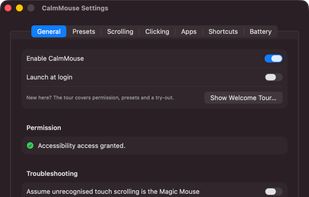
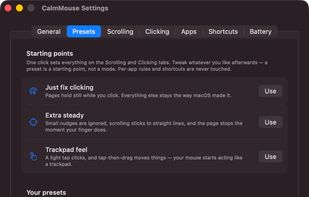
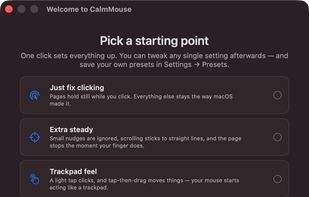
The Magic Mouse's whole top shell is a touch surface, and it stays live while you click. So every click is also a tiny swipe — you press down, your finger rolls half a millimeter, and the page jumps. Drag a window and the document scrolls out from under it.
Cost / License
- Free
- Open Source (MIT)
Platforms
- Mac
- United States
 Best alternatives are7 alternatives


Speed Auto Clicker 2025 is a professional and modern auto clicker for Windows, built with C# (.NET 8, WPF).
Cost / License
- Free
- Proprietary
Platforms
- Windows


For Windows users with more than 1 monitor, Mousenitor helps control the way your mouse is permitted to move from one monitor to the other. It's annoying when not using a 2nd monitor to have the mouse keep /spilling/ over it. Mousenitor is the cure.
Cost / License
- Free
- Open Source
Platforms
- Windows

Logitech’s Unifying technology is awesome. Plug the USB receiver in the computer, power on your keyboard or mouse and it is ready for use! Well, the devices themselves do work, but software to attach new devices to a single receiver (or detach bound devices) is only available...
Cost / License
- Free
- Open Source
Platforms
- Linux
 Best alternatives are3 alternatives
 Solaarand

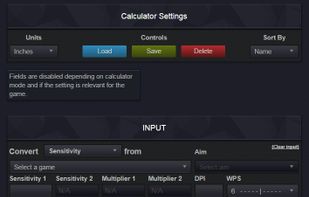
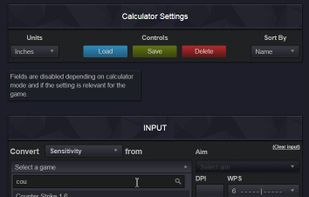
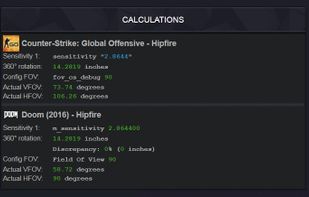
Mouse Sensitivity Calculator and Converter - With this calculator you can calculate and convert sensitivity between over 200 games and over 400 aims! There are a lot of different conversion methods, but Viewspeed is the recommended method for most users.
Cost / License
- Freemium
- Proprietary
Platforms
- Online
 Sweden
 EU
EU
 +1
+1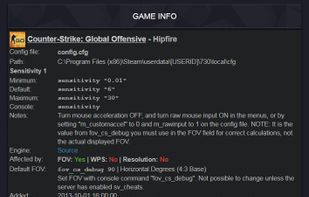 Best alternatives are6 alternatives


 Czechia


