If you are using Windows, SnapInker is an easy way for beautifying your screenshots with effects such as Background Images, Shadow effects, and more.
Cost / License
- Free
- Proprietary
Application type
Platforms
- Windows
 United Kingdom
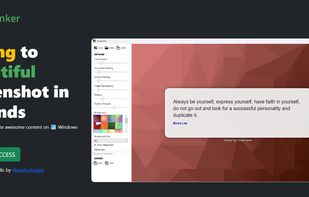


If you are using Windows, SnapInker is an easy way for beautifying your screenshots with effects such as Background Images, Shadow effects, and more.
United Kingdom
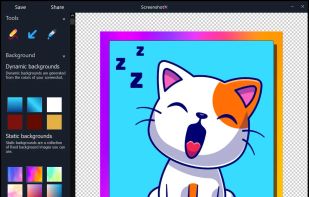
ScreenshotX is a new, lightweight app for Windows for creating beautiful screenshots. It's freeware, it doesn't come with any spyware and you can also share your screenshots without the need to register or any other nonsense.
 United States

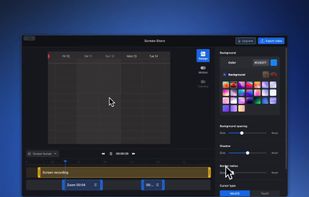
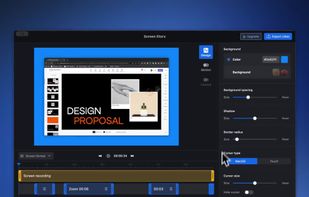
Screen Story is a video creation tool for MacOS that doesn't require advanced editing skills. It includes features such as Smooth Cursor for quality animation, AutoZoom and AutoFollow for automatic zoom animations, and Motion Blur for smoother videos.
 Australia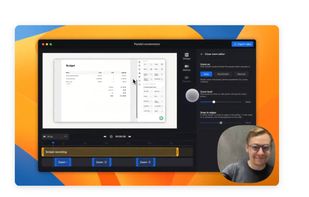
 ShareXand

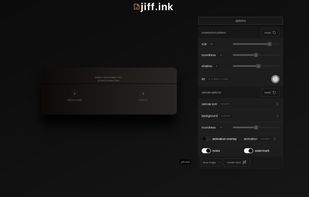
Live overlay for drawing, annotating, hiding text, and capturing screenshots on Linux. Can be used as whiteboard or blackboard. Highly customisable.

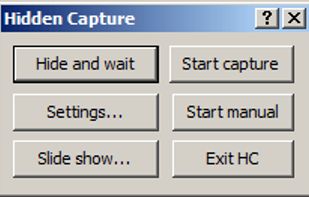
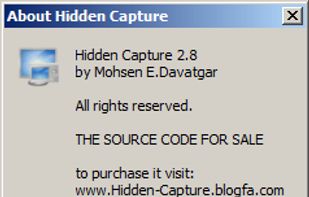
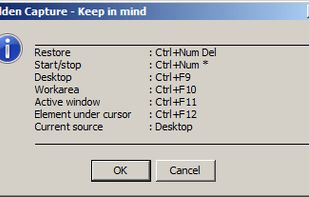
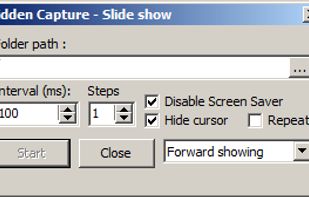
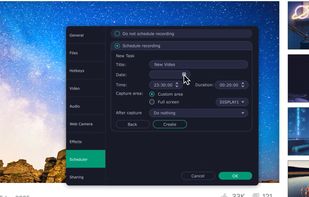
Grab screenshots in a stealth mode, and start the capturing process at a user-defined time with the help of this simple to use and efficient software tool.

Monosnap allows you to save screenshots easily, conveniently, and quickly, sharing them with friends and colleagues at once.
 Cyprus
 EU
EU



What are the dimensions of that image? How big is this window? Does this layout fit on an NTSC display? What color are these pixels? What does this icon look like close up? How can I capture an arbitrary portion of the screen?
United States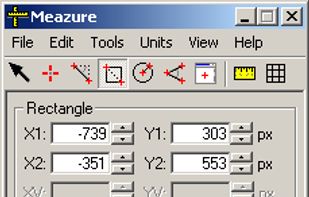
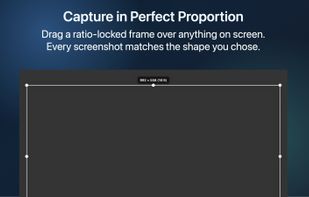
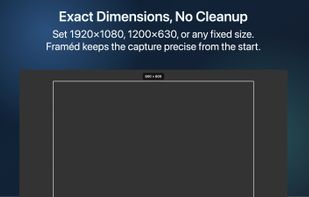
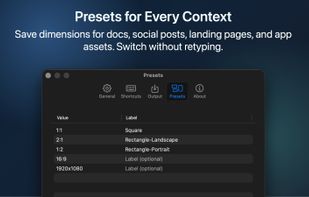
Framéd is a single-purpose screenshot utility for people who need every capture at a consistent ratio or dimension.
 GermanyEU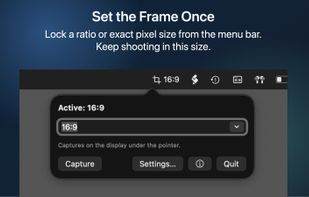

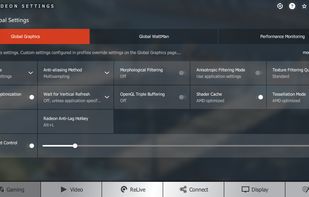
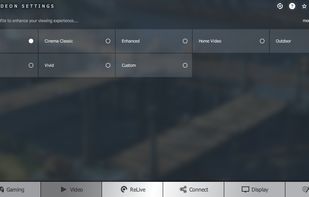
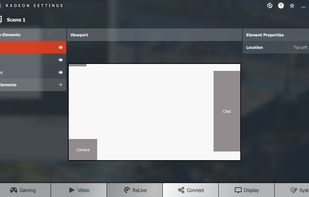
Capture, stream and share your greatest moments and gaming wins with Radeon ReLive. Modify settings quickly, conveniently, and play seamlessly with the easily accessible in-game toolbar. Express yourself in bold new ways with custom scene layouts.
United States
 OBS Studioand

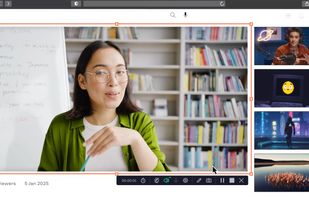
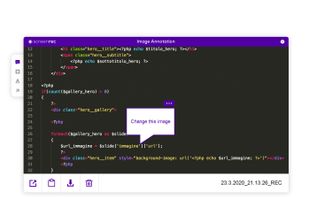
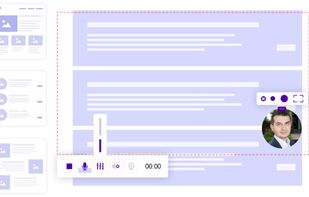
Capture your entire screen or any specific area, record system and voiceover audio with webcam footage, and annotate in real time for versatile use.
CyprusEU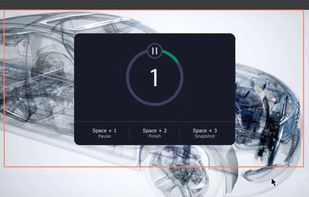
 OBS StudioandShareX
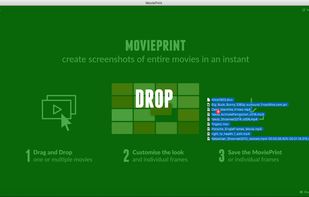
MoviePrint lets you create screenshots of entire movies in an instant. Contact sheet, index print, thumbnail view, whatever you want to call it. Create custom representations of a movie in a single image.
GermanyEU

 ShareXand

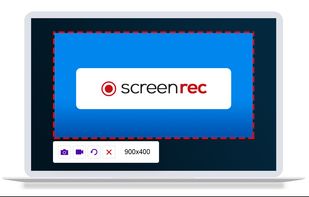
ScreenRec is a free screen recorder for Windows, Linux, and Mac with webcam, microphone, and system audio capture. Record without a watermark or time limit, store videos in free cloud storage, and share instantly with private links.
 BulgariaEU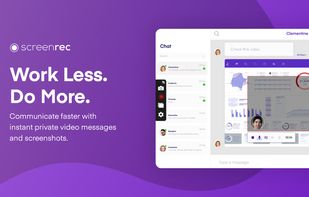
 OBS StudioandShareX
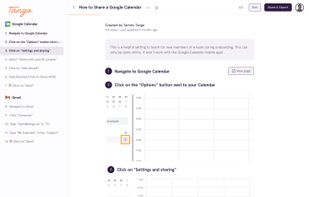
It creates workflows based on screenshots in a very simple and intuitive way. Tango is a magical tool for creating how-to guides.


 Gradiaand

Snapit is a tool to capture, annotate, and share screenshots with just few buttons. Take a screenshot of anything on your screen and we’ll make it look amazing in seconds. Creating beautiful screenshots has never been so easy!
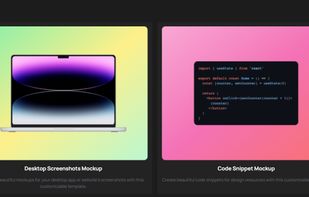
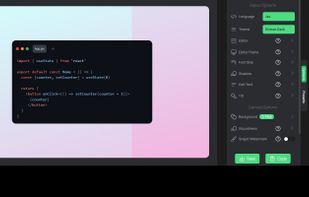


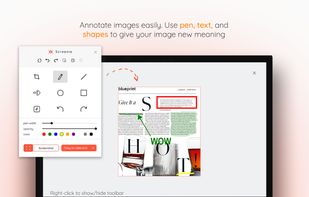
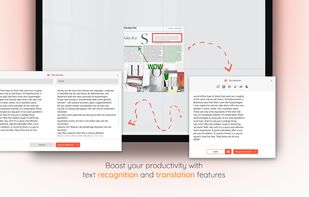
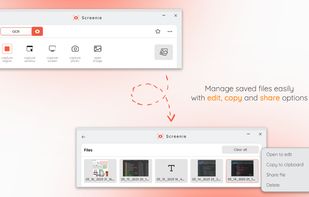
💥 Capture and share your ideas quickly and easily with Screenie - the ultimate screenshot tool for designers, developers, and anyone who needs to share information efficiently. Simply take a snap, annotate it, and copy it to the clipboard in seconds.
 Canada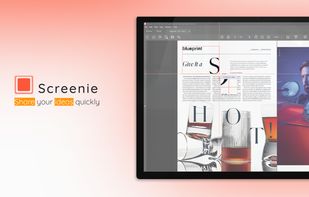

Capture, Customize, and Share Effortlessly with PixEase. We understand the value of your time, which is why we've designed our app to make the process of creating stunning visuals quick and seamless.
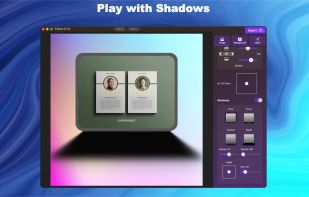
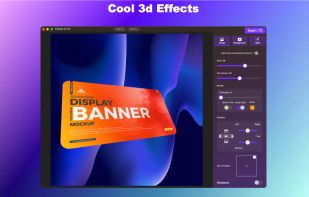
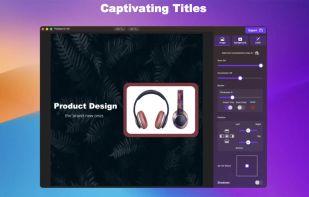
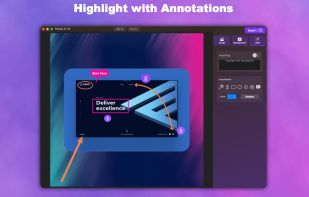

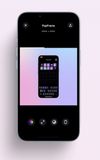
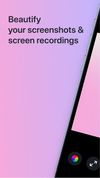
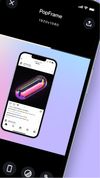
PopFrame is a software application that transforms screen recordings and screenshots into engaging graphics on your mobile device. It enhances mobile screens and screen-recordings for sharing or presentations.


Markwright is a powerful yet lightweight (under 2 Mb .exe, around 6 Mb RAM) screen annotation tool for technical presenters and content creators, that’s modern, has zero dependencies, does not require registration, has no tracking or telemetry, works completely offline, and...
United Kingdom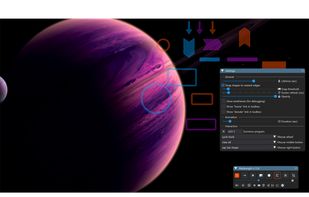

Whenever you take a screenshot, the app automatically shows it as a small floating bubble on your screen.
 India
India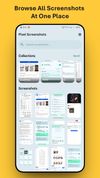

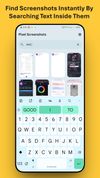


OCRMyScreen is a small, focused utility that lets you capture text from anywhere on your screen, especially in places where normal copy-paste simply does not work. Instead of retyping error messages, one-time codes, or text inside images and locked UIs, you press a button, drag...
 Pakistan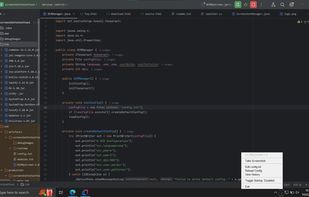
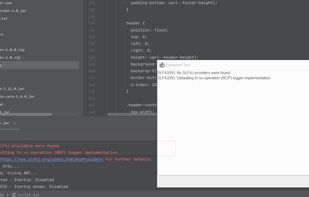


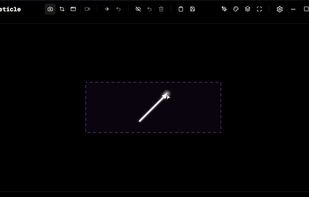
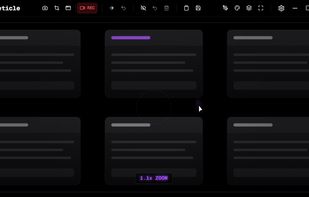
Free screenshot tool with screen recording, instant capture, pixelation, blur, advanced annotation editor, history, hotkeys, and dark mode.
 Russia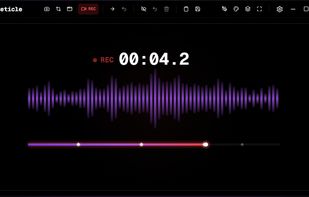
 OBS Studioand
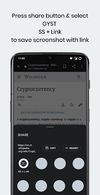
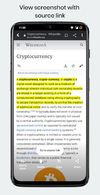
Everyone takes screenshots.You may be a student, researcher, traveler, influencer, foodie, photographer, architect, engineer, entrepreneur or just a meme lover (well who doesn’t love memes) & If you go scroll through your screenshots, you’ll be reminded of moments you...

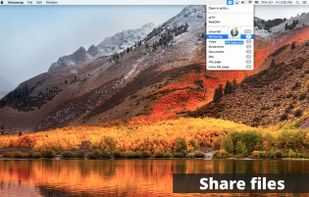
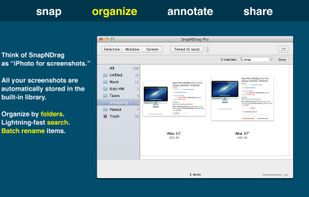
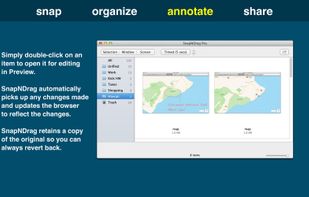
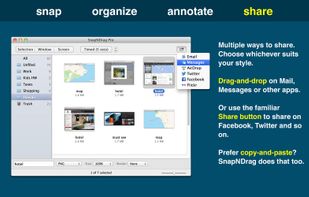
SnapNDrag makes taking screenshots super easy. Click, select and the screenshot is added to your library. SnapNDrag maintains a library of all the screenshots you have ever taken. Think of it as iPhoto for screenshots.
United States

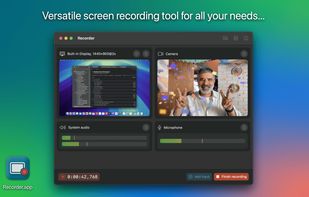
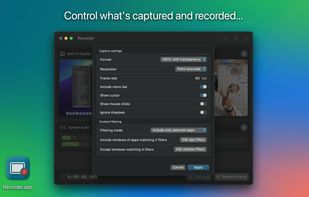
Recorder.app is designed to meet all your screen recording needs. Capture and record from multiple sources simultaneously. Record your entire screen, individual windows, camera video, microphone audio, and more.


 OBS Studio


 Bosnia & Herzegovina