

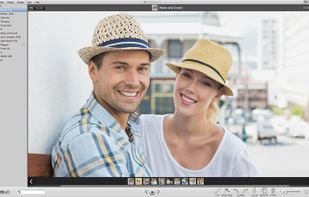
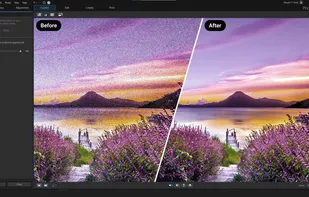
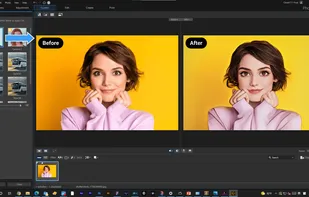
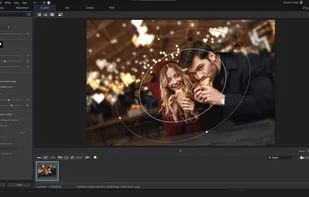
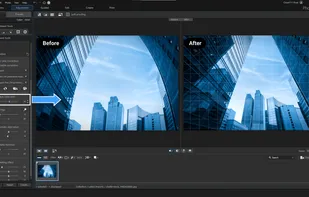
Meet Icecream Photo Editor - the best free photo editor and photo manager for Windows. Edit your pictures like a pro: add text and images, crop and resize, add filters, create collages and more with ease.
 Cyprus
 EU
EU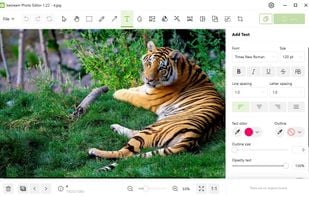
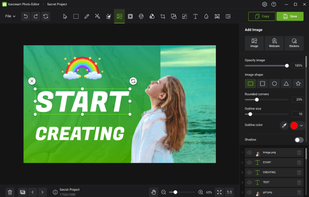
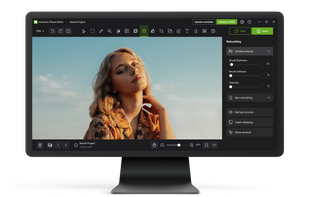


Meet Icecream Photo Editor - the best free photo editor and photo manager for Windows. Edit your pictures like a pro: add text and images, crop and resize, add filters, create collages and more with ease.

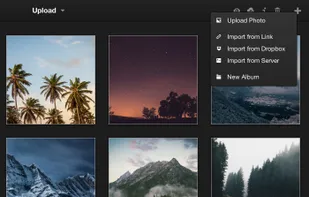
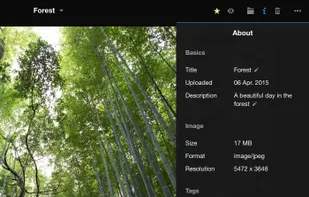
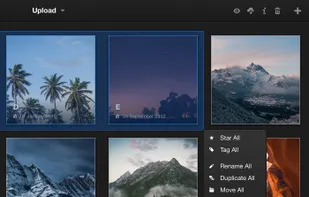
Lychee is a free photo-management tool, which runs on your server or web-space. Installing is a matter of seconds. Upload, manage and share photos like from a native application. Lychee comes with everything you need and all your photos are stored securely.
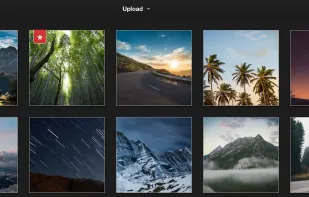

Gallery Master Pro is more than just a gallery app – it's a complete photo management and editing solution, empowering you to be the master of your photo collection.



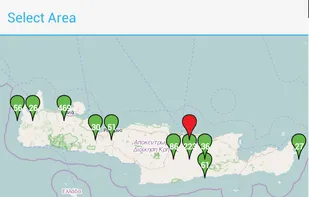
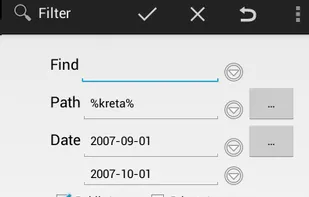
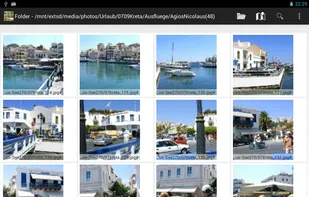
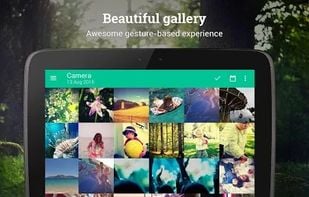
Enhanced Android Gallery App to manage local photos: geotagging with map, tags (keywords), find, sort, view, copy, delete, set gps exif data, send, ... .

Amazon Photos lets you store, print, and share full-resolution photos, keeping favorite moments secure and in the spotlight.



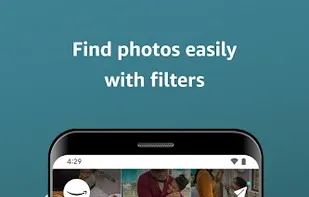

Excire provides fast, AI-powered photo and video organization to help photographers and teams instantly find, manage, organize, and cull media files.
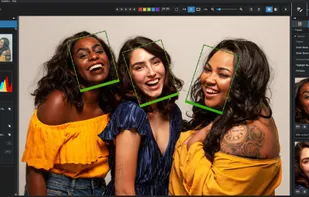
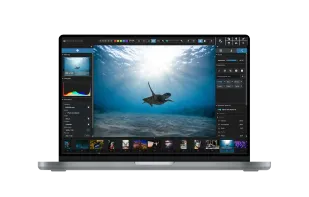
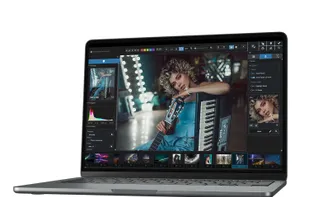

NX Studio is a computer software that allows users to enjoy the viewing, processing, and editing of still images and video, and provides more intuitive operation.
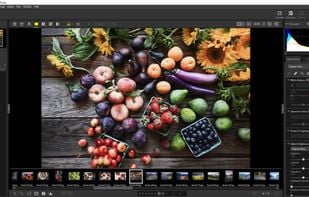
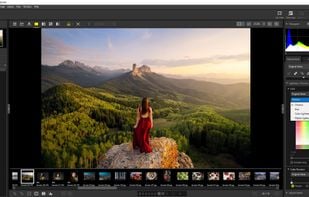
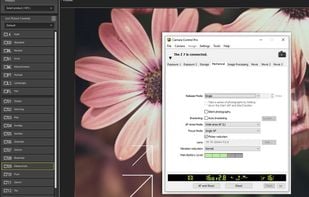




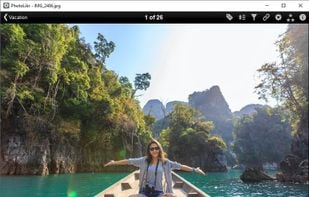
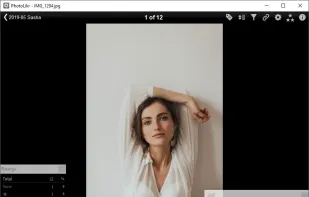
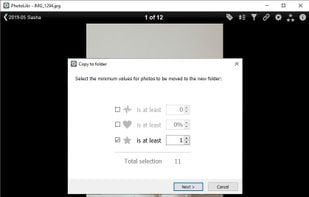
Quickly view, rate, and upload images from any folder with arrow key navigation, Dropbox support, and social media sharing, including RAW formats.

Google Gallery is a smart, light, and fast photo and video gallery app developed by Google to help you manage and enjoy your memories effortlessly. Whether you're looking to organize your photos, enhance them with easy editing tools, or share them with friends and family...




Manage, edit, and share photos with audio and video support, featuring automatic optimization, batch processing, and slideshow creation with music.
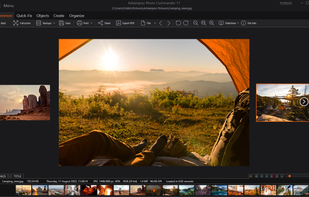
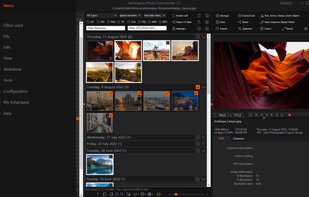
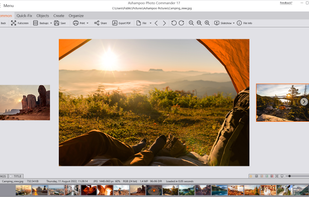
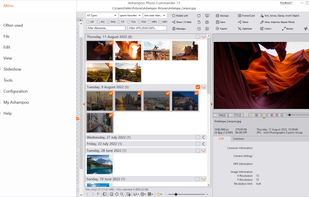

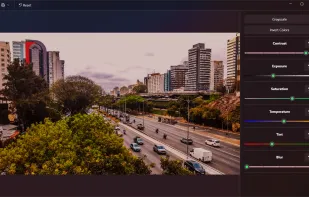
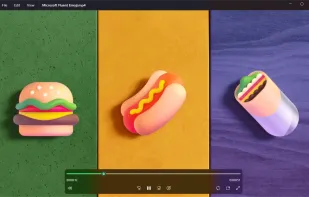
Manages large photo libraries, imports from drives, offers duplicate detection, smart albums, advanced tagging, timeline, calendar and fullscreen viewing modes.

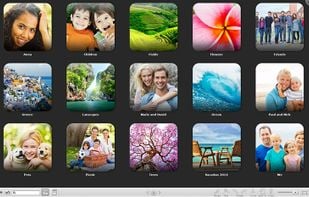
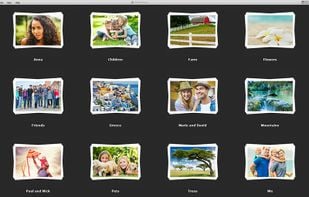





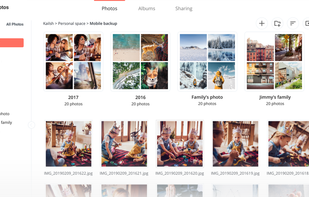
Synology Photos comes with all the tools you need to manage your photos efficiently. Automated tools help you group, filter, organize, and share your content, while keeping your memories safe and secure on your Synology NAS.

By making sharing your child's photos and videos simple, FamilyAlbum brings families together as the perfect partner for busy moms and dads.







Koko is an image viewer designed for desktop and mobile touch devices. It is part of the Plasma Mobile app collection.
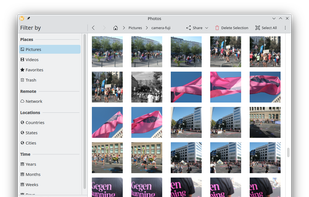
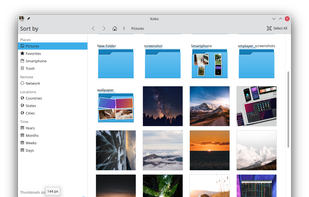

Keep your data secure and private, import files from other providers and sync on any of your devices.


Ollie is a smart assistant that organizes your camera roll, categorizes your photos, and ensures privacy by storing data on your device.





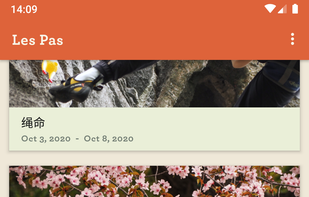
Les Pas, is a free, modern, lightweight and fast gallery app. Organize your photos, GIFs and videos into albums for easy viewing and sharing. With built-in two-way sync with your Nextcloud server, your files are kept private, secure and safe.




Phraseanet is a Digital Asset Management system (DAM for short) targeting the professionals needs. It’s created and maintained by the french company Alchemy.

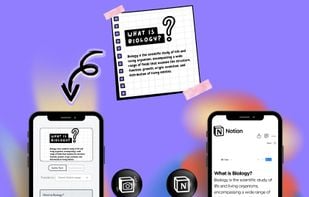
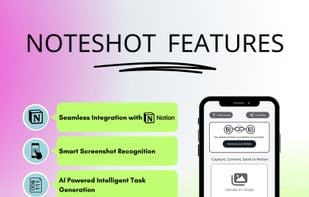
No more typing, simply take a photo and send it directly to your Notion page with NoteShot's crisp image recognition technology.



Professional photo workflow with advanced tools for editing, managing, and enhancing photos. Native RAW support ensures authentic color output.

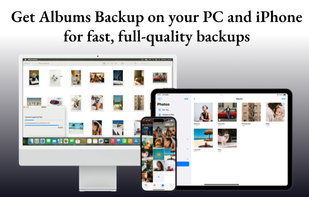
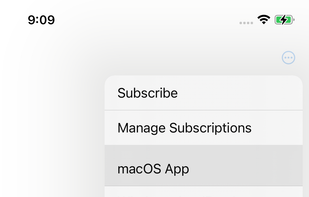
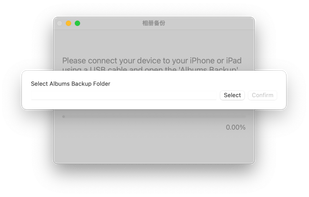
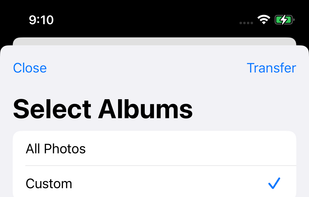
Albums Backup lets you quickly transfer all your iPhone and iPad photos and videos to your Windows PC or Mac via USB, without using cloud storage or requiring a login.


 United States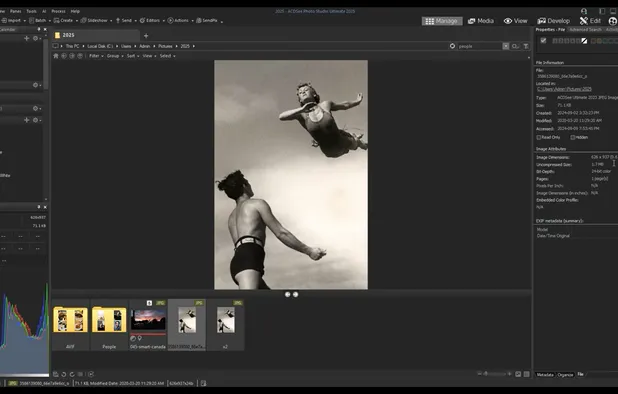


 Japan
Japan
 France


 Germany

 Ukraine

 Taiwan


