

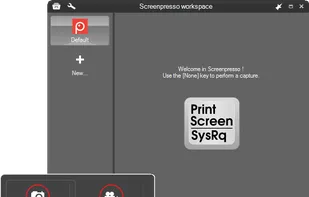
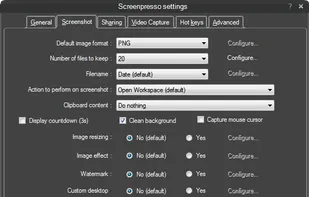
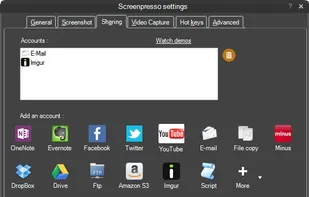
Capture full-screen, window, or region screenshots with built-in editing for cropping, resizing, arrows, text, and effects. Integrates with online services.
Cost / License
- Freemium
- Proprietary
Application types
 France
 EU
EUPlatforms
- Windows
+2
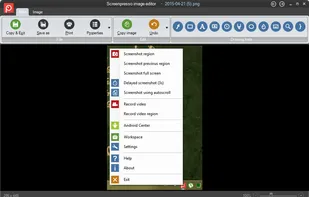


Capture full-screen, window, or region screenshots with built-in editing for cropping, resizing, arrows, text, and effects. Integrates with online services.

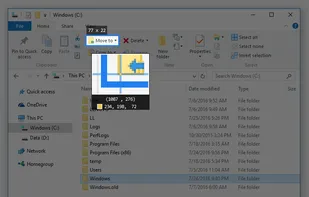
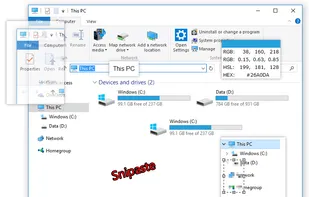
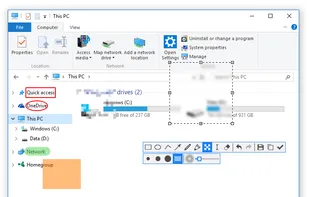
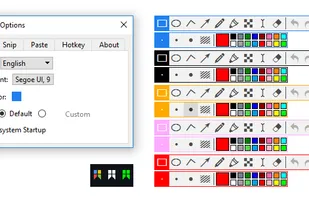
Snipaste is a simple but powerful snipping tool, and also allows you to pin the screenshot back onto the screen. Snip. Then paste. Free. Customizable. Portable.

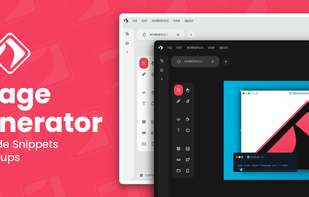

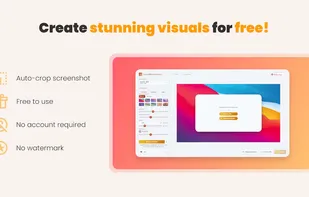
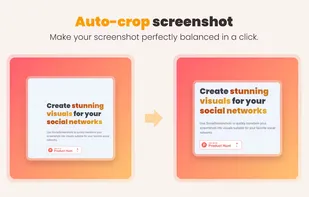
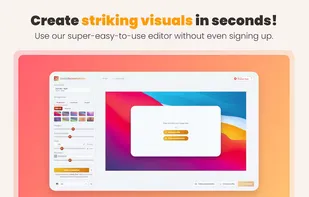
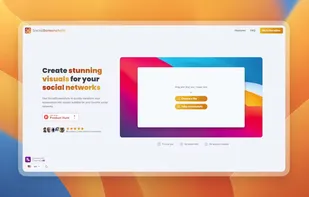
Use SocialScreenshots to quickly transform your screenshots into visuals suitable for your favorite social networks.

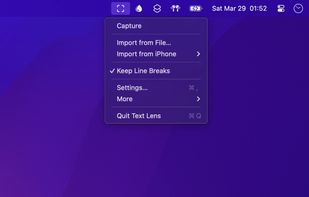
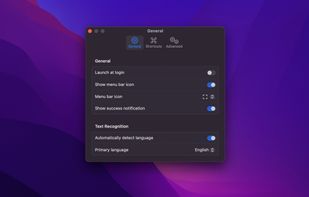
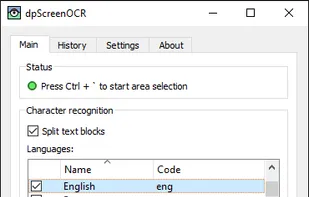
Extract text from anywhere on your screen (OCR). Perfect for capturing text from videos, PDFs, presentations, or any app where copying isn't possible.

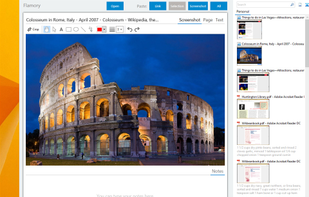
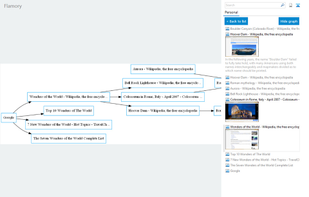
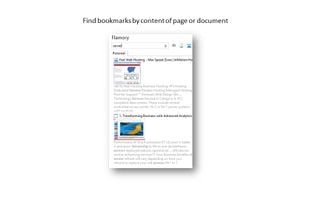
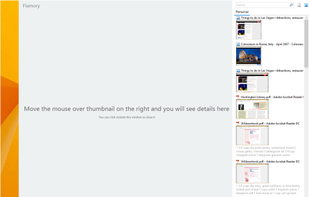
Flamory remembers things, so you don't have to. Make snapshots of web pages, files and desktop apps. You can find snapshots later using full-text search and thumbnails. Paste them anywhere as links or screenshots.


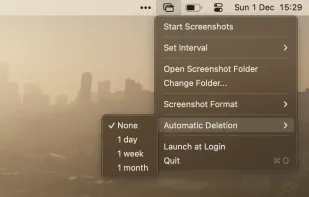
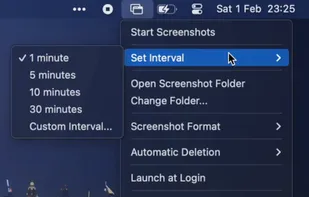
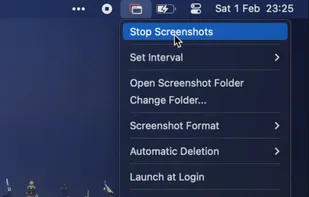
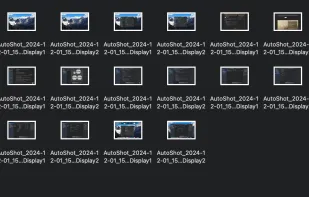
Tired of manually taking screenshots to document your work or track progress? Meet AutoShot, a macOS app that automatically captures screenshots at set intervals so you can focus on your work.

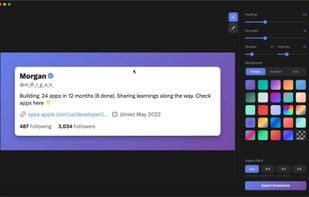
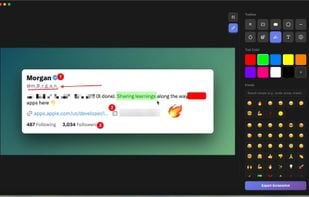
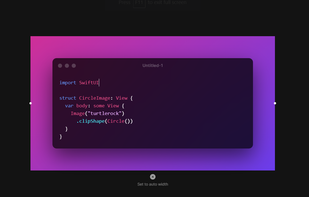
Beautiful screenshots with stunning backgrounds and powerful annotation tools. Create, edit, and share professional-quality screenshots with ease.

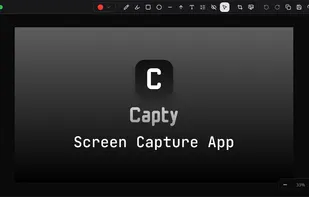
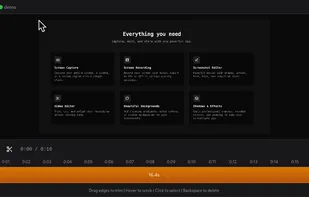
Screen capture and recording for macOS with audio, built-in editor for shapes, blur, redaction, plus video and screenshot editing, offline use, and no ads.

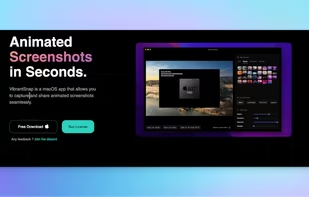
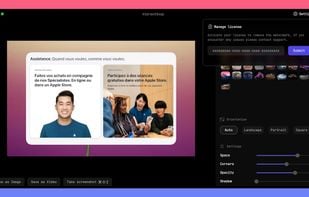
Enhances your storytelling through animated screenshot, add gradient background, images or video. Whether for presentation, social media posts, or engaging content creation, VibrantSnap provides the tools to make your visuals stand out and immersive.

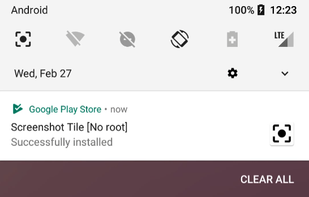
Screenshot Tile offers a variety of features designed to enhance your experience when taking and managing screenshots. One of the key benefits of our app is the ability to customize storage location, format, and notification settings to suit your preferences.

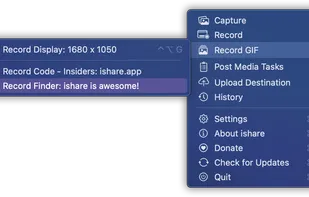
The definitive screen capture utility for macOS, designed with simplicity and efficiency in mind.

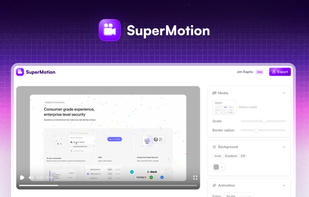
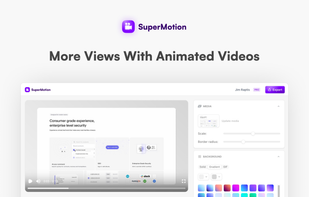
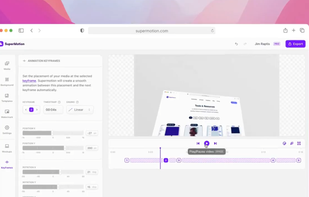
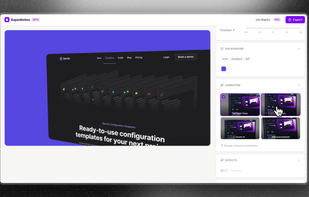
Turn static images or a boring video into captivating animated clips that really capture attention. Ideal for Dribbble shots, Twitter videos, landing page videos, feature announements.

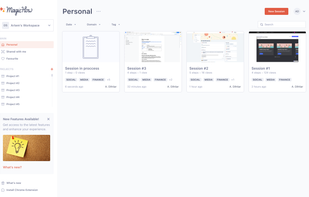
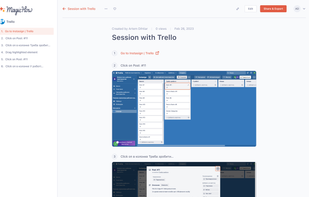
MagicHow is a free step-by-step guide creation tool for automatic process documentation and creating instructional documents like how-to guides, manuals, tutorials, and standard operating procedures (SOPs).



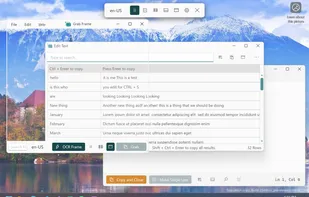
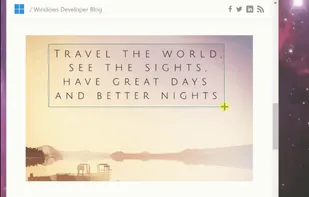
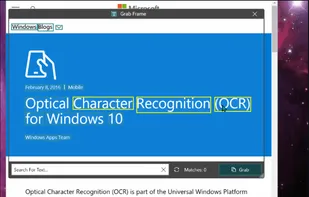
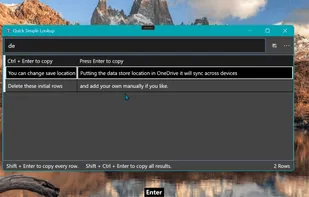
Text Grab is a minimal optical character recognition (OCR) utility for Windows 10/11 which makes all visible text available to be copied.

Capture screenshots and record videos with editing features, including annotations, video conversion, and online sharing. Create guides with AI assistance.




Save and organize web content effortlessly with categories and tags. Access saved posts offline, maintain privacy, and boost productivity on the go.


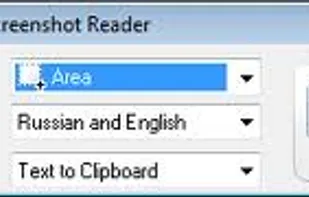
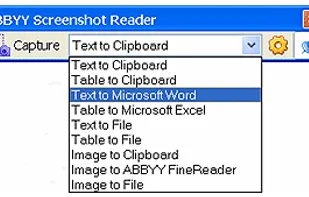
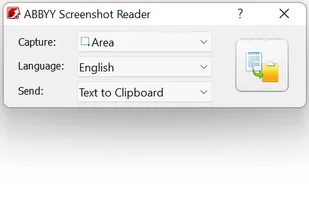
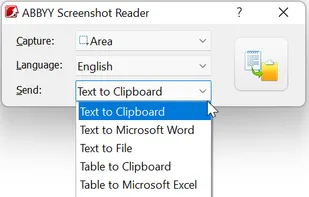
Screenshot Reader is a smart OCR-screenshot application for capturing text and images from any area on your PC screen and extracting text from them or just saving as an image. Prize: 9.99 USD.

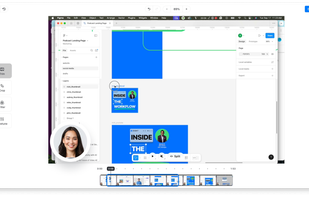
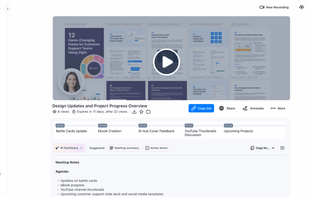
Enables screen and webcam recording, cloud storage, AI transcription, detailed screenshot and video editing, and instant sharing of annotated content across Windows and Mac.
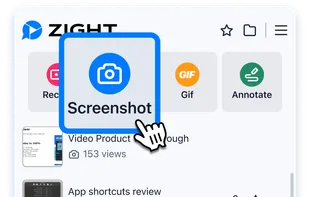
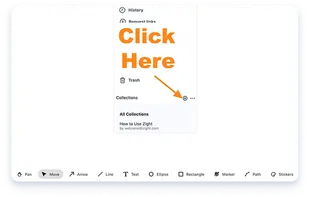

Intuitive screenshots baked right into the browser. Capture, save and share screenshots as you browse the Web using Firefox.

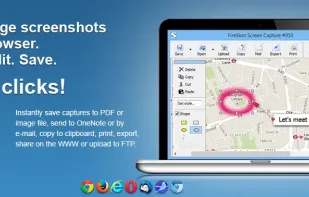
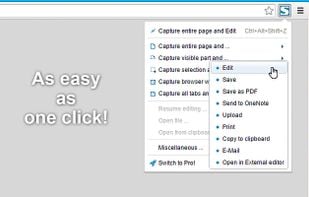
Capture full web page screenshots in Firefox, Chrome, Opera, Pale Moon or Internet Explorer Quick screenshots and annotations!

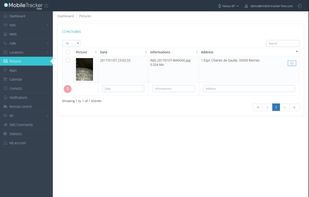
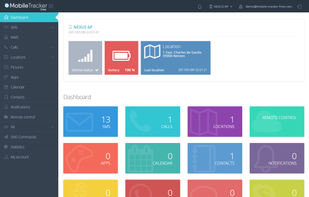
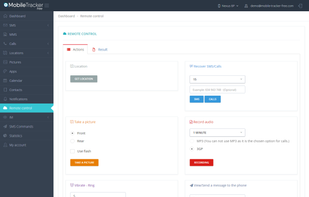
Mobile Tracker Free is a free application for monitoring your phone. Track SMS/MMS, Call logs/recording, Location, Contact, Photos, Facebook, WhatsApp, Application tracker and more features.



 Norway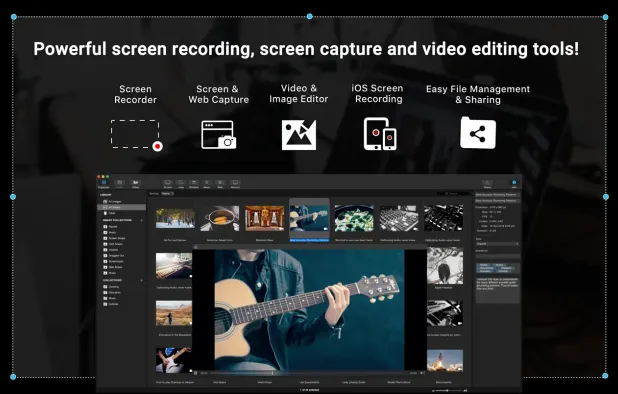


 United States

 United Kingdom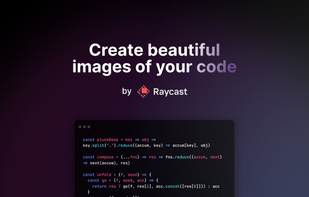


 Portugal
 Germany


 Estonia


 Russia


