
Launch your favorite apps quickly. This app gives you the possibility to customize your home screen as you wish for the best user experience.
 Israel
+6


Launch your favorite apps quickly. This app gives you the possibility to customize your home screen as you wish for the best user experience.

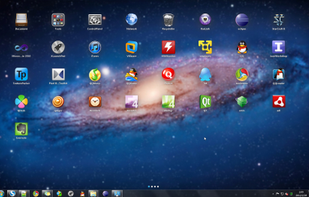
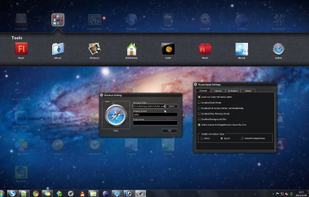
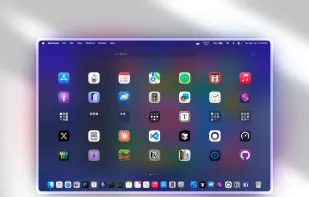
XLaunchpad gives you instant access to all your shortcuts. Arrange apps in XLaunchpad any way you like by dragging icons to different locations or by grouping apps in folders. Simply drag one icon over another to create a folder.

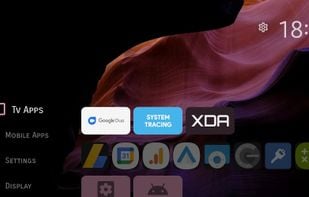
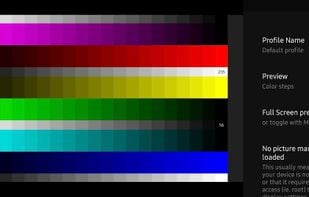
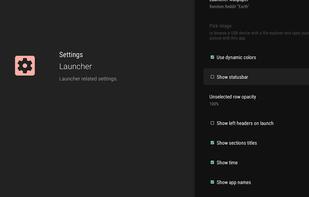
Projectivy Launcher is an alternative launcher for Android TV, tailored for your TVs and projectors needs : smooth, neat, customizable and bundled with unique features. It's Projectivy Tools on steroids !
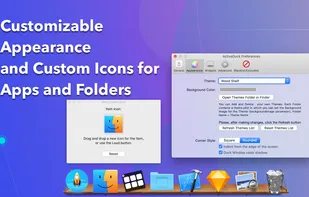
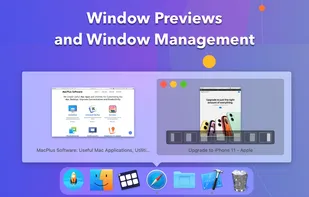
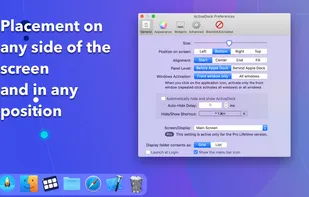
ActiveDock 2 is a customizable alternative to the standard macOS Dock, offering advanced features for app launching, window management, appearance customization, and more. It fully replaces the classic Apple Dock and Launchpad while preserving their familiar look and behavior...

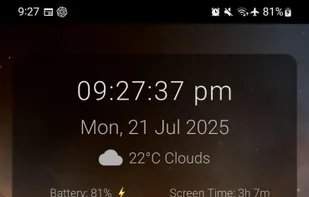
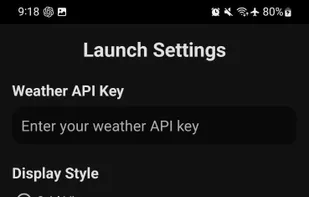
A clean, efficient, and minimalist Android launcher that prioritizes simplicity and functionality.


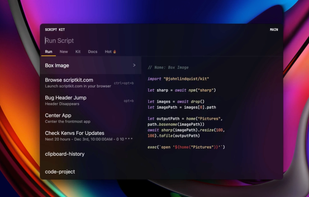

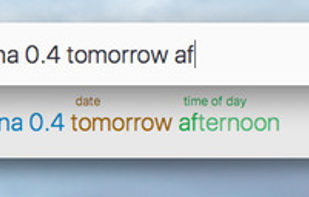
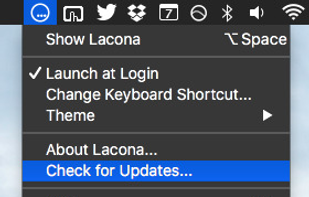
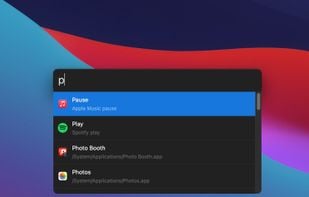
Lacona is a docker app for Mac OSX that accepts natural language commands. Call up Lacona with a keyboard shortcut and type whatever you want to do. It gives intelligent suggestions as you type and then follows your orders.

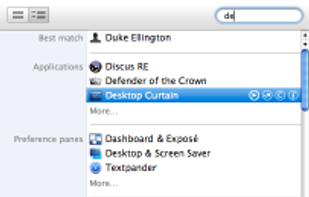
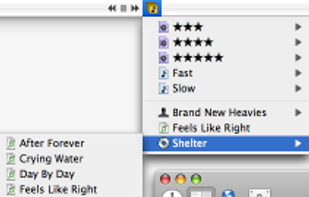
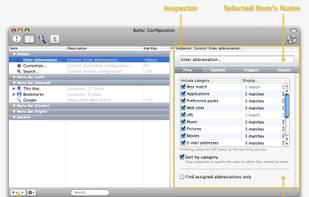
Butler's purpose is to ease all those routine tasks you do every day: controlling iTunes, opening programs and documents, switching users, searching for stuff on the web, and more.

SlickRun is a free floating command line utility for Windows. SlickRun gives almost instant access to any program or website. SlickRun allows you to create command aliases (known as MagicWords), so C:\Program Files\Outlook Express\msimn.exe becomes MAIL.


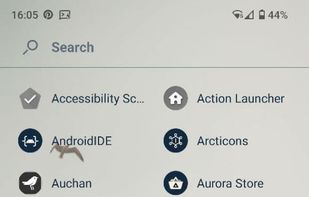


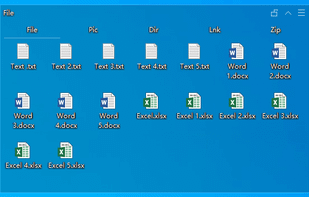
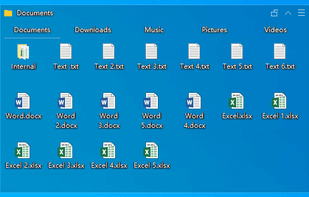
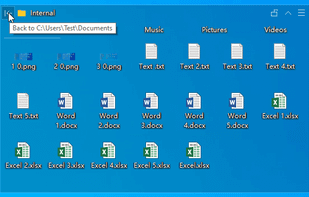
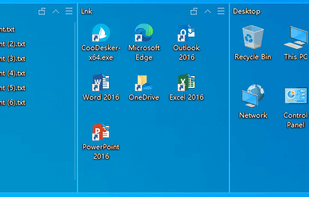
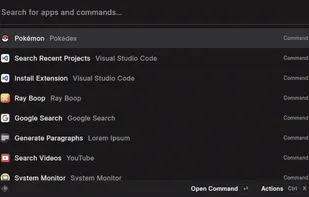
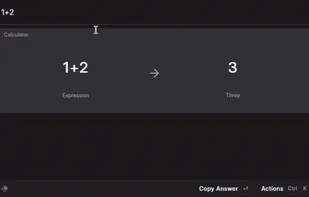
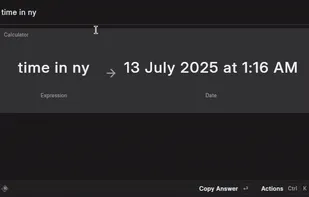
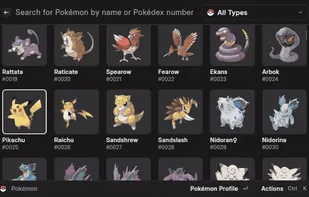

Lynx Launcher is a customizable Android homescreen alternative inspired by the GNOME Desktop Environment for Linux. It features a unique user interface that allows easy navigation. Users can access frequently used apps from the Dock, view all apps alphabetically, manage favorite...
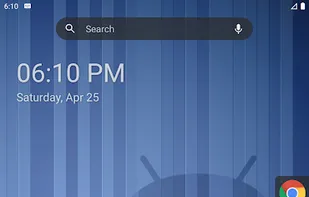

A simple Android launcher that prioritizes access to apps at the cost of space for widgets (still supports adding a single widget). Your apps and shortcuts can be arranged into categories.
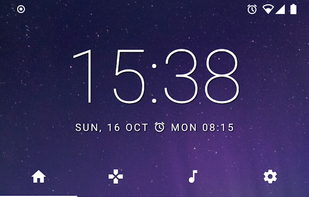

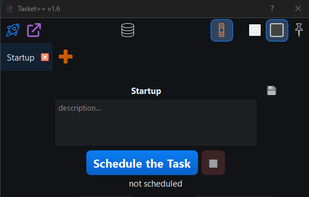
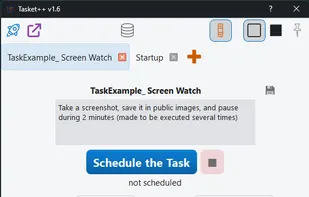
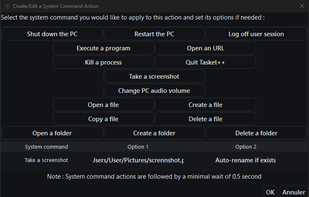
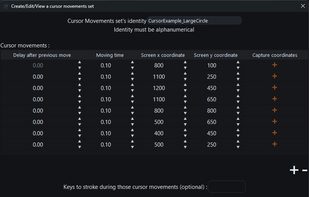

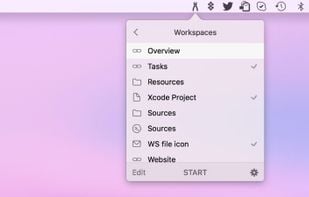
Workspaces is a straightfoward productivity tool for Mac to recreate your work environment in two clicks. Simply drop files, folders, apps and websites into the application and select the ones you want to auto-launch. Open them all by clicking the START button.

InfyniDock is an alternative dock for macOS that provides an expanded window of open windows without collapsing them. It offers keyboard shortcuts to switch between windows and allows for customizable themes.
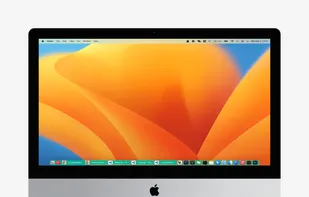
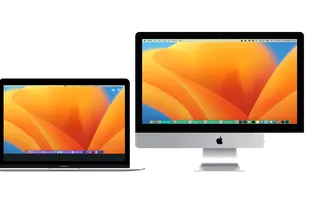
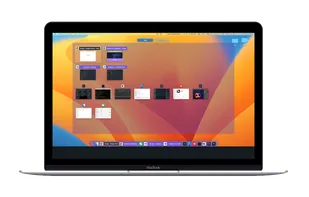
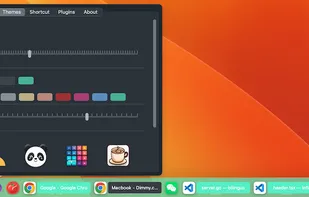

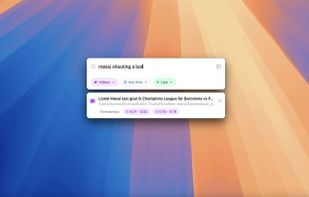
Fenn is a powerful, AI-driven desktop search engine for macOS that makes your files instantly searchable—including videos, audio, PDFs, Word documents, Excel sheets, and images. Just type or upload an image to find exactly where any object, person, or concept appears.

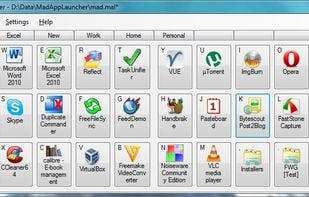
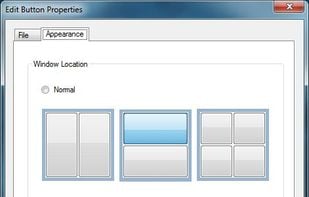
A simple application launcher. It is very fast and easy to use. It is unlike your common dock or menu launcher. It introduces several different features such as QWERTY based launching, tab group navigation using numbers, custom window placement for programs, and the ability to...

Simple and yet not intuitive but possibly interesting text based android launcher with the concept of Apps and Widgets organized in Folders.


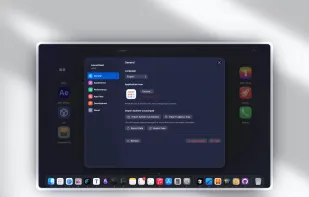
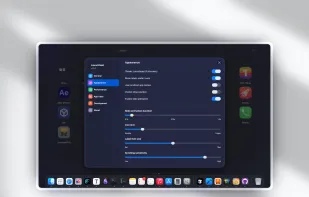
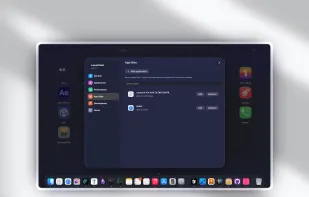
Introducing our keyboard-based launcher that can help streamline your workflow and improve productivity. The launcher offers a minimalist and fast approach to accessing your favorite apps, files, and folders, which can save you time and effort.
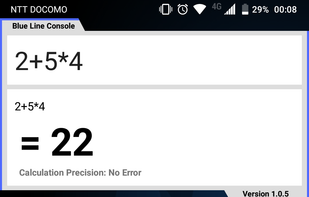
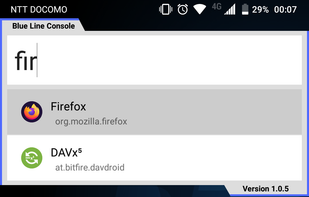
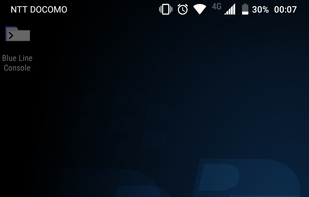

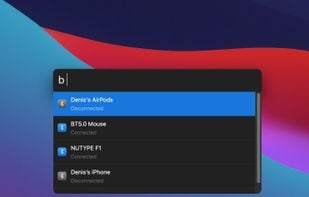
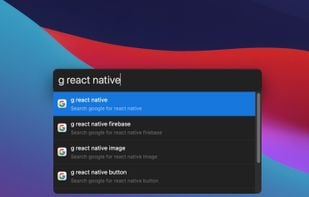
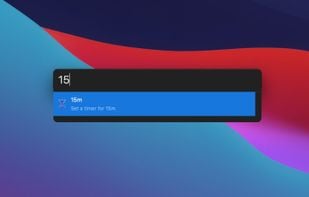
Productivity tool that allows to launch everything (e.g. switch the next song, connect Bluetooth device, set a timer, etc.) so you can stay focused on your current task.
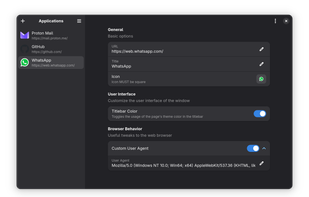
Install and integrate web apps into GNOME desktop! Spider uses WebKit to display sites in isolated windows with icons, titles, and integrated themes, functioning as independent apps. It’s a lightweight, practical way to use web services like native applications on the Linux desktop.

 China
China
 France
 EU
EU
 Ukraine
 India
India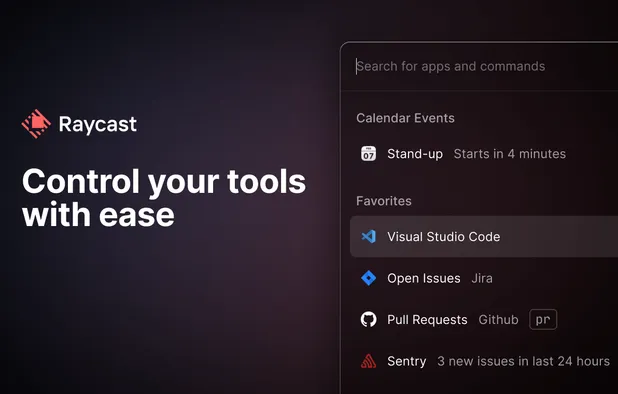


 United States

 Austria


 Germany



 United Kingdom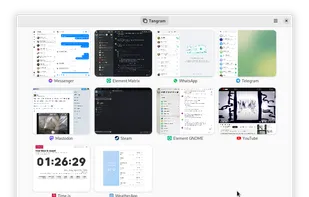

 Poland


 Philippines
 Australia
 Canada
 Japan
Japan