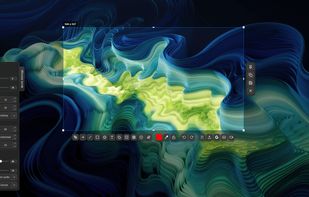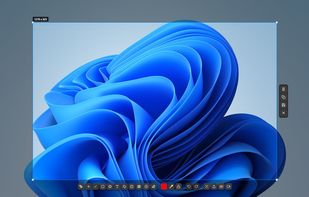


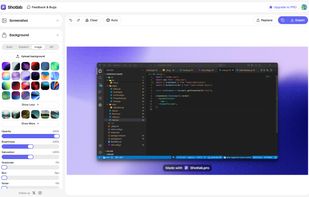
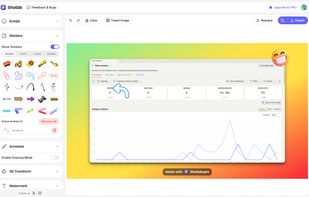
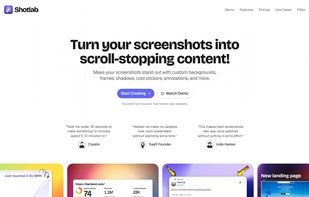
ShotLab is a lightweight screenshot editor built for creators, indie hackers, and marketers who want better engagement without spending hours on design.
Cost / License
- Freemium
- Proprietary
Application type
Platforms
- Online
 India
India




iSkitch is described as 'Modern macOS screenshot tool offers instant capture, robust annotation and privacy features, with 14 advanced editing tools, export options and native sharing' and is a screenshot capture tool in the photos & graphics category. There are more than 10 alternatives to iSkitch for a variety of platforms, including Mac, Windows, Google Chrome, Web-based and Linux apps. The best iSkitch alternative is ShareX, which is both free and Open Source. Other great apps like iSkitch are Flameshot, SimpleScreenRecorder, Snipping Tool and macshot.
ShotLab is a lightweight screenshot editor built for creators, indie hackers, and marketers who want better engagement without spending hours on design.
India
Capture full web page screenshots in Firefox, Chrome, Opera, Pale Moon or Internet Explorer Quick screenshots and annotations!
 Russia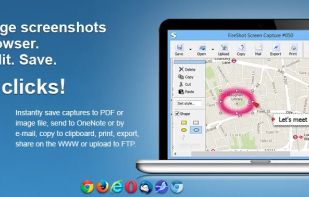


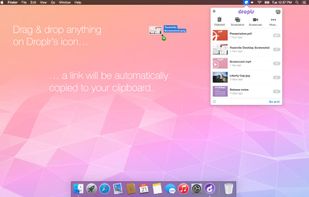
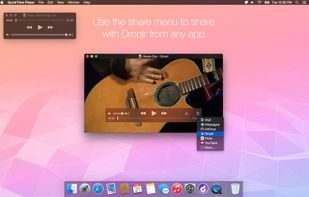
Droplr is a tiny application that aims at helping people share things easier. Every day people come across many situations in which they need to share something with someone else. It's a simple problem, but almost every solution is limited, cumbersome, inflexible and/or...
 United States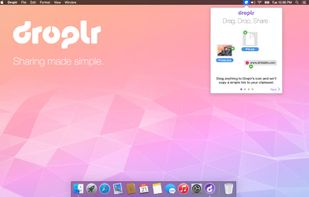
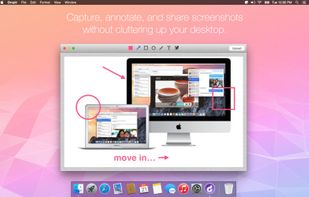


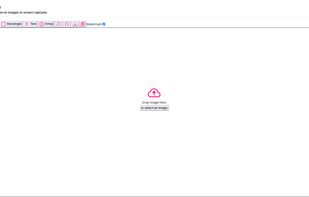
Pink Arrows is a lightweight, web-based annotation tool. Hosted version at pinkarrows.app with no installation required.

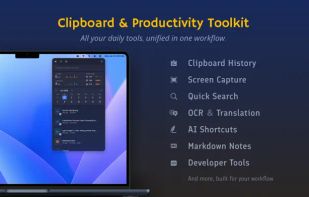
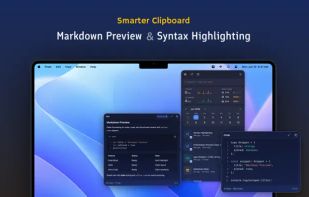
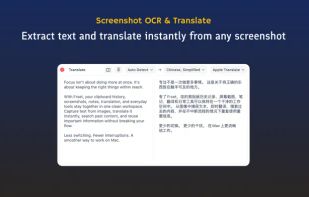
Frset is an all-in-one macOS productivity app combining clipboard management, screenshots, OCR, translation, AI shortcuts, and useful utilities in one place.
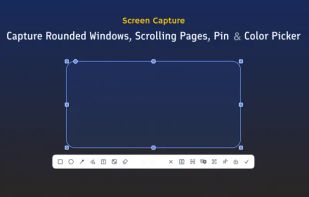


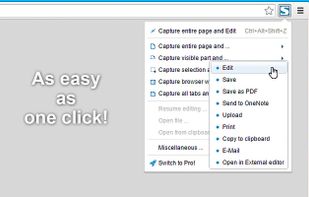
Capture the whole page or any portion, annotate it with rectangles, circles, arrows, lines and text, one-click upload to share.
United States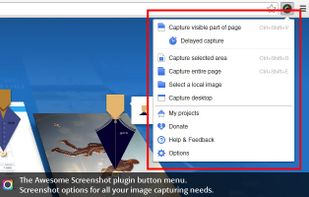

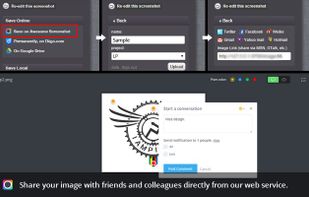


This extension is able to capture 100% of both the vertical and horizontal content appearing on any webpage on the Internet.


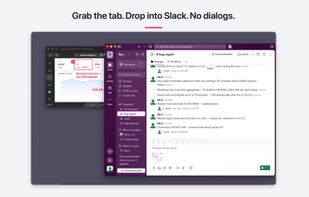
FletchShot is a screenshot annotation tool for macOS built for people who liked the Skitch feel — the tapered pink arrow, the instant capture-to-canvas window, the drag-away tab at the bottom edge that drops a real image file straight into Slack, Finder, Mail or your terminal.
 Japan
Japan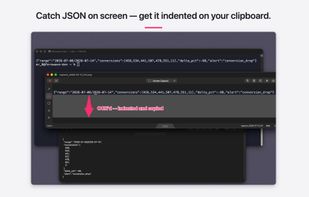
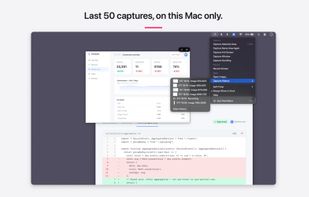
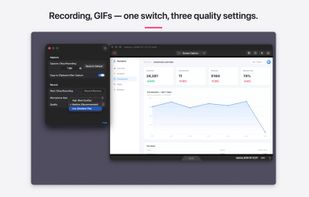


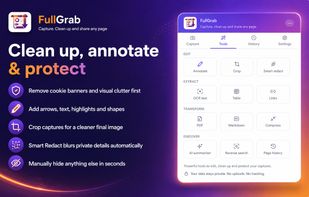
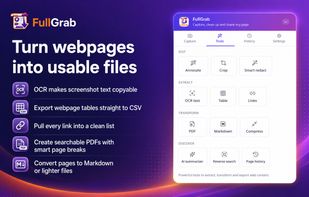
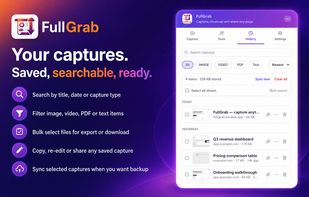
Capture visible areas, full pages, regions, elements and screen recordings, then remove clutter, annotate or redact details. Extract OCR text, tables, links or Markdown; create searchable PDFs, share results or send them to AI while keeping captures local by default.
United States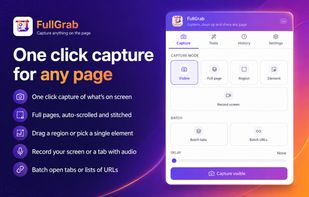


Fast, lightweight screenshot and screen recording tool for Windows and Linux with annotations, OCR, uploads, pinned captures, GIF and MP4 recording.
 Türkiye