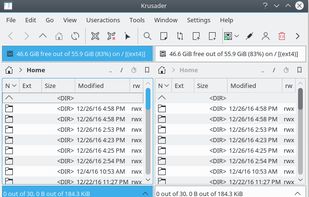
Krusader is an advanced twin panel (commander style) file manager for KDE Plasma and other desktops in the *nix world.
Cost / License
- Free
- Open Source
Application type
Platforms
- Linux
- XQuartz
- KDE Plasma
 Germany
 EU
EU


Path Finder is described as 'Standalone Finder replacement that takes the Finder's familiar interface and adds numerous powerful features and interface innovations to help anyone be more productive on macOS' and is a popular File Manager in the file management category. There are more than 50 alternatives to Path Finder for a variety of platforms, including Mac, Windows, Linux, BSD and Android apps. The best Path Finder alternative is Double Commander, which is both free and Open Source. Other great apps like Path Finder are Spacedrive, Total Commander, Dolphin File Manager and FreeCommander.
Krusader is an advanced twin panel (commander style) file manager for KDE Plasma and other desktops in the *nix world.
GermanyEU
Brings iconic 3D Cover Flow file browsing to macOS, includes dual pane navigation, Quick Look integration, sidebar access to volumes, instant file sorting, context menus, type-ahead search, familiar Finder-like interface, and open source availability.
 United States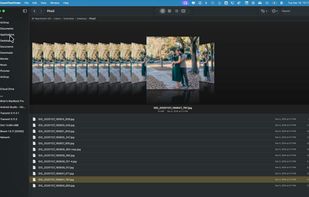


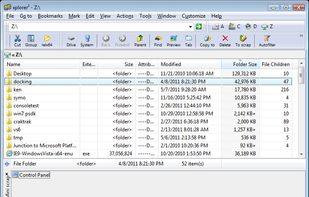
xplorer² is a desktop file manager combining the simplicity of Windows explorer with the speed and efficiency of traditional dual pane file managers.
 CyprusEU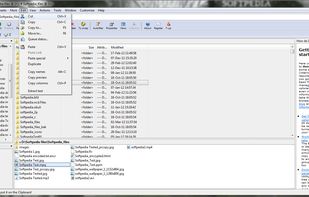
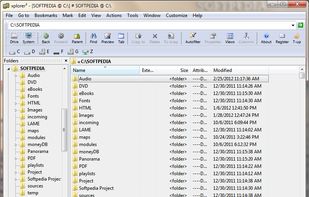



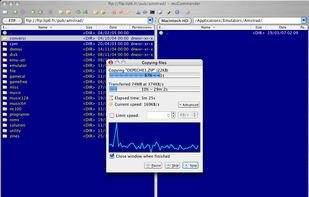
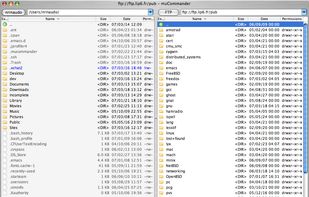
muCommander is a lightweight, cross-platform file manager with a dual-pane interface. It runs on any operating system with Java support (Mac OS X, Windows, Linux, *BSD, Solaris...).
 FranceEU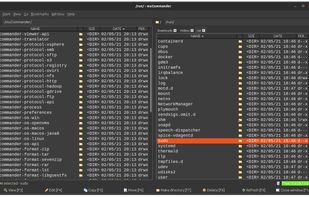



The Finder is the first thing that you see when your Mac finishes starting up. It opens automatically and stays open as you use other apps. It includes the Finder menu bar at the top of the screen and the desktop below that.
United States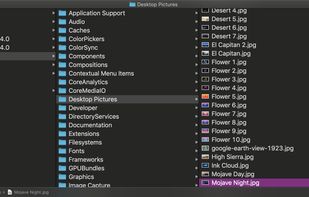
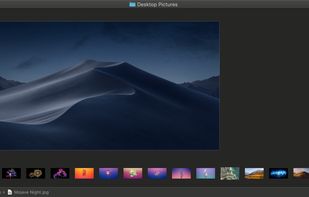
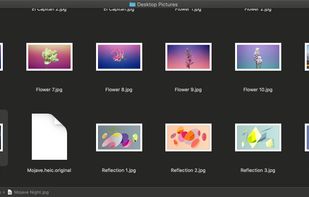
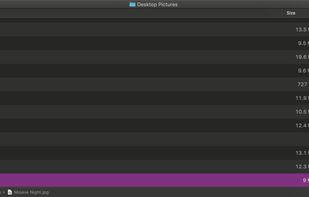


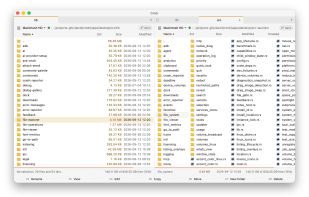
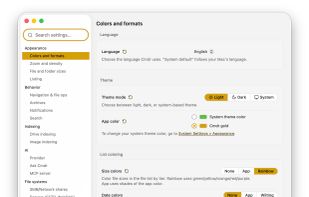
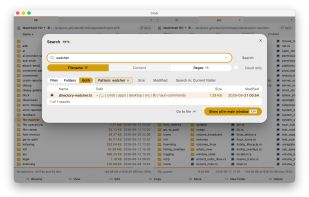
Ultra-fast, open-source two-pane file manager for macOS featuring customizable shortcuts, live folder sizes, high-speed SMB and MTP transfers, instant large file viewing, built-in git history browsing, and fully optional, privacy-first on-device AI for smart search and selection.
 SwedenEU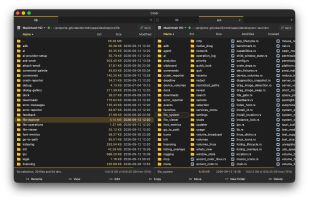


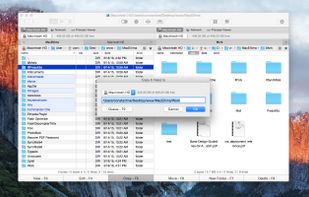
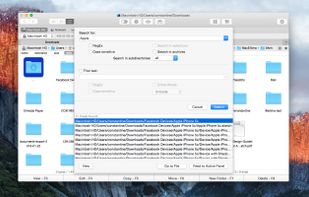
Swift file manager for Mac that offers a dual-pane interface, multi-tab browsing & advanced search. The PRO Pack adds features like FTP client, cloud integration (Box, Amazon S3), compression & more, enhancing file management capabilities.
United States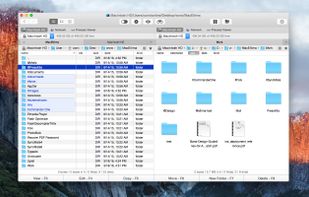



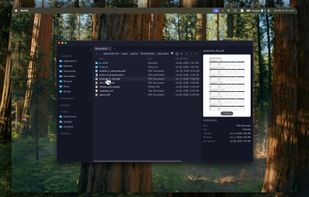
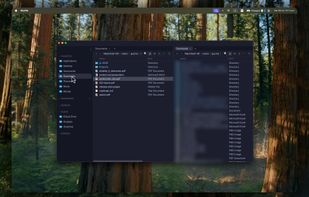
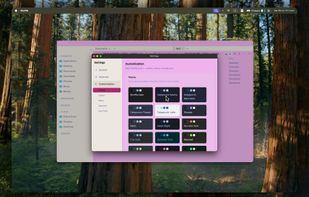
Keyboard-centric macOS file manager featuring dual panes, vim navigation, command palette, inline terminal syncing with folders, disk usage treemap, macOS tag support, multi-view modes, 17 themes, smart folders, Homebrew install, free and open source on macOS 13+.
 Canada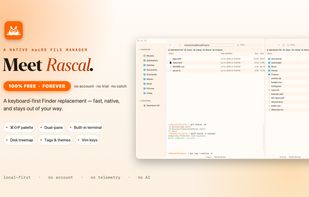
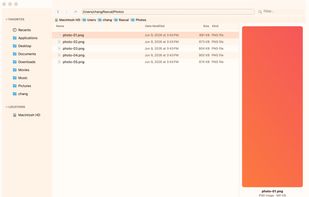
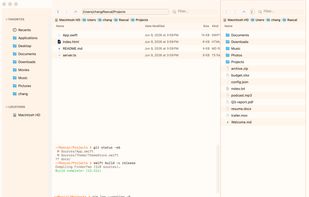
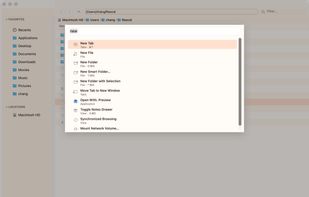

Native macOS file manager built with Rust, featuring GPU-powered rendering, instant navigation in large folders, dual-pane split view, tabs, fuzzy command palette, terminal mode, QuickLook previews, theming options, keyboard shortcuts, and Apple Silicon support.
 Mexico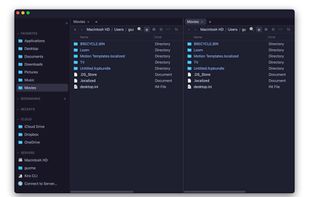

 GermanyEU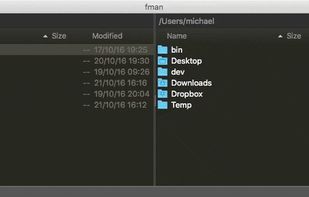
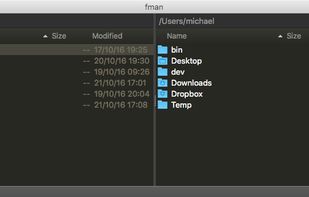
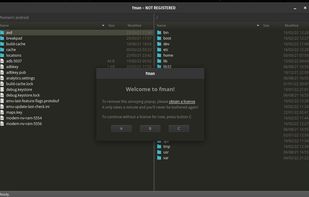


The finest replacement for Finder with powerful tools to streamline your workflow, enhance productivity, and keep everything organized at your fingertips.
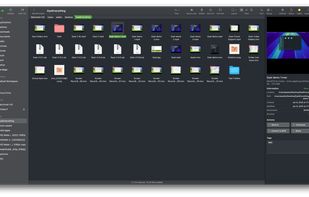
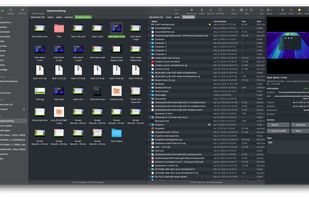
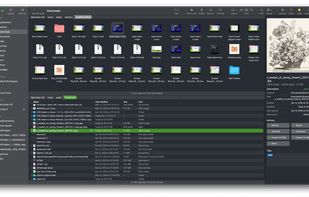
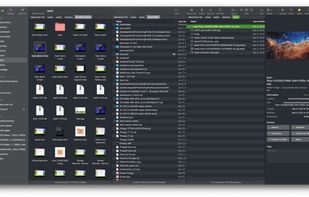


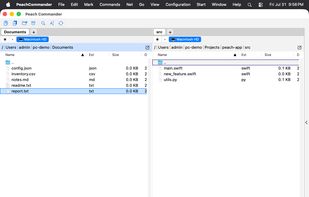
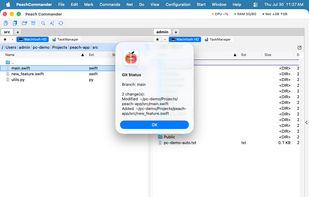
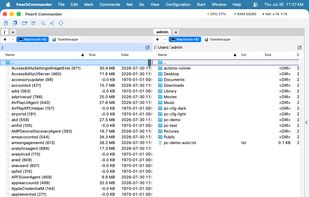
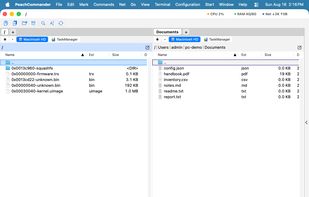
Peach Commander is a dual-pane file manager for macOS, written in Swift and AppKit and modelled on the orthodox file managers that DOS and Windows users know from Norton Commander and Total Commander. Two directory panels sit side by side, and almost everything is reachable from...
GermanyEU