


Cost / License
- Free
- Open Source
Alerts
- Discontinued
Platforms
- Linux





Best alternatives are 

29 alternatives


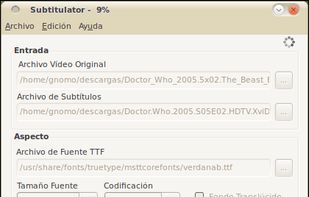
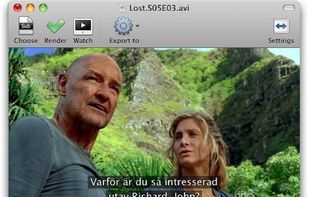
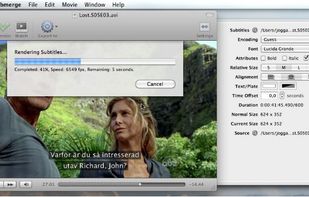
App that burns in subtitles to assorted video files from various subtitle formats (SRT etc.).
 Sweden
 EU
EU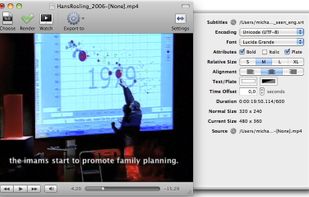


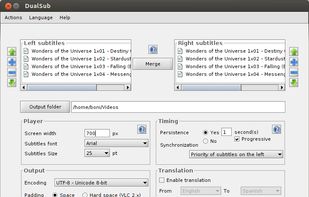
DualSub is a tool which allows you to merge two SRT subtitles in a single file. The idea of using merged subtitles (let's call them dual subtitles or bilingual subtitles) is to watch movies/series in original version with two sets of subtitles.

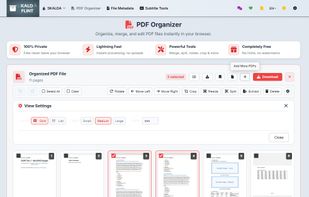
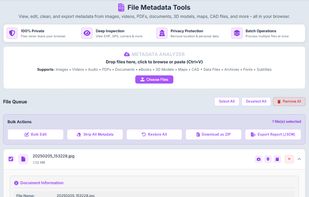
FLINT is a privacy-first, in-browser file toolkit with a multi-format converter (100+ formats), PDF organizer, file metadata cleaner, and subtitle fixer—no uploads, no logins, no tracking, and no file size limits.

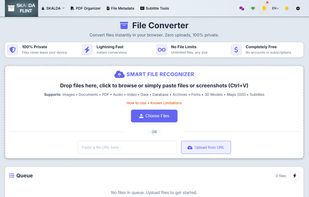
 File Converter
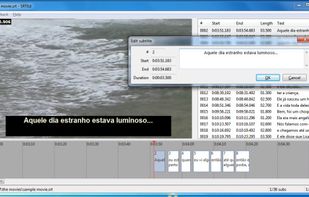
SRTEd is a graphical editor for SRT subtitles, the most simple and widespread subtitle file format for movies, and which can also be uploaded into YouTube videos as Closed Captions. The intuitive user interface makes it easy to work with small and large files, making sub editing...

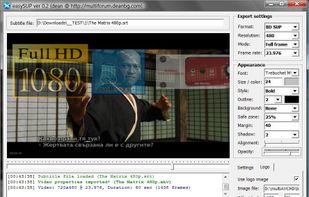
easySUP is a small tool made to help users create nice (BD) SUP, (DVD) SUB or BDN (XML+PNG) subtitles, which can later be used with applications which support SUP format (import in tsMuxeR, multiAVCHD , Scenarist or any other tool).


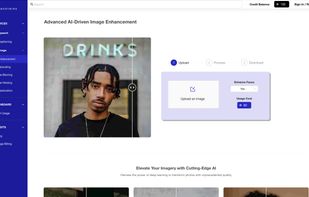
Smartmine is a cutting-edge AI media processing platform that transforms content creation by improving quality and efficiency. It offers image and video enhancement, automated subtitling, and content translation, catering to a global audience.
 United Kingdom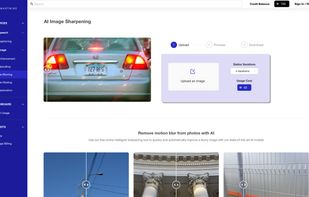


iSubtitle - Soft subtitled movies for your Apple gear
The first and only application to take full advantage of Apple's soft subtitle technology. The subtitle tracks are resolution independent and they are rendered in real-time as you watch the movie. They are always displaye.

Subs Factory makes subtitling easier! It is a powerful utility designed to perform the creation, modification, and resynchronization of subtitles efficiently. Featuring advanced functions, it allows you to do whatever you want with your subtitles. It mainly works with .
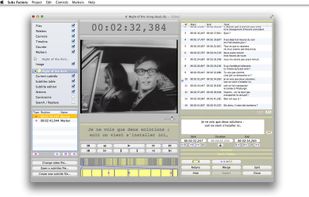
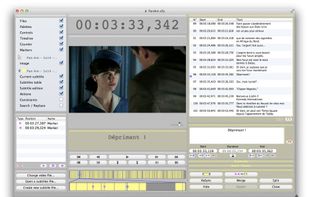

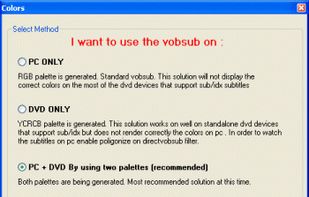
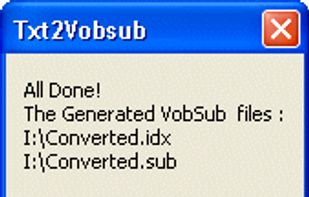
Txt2VobSub generates vobsubs[idx/sub] subtitles from srt or txt subtitles . The quality of the subtitles is superb . You can select custom colors and position of your subtitles.
 GreeceEU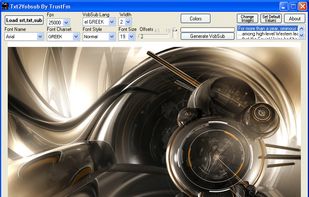


YouTube's built-in subtitle editor doesn't support styling of any kind. If you want formatting such as bold, italic and coloring, you need to upload a subtitle file instead. The site accepts a number of file formats such as RealText, WebVTT and TTML, but all of these...
 GermanyEU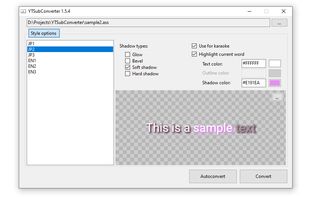
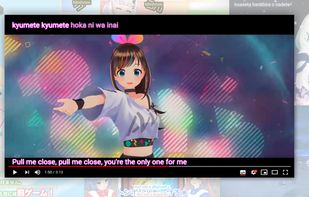

Fully local, easy-to-use AI transcription tool based on OpenAI Whisper. Transcribe audio & video offline with high accuracy and without uploading or sharing your media data.
 SloveniaEU

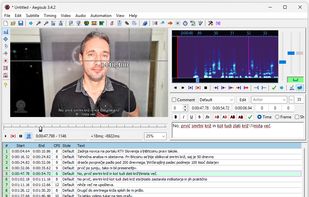
 Vibe Transcribeand

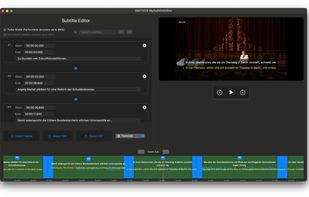
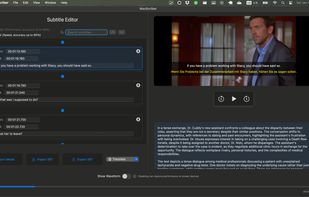


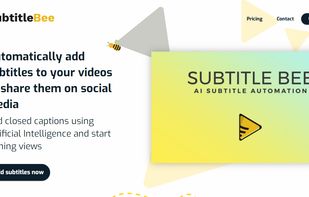
Subtitlebee is a video subtitling tool that automatically generates subtitles in a jiffy. The accuracy rate is almost perfect, plus it allows users to customize font styles, colors, background, change subtitle position, and a lot more.


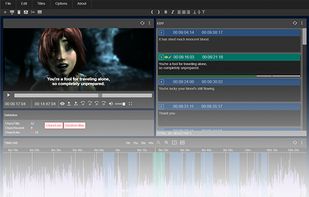
Browser-based subtitle editor to create subtitles and captions online. Videos can be loaded from URL, disc or YouTube. The editor can be integrated into your CMS.

burn.monster burns a subtitle into a video. You can send a MP4 file and a SRT file and the site will burn the subtitle into the video.

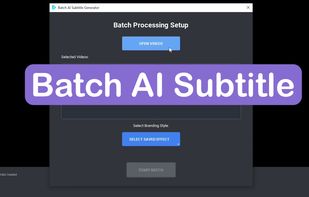
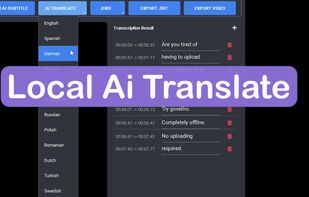
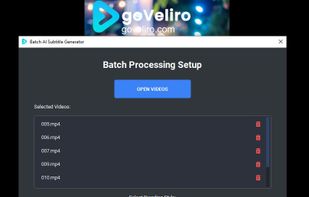
Stop wasting hours waiting for cloud uploads and say goodbye to expensive monthly fees with goVeliro, the ultimate offline subtitle generator for Windows. Our professional-grade AI subtitler runs entirely on your local hardware, allowing you to create caption files and...
 HungaryEU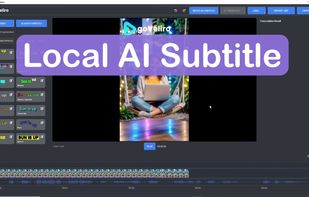

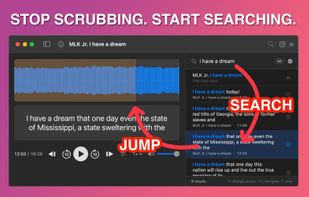
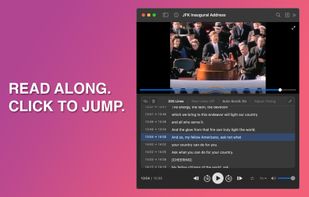
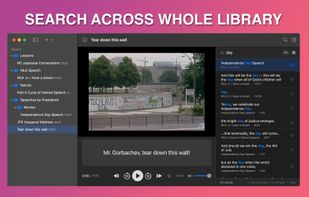
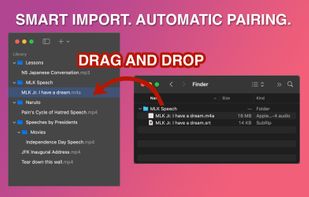
You have audio and video files. You have subtitle files: SRT, VTT, or LRC. You want to play them together, see the full transcript, and click any line to jump straight there.

CaptionMaker and MacCaption allow you to easily author, edit, create subtitles, and encode and repurpose video captions for television, web and mobile delivery

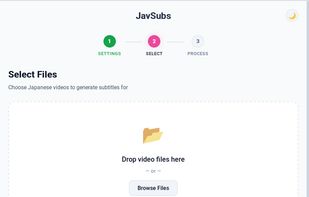
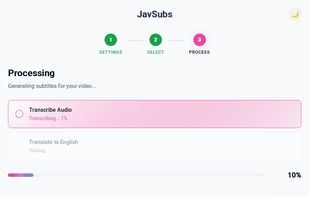
AI-powered Japanese to English subtitle generator that runs 100% offline on your computer. No uploads, no cloud, complete privacy.
 Canada


 Switzerland


 United States


