Marker.to is a simple annotation tool.
After you install a browser extension or bookmarklet and run Marker simply by clicking on the icon, you can highlight text on a website with your mouse.
Cost / License
- Freemium
- Proprietary
Platforms
- Online


Marker.to is a simple annotation tool.
After you install a browser extension or bookmarklet and run Marker simply by clicking on the icon, you can highlight text on a website with your mouse.

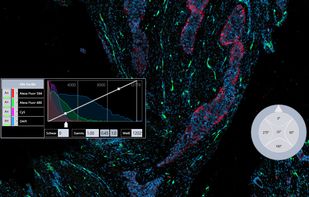
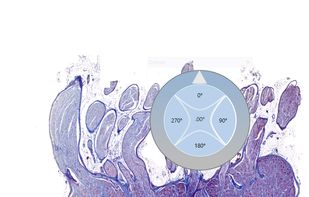
The netScope® Viewer is an efficient, intuitively operable software with which you can easily view, edit and organize your microscope slides in many common formats.
 Germany
 EU
EU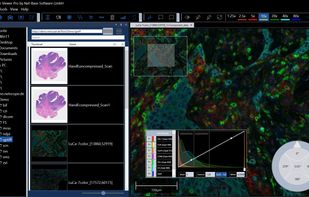


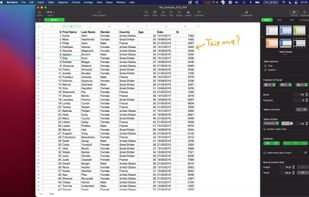
This is a very lightweight application to make temporal annotations directly on your screen.


 United States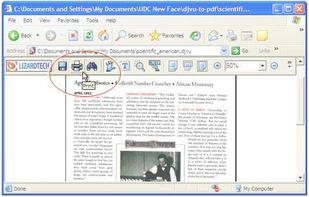

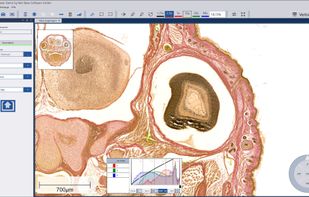
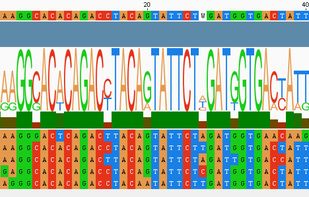
VectorFriends combines various types of cloning simulations, sequence analysis and data management into one application.
Use MovieChapterizer to create chapter names for favorite sections of your movies. When you're done, open the movie in QuickTime Player and use the chapter popup button to jump instantly to any chapter markers you added.

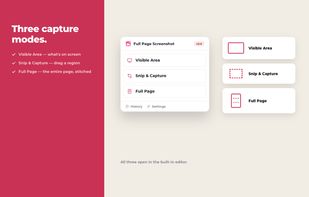
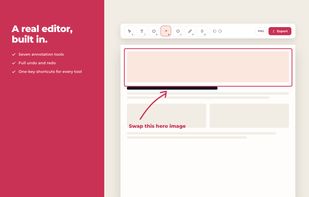
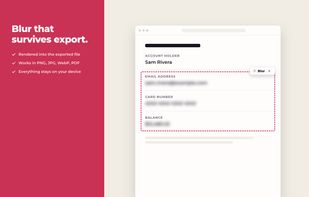
Full Page Screenshot captures a whole webpage from top to bottom in a single click. It scrolls and stitches the page for you, keeping sticky headers and cookie banners from repeating down the image, waiting for lazy loaded content to appear, and verifying the seams where...
 India
India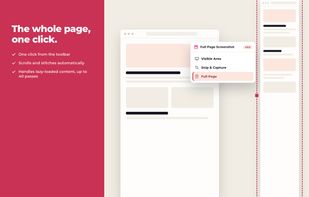



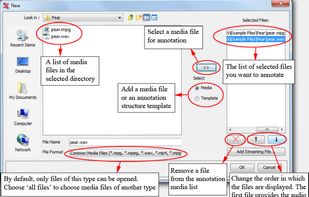
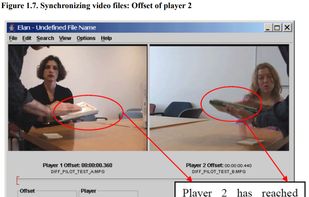
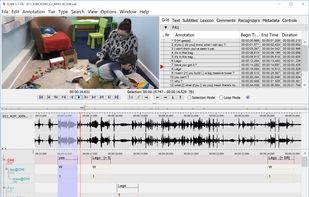
With ELAN a user can add an unlimited number of textual annotations to audio and/or video recordings. An annotation can be a sentence, word or gloss, a comment, translation or a description of any feature observed in the media.
GermanyEU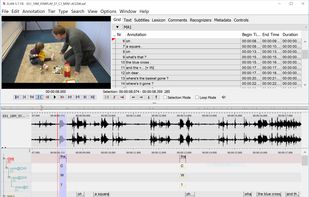

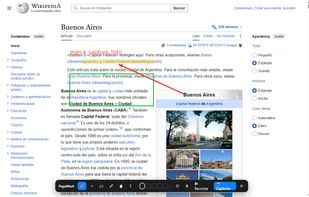
PageMark is a Chrome extension to draw on any web page (pen, arrows, rectangles, highlighter, text notes, one-click censor) and capture the result as a PNG — copied to your clipboard or downloaded. Unlike most screenshot tools, it has no server and no sign-up: every capture...

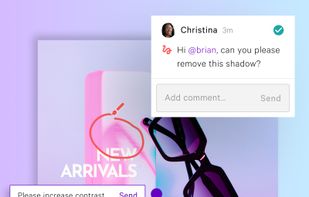
Share images, videos and documents with team members and clients for speedy feedback and approval, all in one sleek space.





Lightning fast and ultra elegant screenshot and annotation tool that does all you need without the bloat. Made for Mac and Windows.
United States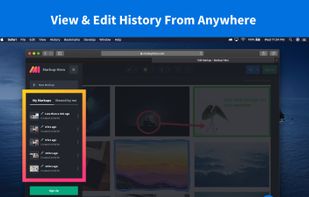
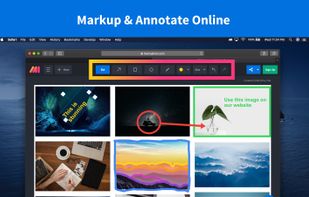
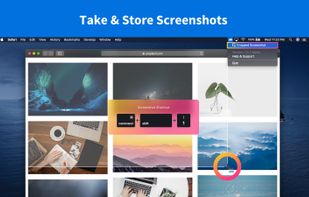
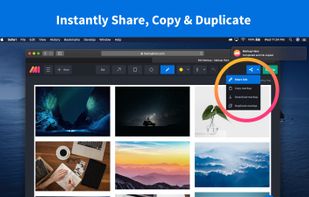

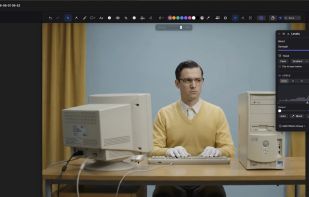
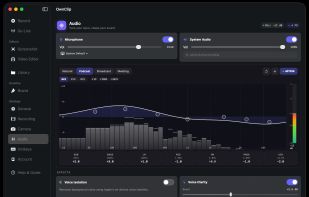
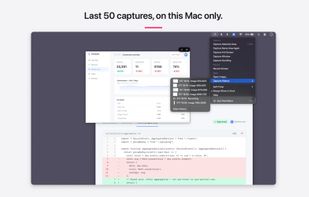
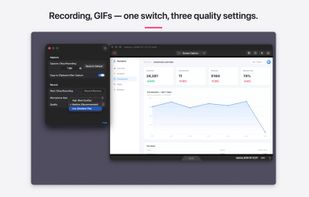
Native macOS screen recorder, screenshot tool, and video editor with on-device AI a one-time purchase, no subscription, nothing uploaded.
 ShareXand

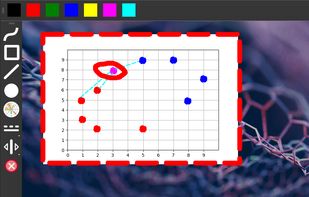
Screen annotation software which allows drawing directly on the screen. It is an open source and multiplatform (all systems that support Python) alternative to tools such as Epic Pen.


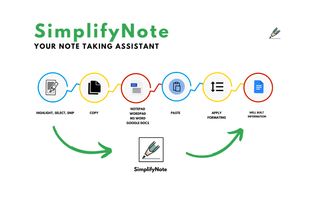
SimplifyNote facilitate easy and efficient note-taking from web pages, YouTube videos, and PDFs directly into Google Docs with a single click.


Data labeling tool for various data types with a customizable interface, annotation team management, and automatic labeling through active learning.
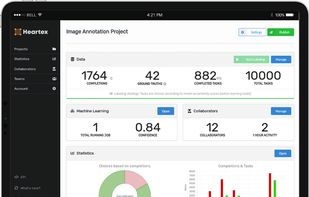


Fast and collaborative annotation tool offering precise Bounding Box, Polygon, Circle, Point, and Cuboidal labeling for AI and deep learning applications.


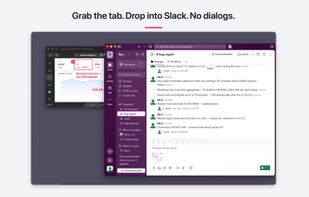
FletchShot is a screenshot annotation tool for macOS built for people who liked the Skitch feel — the tapered pink arrow, the instant capture-to-canvas window, the drag-away tab at the bottom edge that drops a real image file straight into Slack, Finder, Mail or your terminal.
 Japan
Japan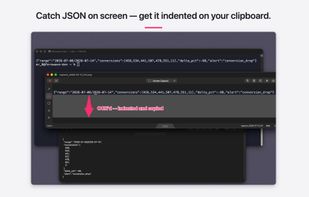


Vobo (visto bueno — "seen, good") is a human-in-the-loop review station for AI output — text, images, audio, video, even .docx. POST an artifact to one endpoint, a named reviewer accepts or rejects against your criteria with anchored comments, and Vobo emits a...
United States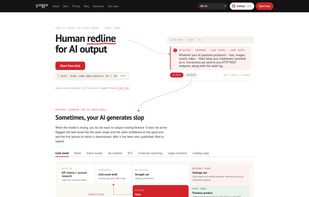


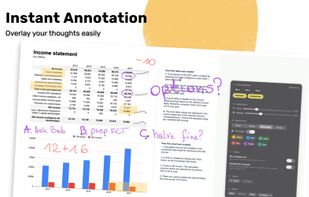
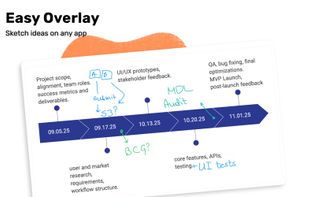
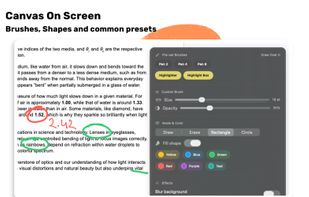
Draw Over It gives presenters, trainers, and any professional an always-ready overlay for live markups. Open it with a hotkey, sketch directly on top of any app, and jump back to work without leaving a trace.
 PolandEU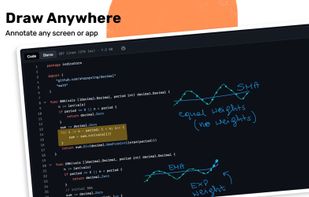

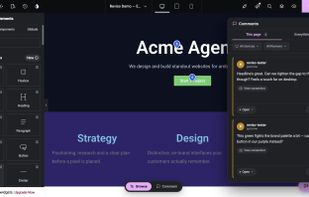
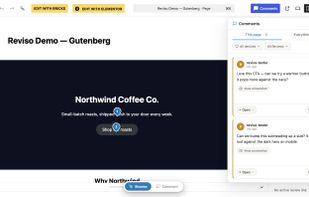
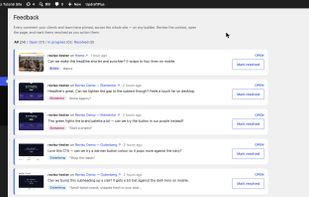
A WordPress plugin for client feedback: clients pin comments on the live page with no login, and you resolve every pin natively inside Bricks, Elementor or the Gutenberg block editor.
 New Zealand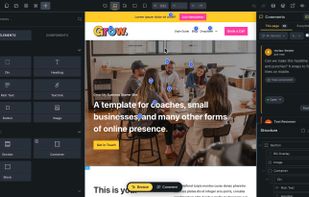

PinMy: Streamline collaboration with an innovative app for annotating images/PDFs. Ideal for various sectors, it offers interactive pins, text/voice notes, and efficient sharing. Perfect for remote teams, it includes real-time updates and intuitive comment management, enhancing teamwork.
 EstoniaEU




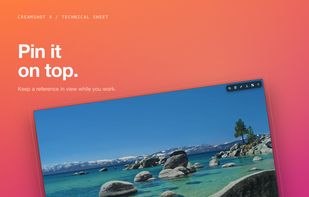
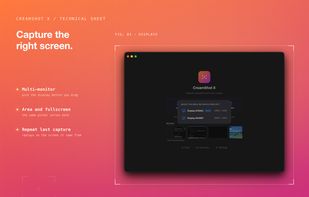
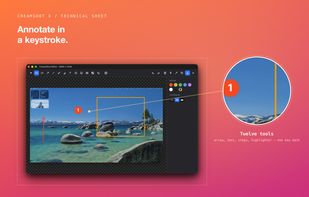
CreamShot X is a native screen-capture and annotation tool for macOS. Snip any area, mark it up, pin a capture on top of other windows, or extract text from an image with built-in OCR. CreamShot X is included in every getapps.cafe subscription.
United States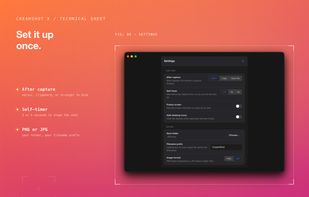


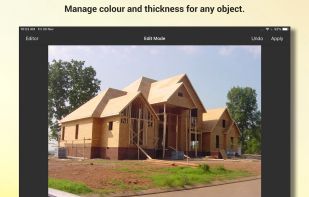
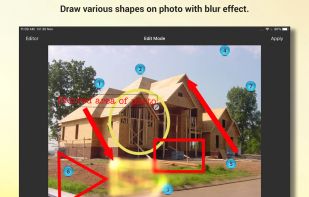
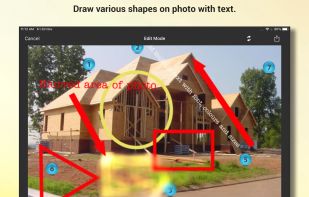
Snap Markup provides various draw tools like free draw, rectangle, triangle, line, arrow, circle, numbers, brazier curve, rotations, text and crop.
India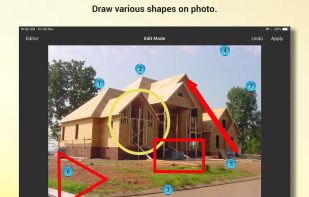


Label Studio is an open source data labeling tool. It lets you label data types like audio, text, images, videos, and time series with a simple and straightforward UI and export to various model formats.
United States