File Search Utilities Page 4 of 10

All apps in File Search Utilities category. Use the filters below to narrow down your search. 

Popular filters:

Copy a direct link to this comment to your clipboard
  1. Google Desktop icon
     66 likes

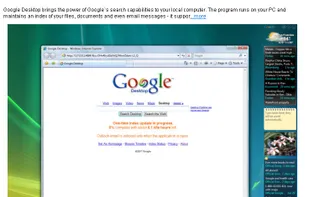
    The power of Google on your desktop. Hit ctrl twice and you are ready for a full Google search of you hard drive and networked drives you may have. Indispensable if you need to find files quickly... the price doesn't hurt either!

    Cost / License

    • Free
    • Proprietary

    Application type

    Alerts

    • Discontinued

    Platforms

    • Mac
    • Windows
    • Linux
    Brings the power of Google`s search capabilities to your local computer
    Sidebar on Vista
    18 alternatives
  2. Windows Search icon
     10 likes

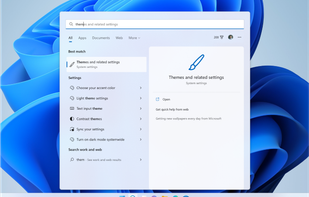
    Search is right there on your taskbar, ready to help you find whatever you’re looking for. Use the search box to find your apps, files, settings, help, and more on Windows—plus unlock the power of the web with quick access to online information like time zone conversions, fact...

    Cost / License

    • Free
    • Proprietary

    Application type

    Platforms

    • Windows
    Windows Search screenshot 1
    Windows Search screenshot 1
    Windows Search screenshot 2
    57 alternatives
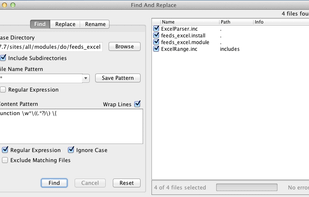
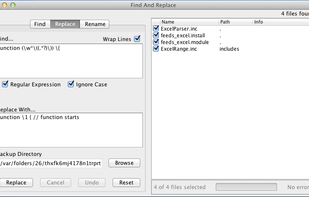
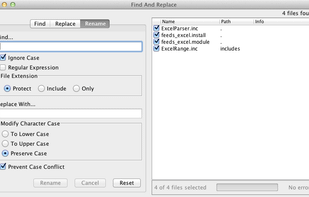
  3. FAR is a simple tool for search and replace operations over multiple files. You can apply ordinary "word by word" replacement, or choose to use fully featured regular expressions.

    Cost / License

    • Free
    • Open Source

    Application type

    Platforms

    • Mac
    • Windows
    • Linux
    Find
    Replace
    Rename
    32 alternatives
  4. FileSeek icon
     24 likes

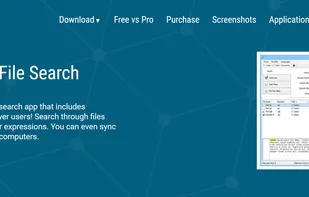
    FileSeek is an easy-to-use file search app that includes advanced functionality for power users! Search through files using simple queries or regular expressions. You can even sync your search settings between computers.

    Cost / License

    • Freemium
    • Proprietary

    Application type

    Platforms

    • Windows
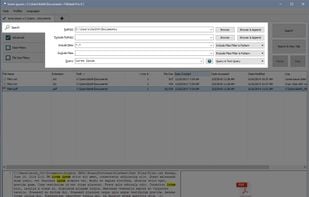
    FileSeek screenshot 1
    FileSeek's main search tab
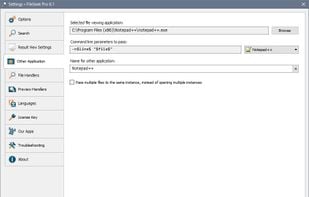
    FileSeek's settings for opening text editors
    +3
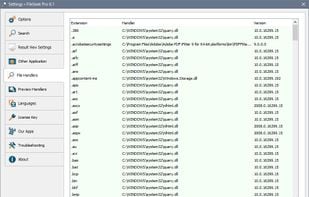
    FileSeek Settings: File Handlers
    83 alternatives
  5. SwiftSearch icon
     21 likes

    SwiftSearch is a lightweight program whose purpose is to help you quickly find the files you need on your Windows machine without ever requiring you to index your drives. Most search utilities that achieve similar speeds do so by indexing drives while the computer is idle, but...

    Cost / License

    • Free
    • Open Source

    Application type

    Platforms

    • Windows
    SwiftSearch screenshot 1
    79 alternatives
  6. XSearch icon
     13 likes

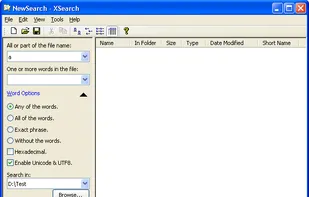
    XSearch is a free search tool that with more features that Windows Search didn't provided. It can search files on your computer in high speed. When searching for special words in files, you can specify the words option such as "Any of the words", "All of the...

    Cost / License

    • Free
    • Proprietary

    Application type

    Platforms

    • Windows
    XSearch screenshot 1
    75 alternatives
  7. Scherlokk icon
     6 likes

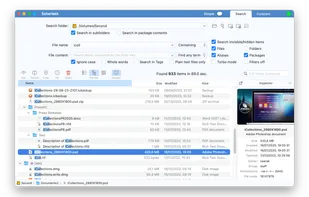
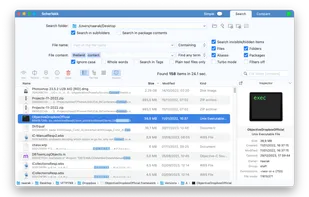
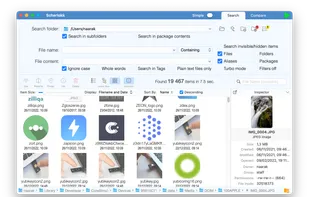
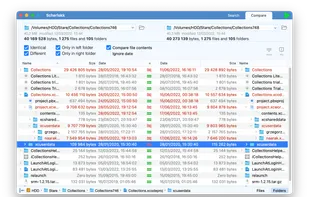
    Fast file search utility scanning all drives with its own engine, locating system, hidden, and non-indexed files, supporting hex editing and file comparison.

    Cost / License

    • Paid
    • Proprietary

    Application type

    Platforms

    • Mac
    Scherlokk screenshot 1
    Scherlokk screenshot 1
    Scherlokk screenshot 2
    +2
    Scherlokk screenshot 3
    159 alternatives
  8. FilePursuit icon
     8 likes

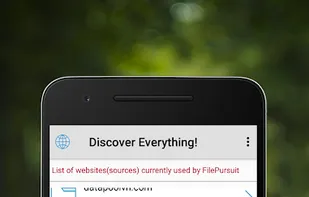
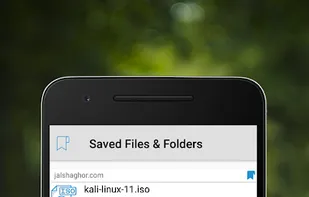
    FilePursuit is intended to provide a very powerful file indexing and search service allowing you to find a file among millions of files located on web servers. Our database is daily replenished by our robots that crawl through free access internet resources.

    Cost / License

    • Free
    • Proprietary

    Application type

    Platforms

    • Online
    FilePursuit screenshot 1
    FilePursuit screenshot 1
    FilePursuit screenshot 2
    +1
    FilePursuit screenshot 3
  9. FileSearchy icon
     37 likes

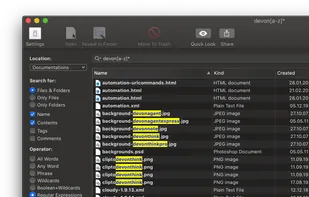
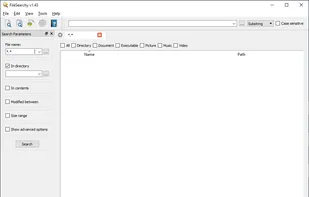
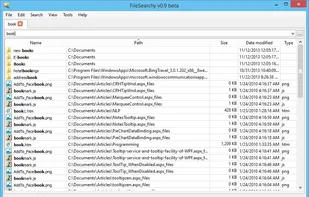
    File search utility that provides instant search by file name, and powerful search by file contents, size and date. Supports search inside PDF, Microsoft Office and other documents. Highlights found text in file names and contents. Clean and intuitive multi-tabbed user interface.

    Cost / License

    • Free Personal
    • Proprietary

    Application type

    Alerts

    • Discontinued

    Platforms

    • Windows
    FileSearchy screenshot 1
    FileSearch instant mode
    76 alternatives
  10. DoubleXplorer icon
     3 likes

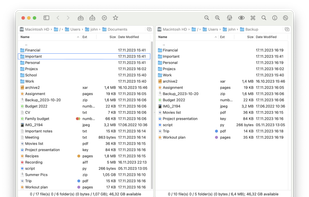
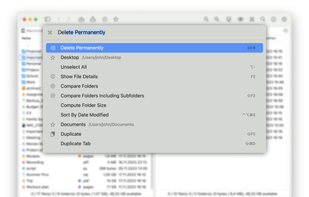
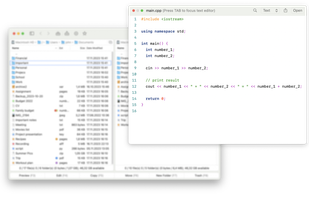
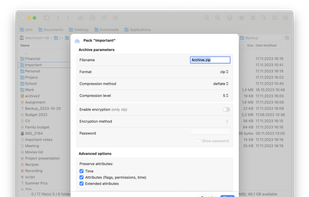
    DoubleXplorer is a dual-pane file manager for macOS with a range of features, including a Command Palette, rich archive support (7z, Rar, Tar, Zip), file comparison, connection to servers (Dropbox, Microsoft OneDrive, SFTP, FTP), and more.

    Cost / License

    • Paid
    • Proprietary

    Application types

    Platforms

    • Mac
    DoubleXplorer screenshot 1
    DoubleXplorer screenshot 1
    DoubleXplorer screenshot 2
    +3
    DoubleXplorer screenshot 3
    40 alternatives
  11. PowerGREP icon
     22 likes

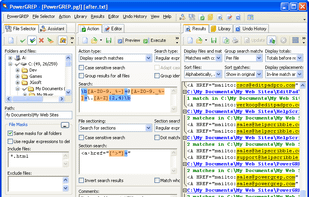
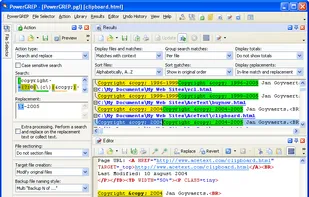
    PowerGREP is a powerful Windows grep tool. Quickly search through large numbers of files on your PC or network, including text and binary files, compressed archives, MS Word documents, Excel spreadsheets, PDF files, OpenOffice files, etc.

    Cost / License

    • Paid
    • Proprietary

    Application type

    Platforms

    • Windows
    PowerGREP screenshot 1
    PowerGREP screenshot 1
    82 alternatives
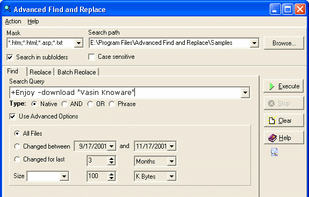
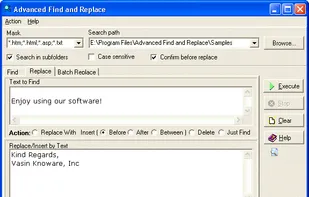
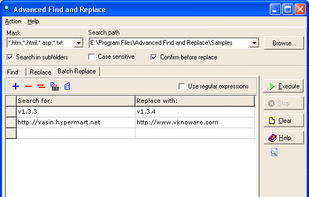
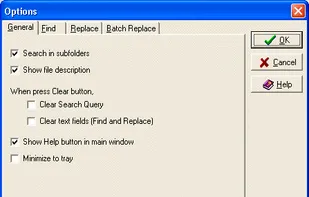
  12. Search files with smart queries as with Google, replace simple or multiline text in multiple files. The batch replace operation easily updates hundreds of different links in several files. Extremely fast, easy to use, with excellent help.

    Cost / License

    • Paid
    • Proprietary

    Application type

    Platforms

    • Windows
    Find operation
    Replace operation
    Batch Replace operation
    +1
    Options dialog
    41 alternatives
  13. KFind icon
     6 likes

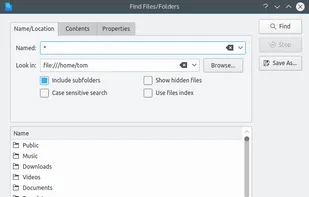
    KFind can be used as a standalone search tool, launched by KRunner or from your menu. It is also integrated into Konqueror as "Find File" in the "Tools" menu. It allows you to find files by name, type or content.

    Cost / License

    Application type

    Platforms

    • Linux
    • KDE Plasma
    • Flathub
    • Snapcraft
    KFind screenshot 1
    16 alternatives
  14. Fenn icon
     1 like

    Fenn is a powerful, AI-driven desktop search engine for macOS that makes your files instantly searchable—including videos, audio, PDFs, Word documents, Excel sheets, and images. Just type or upload an image to find exactly where any object, person, or concept appears.

    Cost / License

    • Paid
    • Proprietary

    Platforms

    • Mac
    Fenn multimodal search
    59 alternatives