

ReaConverter is time-saving batch image converter software that supports more than 700 source formats and over 60 output formats.
 Cyprus
 EU
EU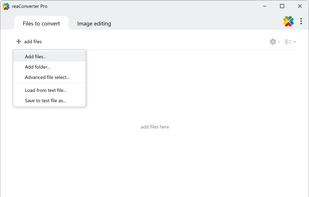
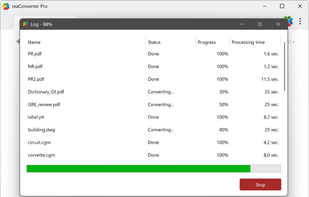
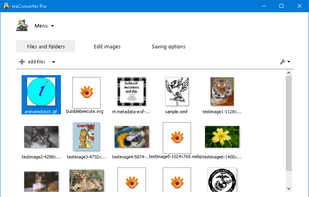


ReaConverter is time-saving batch image converter software that supports more than 700 source formats and over 60 output formats.

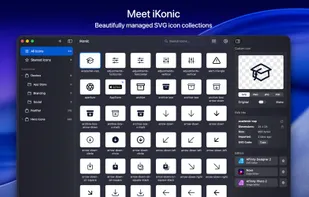
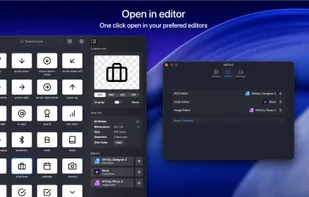
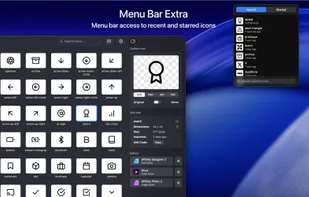
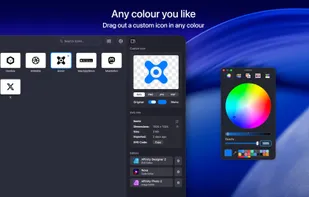
Effortless SVG Icon Management: helps designers and developers manage and organize SVG icons with speed and precision. Create collections, bulk-import icon sets, drag and drop to other design or code apps, and much more — all within a clean, macOS-native interface.

Instantly convert images and multi-page PDFs to JPEG, resize, compress, process folders, and customize workflows using a fast Mac-exclusive drag-and-drop tool.
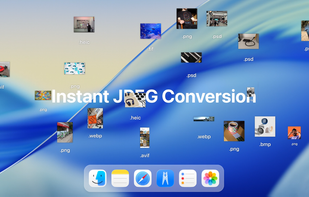
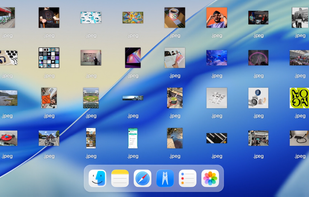
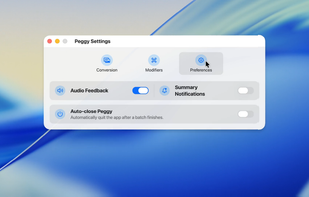

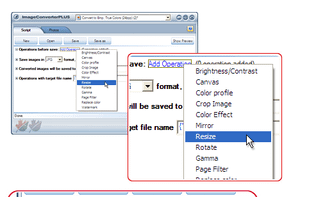
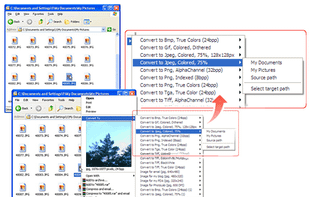
Image Converter Plus is a conversion and resizing software for Windows. It can convert files across various image formats while maintaining quality. It allows users to save images in popular formats and includes a quick conversion feature.

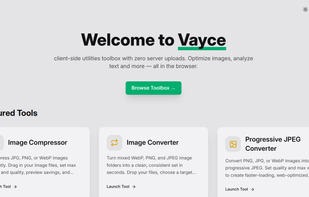
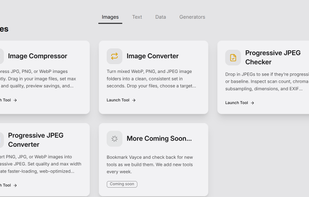
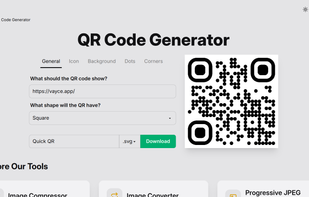
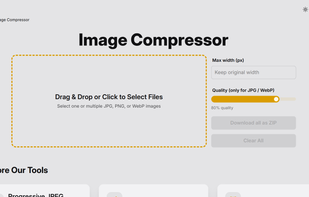
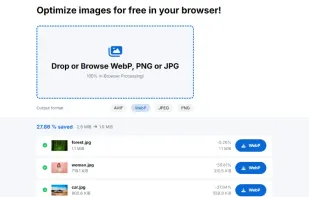
Vayce is a collection of browser-based utilities for everyday web tasks — from text analysis to image optimization and file conversion. All tools run entirely on your device, so nothing is uploaded or tracked.

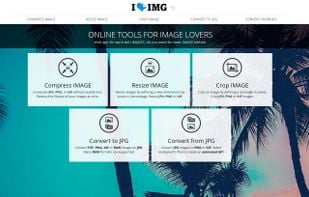
iLoveIMG is an online service to work with images completely free and easy to use. Compress images, resize, crop, convert and much more!.

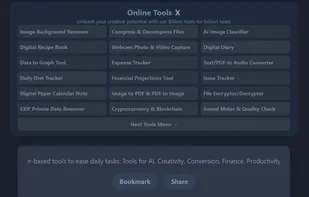
Access a variety of free online tools designed to simplify daily tasks, including those for AI, creativity, finance, productivity, and more. Your data remains private and local.

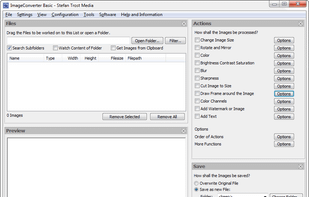
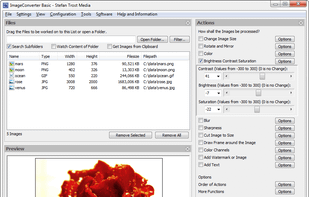
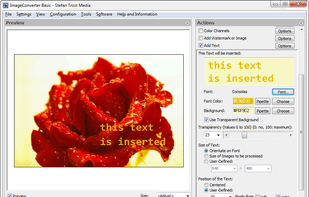
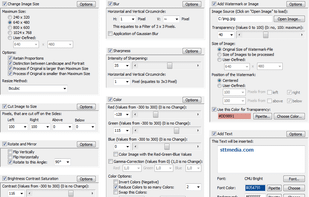
With just one click you can change pictures' sizes, cut pictures to any size, add watermarks, write text on images, change colour values, convert pictures into other file formats and much more.

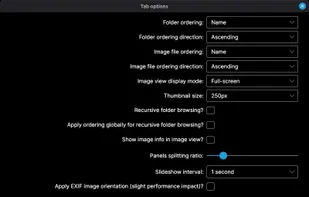
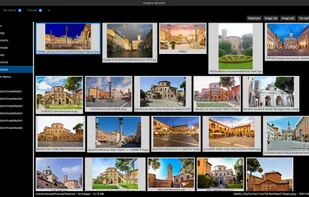
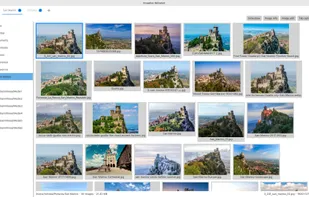
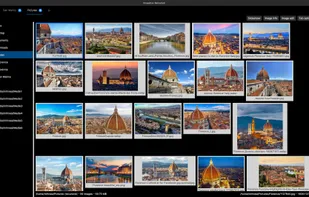
ImageFan Reloaded is a cross-platform, feature-rich, tab-based image viewer, supporting multi-core processing.

Pixillion is a photo and image conversion software to convert image files between gif, jpg, bmp, tif, png, pdf and much more. Before converting your file Pixillion allows you to preview the image alongside the current image parameters.
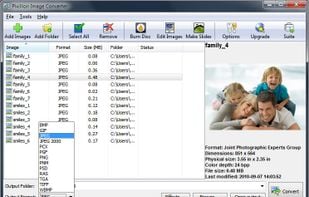
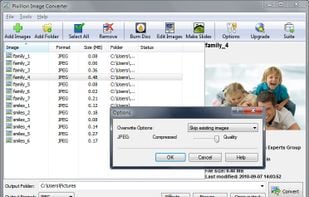
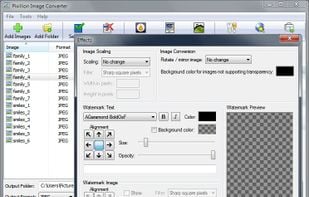
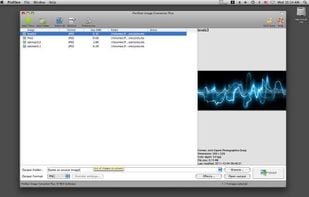

Graphic Converter for Mac and Windows, can converts image formats BMP, JPG, GIF, ICO, PNG, TIF, TIFF, JPEG, WMF, EMF, PSP, PSD, PCM, SVG, RAW and more.

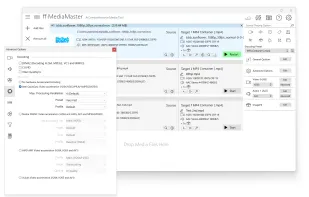
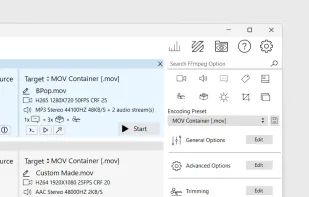
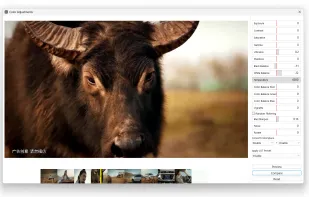
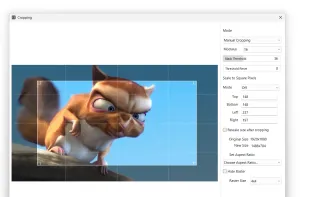

Local file conversion tool that ensures privacy by running entirely on your device, supports many file types, works offline, and requires only a one-time purchase.
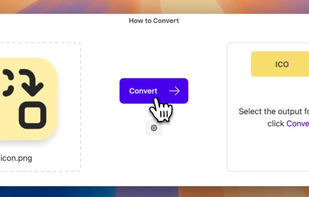
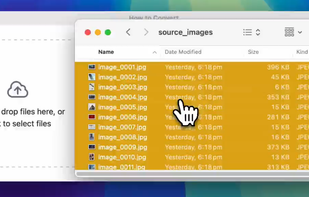
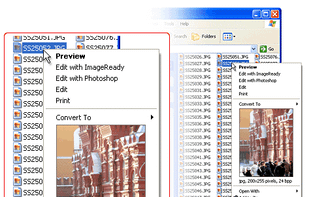
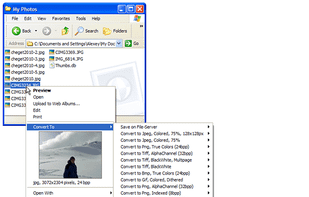
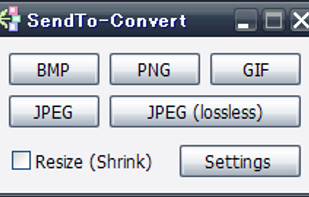
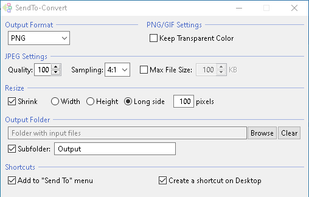
SendTo-Convert is a quick and easy image converter to start from "Send To" menu. Conversion by drag-and-drop is also possible.
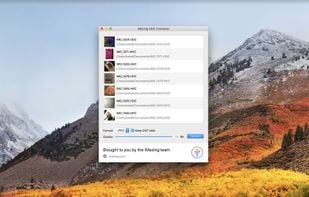
A tiny and free desktop app for Mac and PC which lets you convert Apple's new iOS 11 photos from HEIC to JPG or PNG. Enjoy!.

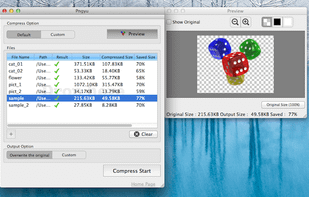

FileToConvert is a free online file conversion platform that supports a wide range of formats including images, documents, and PDFs.
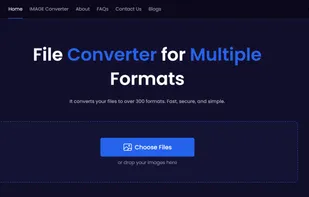

A plugin that lets you view HEIC photos on Windows and convert them to JPG by right-clicking.
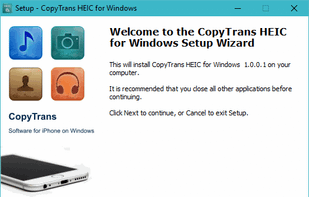
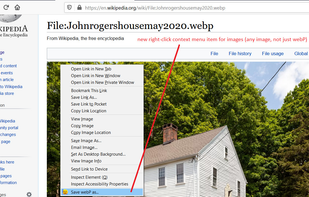
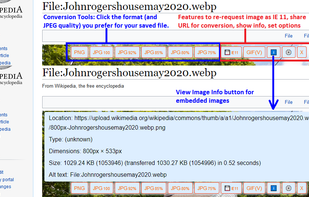
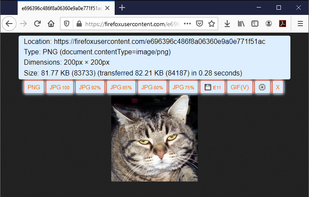
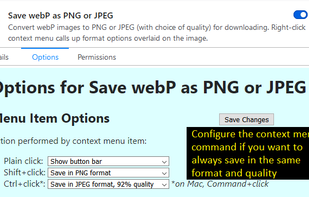
Firefox browser add-on overlays format and quality buttons on images, enabling fast conversion from WebP and other formats to PNG or JPEG with customizable actions.

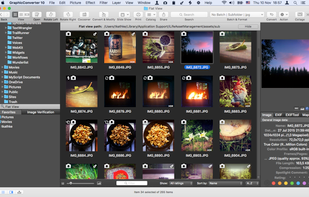
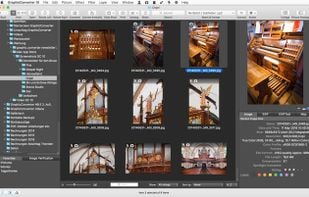
GraphicConverter is computer software that displays and edits Raster graphics files. It also converts files between different formats.
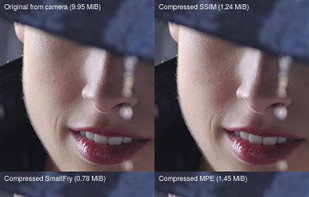
Utilities for archiving photos for saving to long term storage or serving over the web. The goals are: use a common, well supported format (JPEG), minimize storage space and cost, identify duplicates / similar photos.

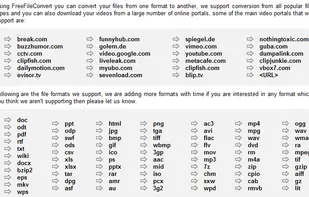
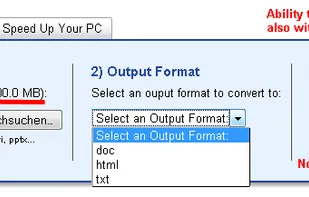
Using Free File Convert you can convert your files into different formats. Perfect conversion pdf to word with formatted rows. No registration.

Clever Compress is a free online tool for image compression and conversion. Optimize JPEG, PNG, WebP, and more directly in your browser, ensuring full GDPR compliance. No images are sent to servers, making it fast, secure, and reliable.

 United Kingdom

 United States
 Greece


 Spain
Spain
 India
India
 Germany
 Romania
 Australia


 Switzerland


 France
