Vector Graphic Apps

All apps in Vector Graphic Apps category. Use the filters below to narrow down your search. 
Copy a direct link to this comment to your clipboard
  1. Inkscape icon
     2306 likes

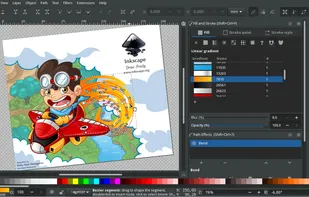
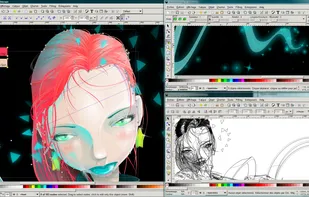
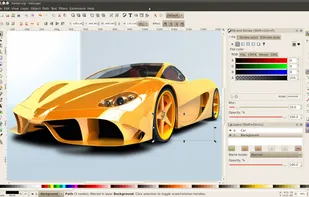
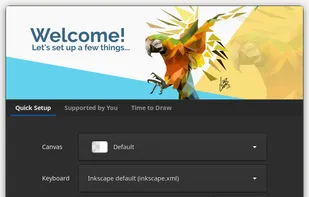
    Open source vector graphics editor supporting SVG with features like custom brushes, pressure sensitivity, and layer management across multiple platforms.

    Cost / License

    Platforms

    • Mac
    • Windows
    • Linux
    • BSD
    • Snapcraft
    • Flathub
    • PortableApps.com
    • Haiku
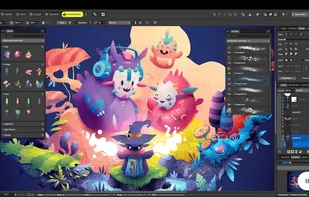
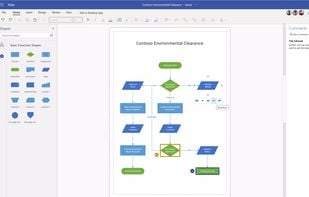
    Inkscape screenshot 1
    Inkscape screenshot 1
    Inkscape screenshot 2
    +8
    Inkscape screenshot 3
    123 alternatives
    4.4
    Very Good58 reviews
  2. Penpot icon
     233 likes

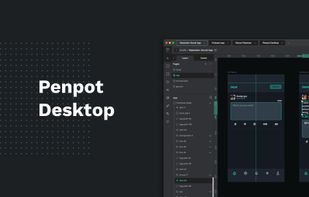
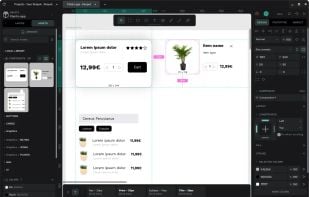
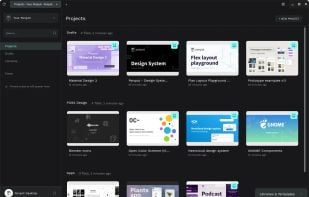
    Open-source design tool with code inspection, flexible responsive layouts, real-time collaboration, layer support, auto layout, reusable components, and no tracking.

    Cost / License

    Platforms

    • Online
    • Self-Hosted
    • Cloudron
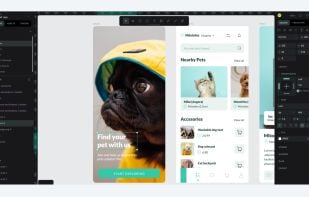
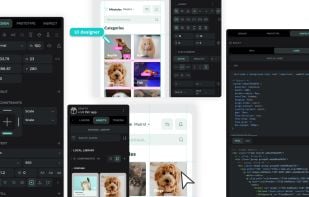
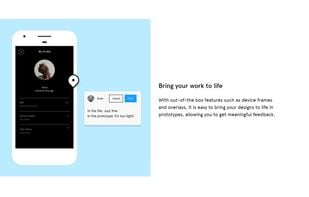
    Powerful interaction design tool for designers and developers.
    Penpot expresses designs as code. The final product reflects 
the designers' initial vision.
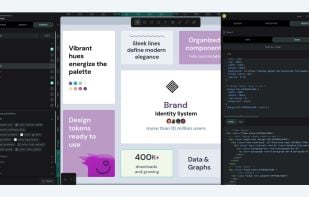
    Penpot is the first tool to integrate native design tokens. Scale your design systems easily with Penpot Design Tokens.
    +2
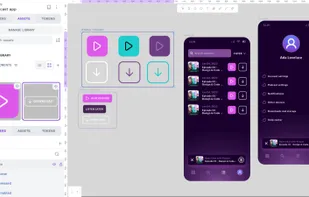
    Manage Components and Variants states, styles, and sizes in a simple, developer-friendly way—making your design system cleaner and easier to scale.
    68 alternatives
    4.8
    Excellent28 reviews
  3. Affinity icon
     55 likes

    Professional tool combining photo editing, vector illustration, and layout features with non-destructive editing, file compatibility, AI tools, and cloud integration.

    Cost / License

    • Freemium
    • Proprietary

    Platforms

    • Mac
    • Windows
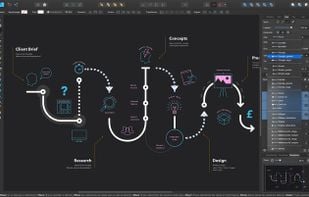
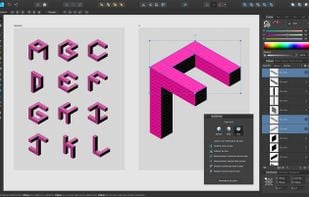
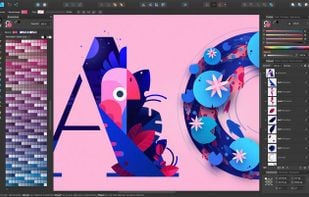
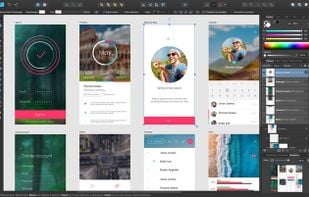
    Affinity screenshot 1
    Affinity screenshot 1
    Affinity screenshot 2
    +9
    Affinity screenshot 3
    68 alternatives
  4. Canva icon
     384 likes

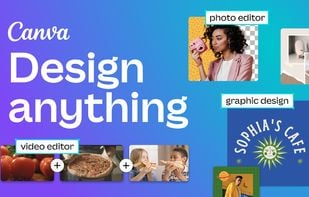
    Versatile design tool integrating photo, video editing, and AI-powered features for creating graphics, logos, and social media content efficiently.

    Cost / License

    • Freemium
    • Proprietary

    Platforms

    • Mac
    • Windows
    • Linux
    • Online
    • Android
    • iPhone
    • Android Tablet
    • iPad
    • Software as a Service (SaaS)
    Canva screenshot 1
    Canva screenshot 1
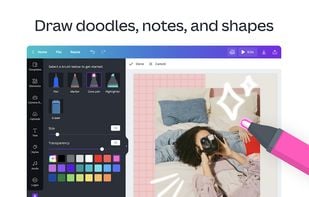
    Canva screenshot 2
    +5
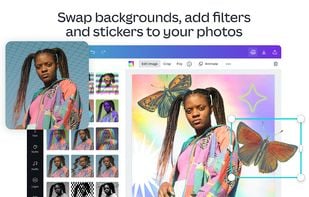
    Canva screenshot 3
    93 alternatives
    4.4
    Very Good36 reviews
  5. Photopea icon
     336 likes

    Browser-based editing supports complex layers, masks, and adjustment tools, opens PSD, XCF, Sketch files, and exports in over 40 formats, all client-side for privacy.

    Cost / License

    • Freemium
    • Proprietary

    Platforms

    • Online
    • Software as a Service (SaaS)
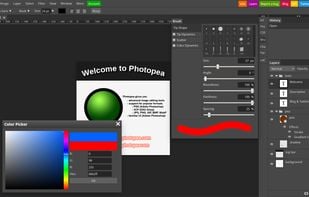
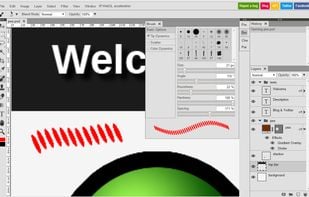
    Photopea screenshot 1
    Brush parameters.
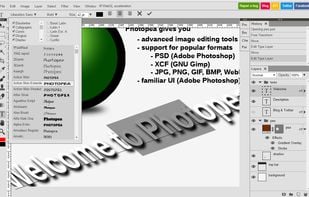
    Editing text, many fonts available.
    +2
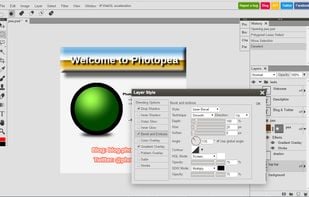
    Layer styles.
    112 alternatives
    4.5
    Excellent43 reviews
  6. Figma icon
     239 likes

    Web-based vector graphics editor with desktop apps, focusing on real-time collaboration and version control for UI/UX design.

    Cost / License

    • Freemium
    • Proprietary

    Platforms

    • Mac
    • Windows
    • Online
    • Chrome OS
    • Software as a Service (SaaS)
    • Android
    • Android Tablet
    • iPhone
    • iPad
    ,
    ,
    Figma screenshot 2
    +4
    Figma screenshot 3
    99 alternatives
    4.3
    Very Good22 reviews
  7. Graphite icon
     92 likes

    Graphite is a free, open source vector graphics editor and animation engine, available now in alpha. Get creative with a fully nondestructive editing workflow that combines layer-based compositing with node-based generative design.

    Cost / License

    Platforms

    • Online
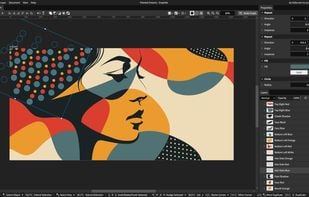
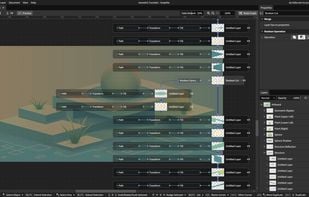
    Made using nondestructive boolean operations and procedural polka dot patterns
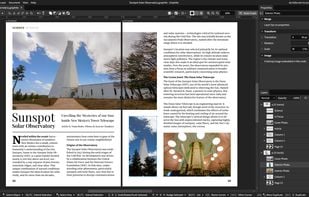
    Design for a magazine spread, a preview of the upcoming focus on desktop publishing
    All layer stacks are represented, under the hood, by a nondestructive node graph
    +2
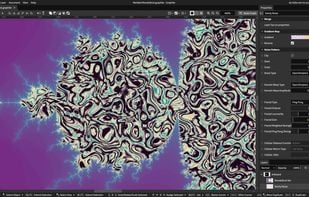
    Mandelbrot fractal filled with a noise pattern, procedurally generated and infinitely scalable
    61 alternatives
    4.5
    Excellent12 reviews
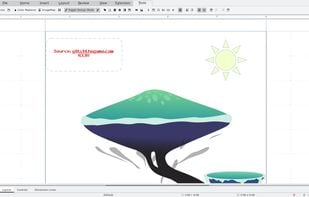
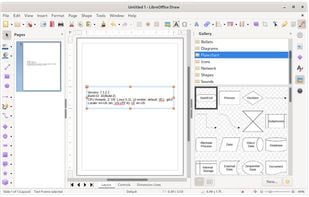
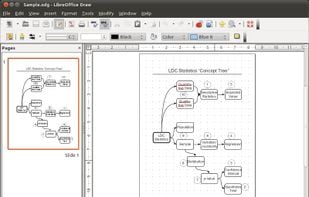
  8. Draw lets you produce anything from a quick sketch to a complex plan, and gives you the means to communicate with graphics and diagrams. With a maximum page size of 300cm by 300cm, Draw is a an excellent package for producing technical drawings, general posters, and much else.

    Cost / License

    Platforms

    • Mac
    • Windows
    • Linux
    • BSD
    • PortableApps.com
    • Flathub
    LibreOffice - Draw screenshot 1
    LibreOffice - Draw screenshot 1
    LibreOffice - Draw screenshot 2
    98 alternatives
  9. GodSVG icon
     33 likes

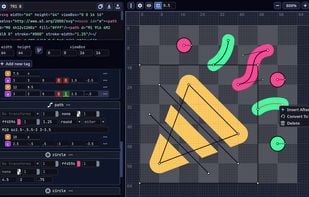
    GodSVG is an editor for Scalable Vector Graphics (SVG) files. Unlike other editors, it represents the SVG code directly, doesn't add any metadata, and even lets you edit the SVG code in real time. GodSVG is inspired by the need for an SVG editor without abstractions that...

    Cost / License

    • Free
    • Open Source (MIT)

    Application type

    Platforms

    • Mac
    • Windows
    • Linux
    • Online
    • Android
    GodSVG screenshot 1
    14 alternatives
  10. Sketch icon
     252 likes

    Sketch is a vector-based design tool for Mac with a focus on screen design. It’s used primarily by screen designers who create websites, icons, and user interfaces for desktop and mobile devices. For beginners and industry professionals alike, Sketch’s powerful and easy-to-use...

    Cost / License

    • Paid
    • Proprietary

    Platforms

    • Mac
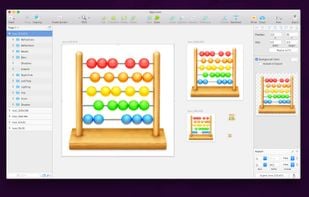
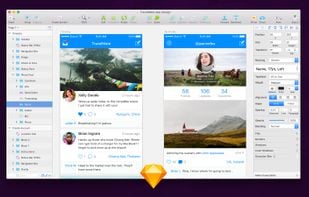
    App icon design
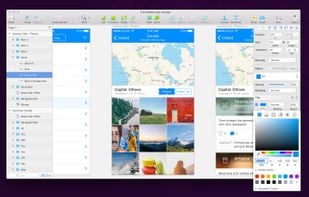
    Working with colors
    Promo page
    +1
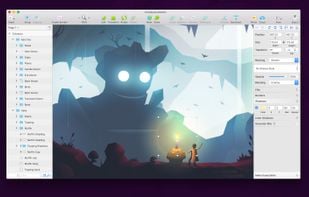
    Illustrating in Sketch
    82 alternatives
    4.1
    Very Good8 reviews
  11. Procreate icon
     165 likes

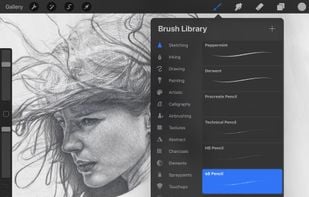
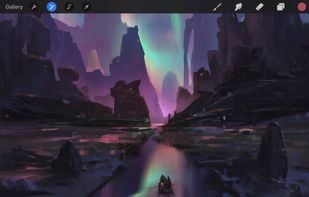
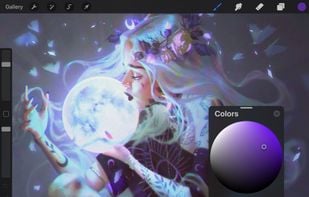
    Multi-award winning app offers professional tools and flexibility for creative illustration on iPad and iPhone with features like layering and brushes.

    Cost / License

    • Paid
    • Proprietary

    Platforms

    • iPhone
    • iPad
    Procreate screenshot 1
    Procreate screenshot 1
    Procreate screenshot 2
    +13
    Procreate screenshot 3
    63 alternatives
    4.5
    Excellent45 reviews
  12. Wick Editor icon
     80 likes

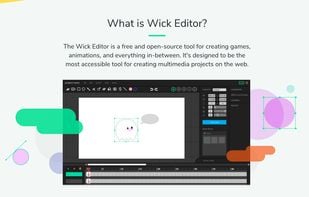
    The Wick Editor is a free and open-source tool for creating games, animations, and everything in-between. It's designed to be the most accessible tool for creating multimedia projects on the web. Your creations can run on any device with a web browser - that means mobile too.

    Cost / License

    Alerts

    • Discontinued

    Platforms

    • Mac
    • Windows
    • Linux
    • Online
    • Self-Hosted
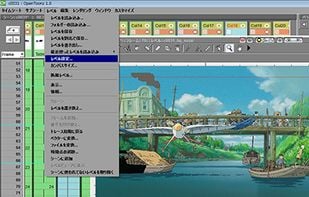
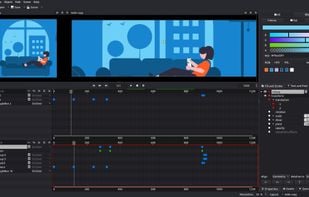
    Wick Editor's Banner
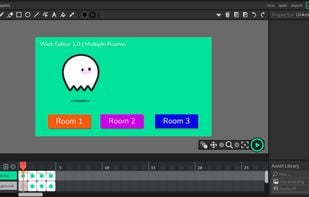
    A picture of the editor with a demo!
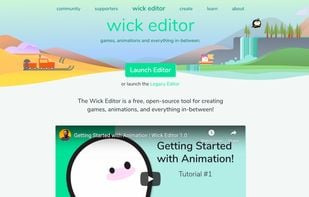
    The front page of www.wickeditor.com
    +2
    The About page and a design image for a new editor layout.
    100 alternatives
    4.8
    Excellent11 reviews
  13. Essential digital tool for comic and manga artists, offering specialized tools for shortcuts like panel layouts, inking, vector support, and 3D model import.

    Cost / License

    • Paid
    • Proprietary

    Platforms

    • Mac
    • Windows
    • Android
    • iPhone
    • Chrome OS
    • Android Tablet
    • iPad
    • Samsung Galaxy Store
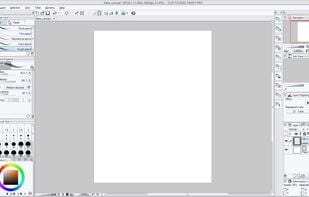
    Customizable workspace
    Simple UI mode
    Blank Canvas
    +9
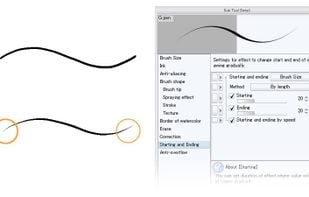
    Tool editing dialog
    103 alternatives
    3.8
    Good12 reviews
  14. Lunacy icon
     160 likes

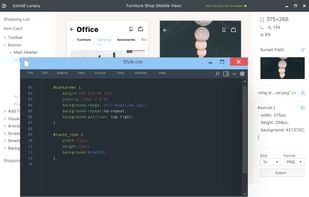
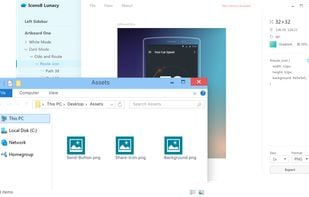
    Vector design app for UI, UX, and web work, supporting native editing of .sketch files, real-time collaboration, AI features, and asset export in multiple formats.

    Cost / License

    • Freemium
    • Proprietary

    Platforms

    • Mac
    • Windows
    • Linux
    • Snapcraft
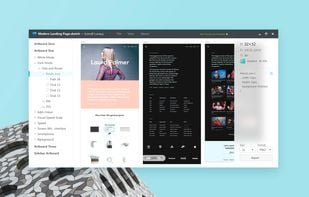
    Lunacy screenshot 1
    Lunacy screenshot 1
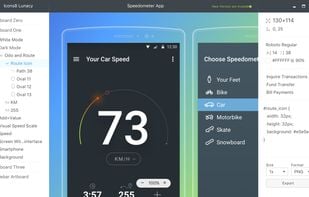
    Lunacy screenshot 2
    +7
    Lunacy screenshot 3
    33 alternatives
    5.0
    Excellent7 reviews
  15. Rnote icon
     37 likes

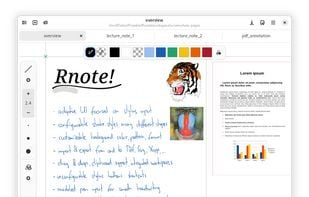
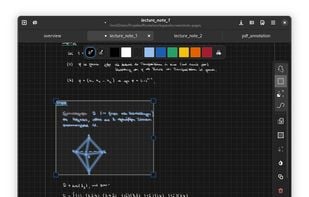
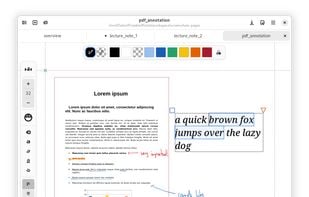
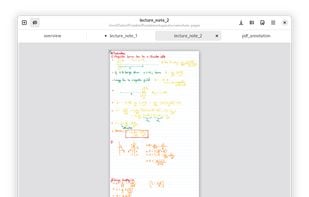
    Rnote aims to be a simple but functional note taking application for freehand drawing or annotating pictures or documents. It eventually should be able to import / export various media file formats.

    Cost / License

    Platforms

    • Mac
    • Windows
    • Linux
    • Flathub
    • Flatpak
    Rnote screenshot 1
    Rnote screenshot 1
    Rnote screenshot 2
    +4
    Rnote screenshot 3
    22 alternatives