Vector Graphic Apps Page 3 of 10

All apps in Vector Graphic Apps category. Use the filters below to narrow down your search. 
Copy a direct link to this comment to your clipboard
  1. Pencil icon
     70 likes

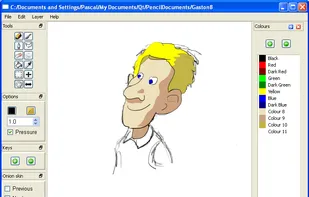
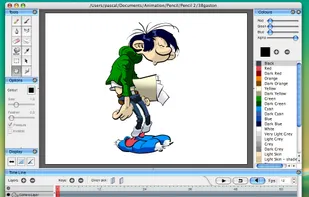
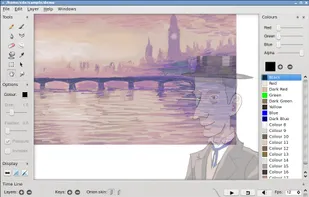
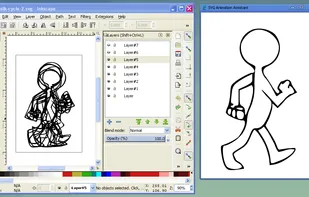
    Pencil is an animation/drawing software for Mac OS X, Windows, and Linux. It lets you create traditional hand-drawn animation (cartoon) using both bitmap and vector graphics.

    Cost / License

    • Free
    • Open Source

    Application type

    Alerts

    • Discontinued

    Platforms

    • Mac
    • Windows
    • Linux
    Pencil in Windows
    Pencil in Mac
    Pencil in Linux
    39 alternatives
  2. Photoline icon
     61 likes

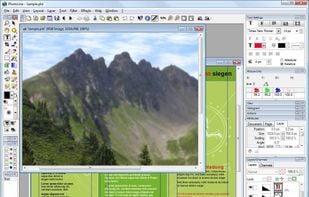
    Photoline is a professional image editor which offers creatives a mostly non-destructive workflow for 8/16/32bpc image processing and compositing in RGB, CMYK, and Lab modes.

    Full vector editing, DTP features, and a HSV/HIS workflow are supported.

    Cost / License

    • Paid
    • Proprietary

    Application types

    Platforms

    • Mac
    • Windows
    • Wine
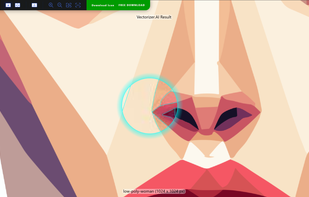
    Photoline screenshot 1
    Photoline screenshot 1
    Photoline working area
    101 alternatives
  3. sK1 icon
     37 likes

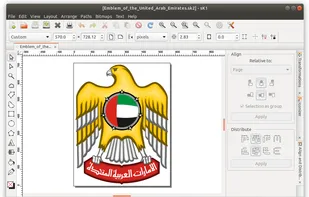
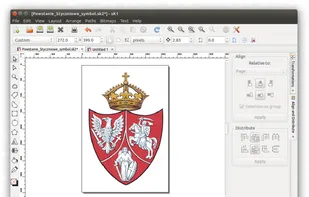
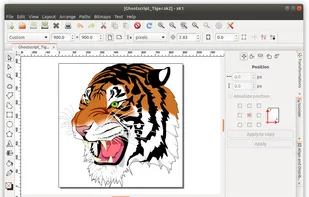
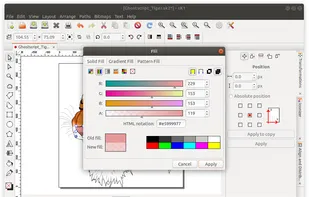
    sK1 is an open source cross-platform vector graphics editor like CorelDRAW, Adobe Illustrator, or Freehand. The major feature of sK1 is a professional precise printing and prepress ready PDF output.

    Cost / License

    Alerts

    • Discontinued

    Platforms

    • Windows
    • Linux
    sK1 screenshot 1
    sK1 screenshot 1
    sK1 screenshot 2
    +4
    sK1 screenshot 3
    33 alternatives
  4. Kage Studio icon
     5 likes

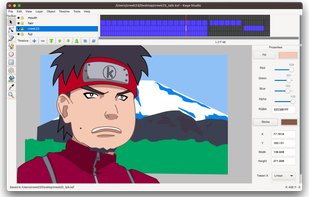
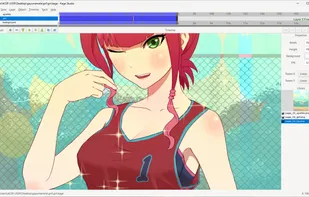
    Kage Studio is a vector-based 2D Animation cross-platform Software that can export animation to HTML5, PNG sequence, Spritesheet, and video (via FFmpeg) as well as static images to PNG and SVG.

    Cost / License

    • Free
    • Open Source

    Application type

    Platforms

    • Windows
    • Linux
    • Mac
    Kage Studio on Mac OS
    Kage Studio on Windows
    24 alternatives
  5. Drawtify icon
     7 likes

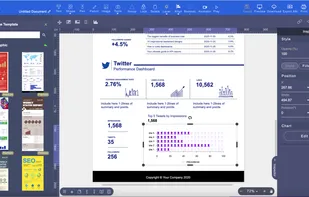
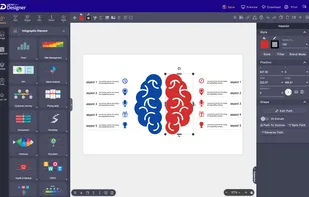
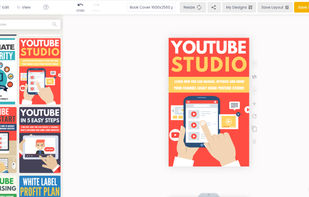
    Free Online Vector Graphic Editor with Great Design Templates and Elements. With powerful vector editor, you can create beautiful graphics online for free, such as SVG graphics, vector logos, infographics, flyer, poster, banners, etc.

    Cost / License

    • Freemium
    • Proprietary

    Platforms

    • Mac
    • Windows
    • Online
    • Software as a Service (SaaS)
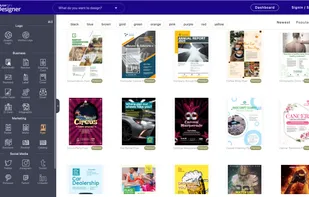
    Drawtify screenshot 1
    Drawtify screenshot 1
    Drawtify screenshot 2
    62 alternatives
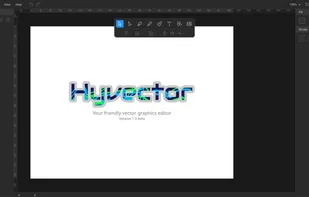
  6. Repath Studio icon
     3 likes

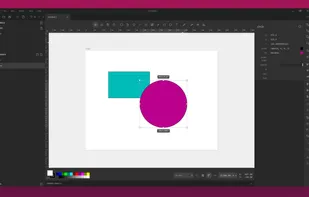
    A cross platform vector graphics editor, that combines procedural tooling with traditional design workflows. It includes an interactive shell, which allows evaluating code to generate shapes, or even extend the editor on the fly.

    Cost / License

    Application type

    Platforms

    • Mac
    • Windows
    • Linux
    Repath Studio screenshot 1
    8 alternatives
  7. Pencil.dev icon
     4 likes

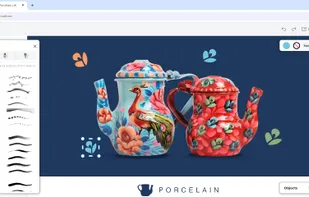
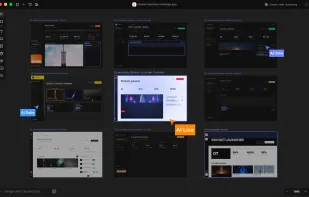
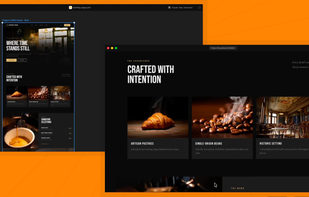
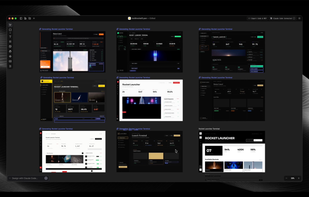
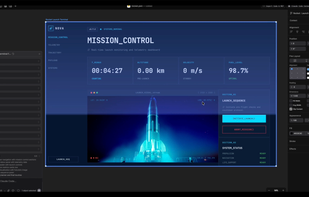
    Vector UI design canvas for IDEs, offering infinite canvas, layers, reusable components, synced design tokens, code integration, and AI assistant support.

    Cost / License

    • Free
    • Proprietary

    Platforms

    • Mac
    • Linux
    • Cursor
    • Visual Studio Code
    Pencil.dev screenshot 1
    Pencil.dev screenshot 1
    Pencil.dev screenshot 2
    +3
    Pencil.dev screenshot 3
    34 alternatives
  8. SVG Flipbook icon
     6 likes

    SVG Flipbook runs next to your SVG editor and lets you animate your creation. Each layer in your SVG becomes one frame. You can use whatever SVG editor you like. Inkscape and Illustrator both work great.

    Cost / License

    • Freemium
    • Open Source

    Platforms

    • Mac
    • Windows
    • Linux
    • Online
    • Self-Hosted
    • Software as a Service (SaaS)
    SVG Flipbook screenshot 1
    SVG Flipbook screenshot 1
    SVG Flipbook screenshot 2
    +4
    SVG Flipbook screenshot 3
    22 alternatives
  9. Vecteezy Editor icon
     31 likes

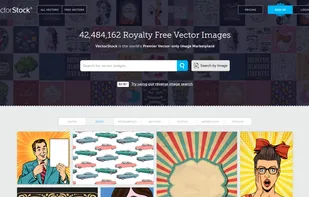
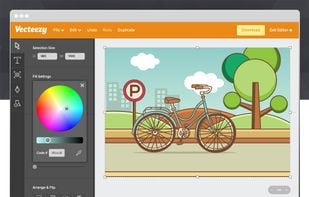
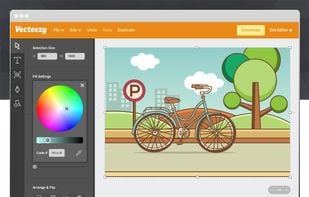
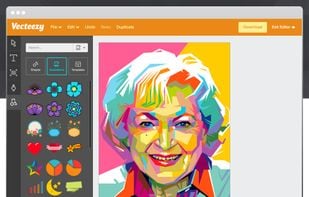
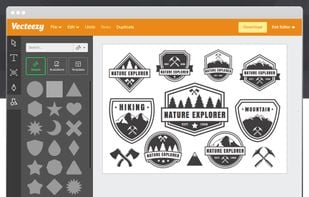
    The Vecteezy Editor is a free SVG editor designed to allow anyone to quickly and easily create beautiful graphics directly in the browser. This tool is built into the largest database of free vector graphics on the internet.

    Cost / License

    • Free
    • Proprietary

    Platforms

    • Online
    • Google Chrome
    • Opera
    • Chromium
    Vecteezy Editor screenshot 1
    Vecteezy Editor screenshot 1
    Vecteezy Editor screenshot 2
    +6
    Vecteezy Editor screenshot 3
    73 alternatives
  10. Omber icon
     6 likes

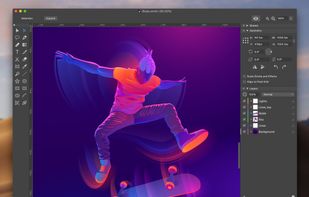
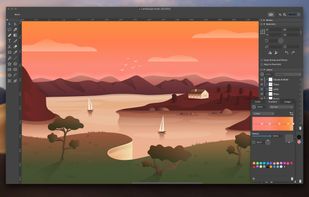
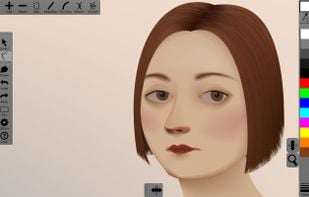
    Omber is a new type of vector design program that lets you use color in new ways in your vector drawings. With Omber's advanced soft shading tools, you can easily make dramatic color blends or subtle color gradients in your art.

    Cost / License

    • Freemium
    • Proprietary

    Application type

    Platforms

    • Mac
    • Windows
    • Online
    • Android
    • iPhone
    • Chrome OS
    • iPad
    Omber screenshot 1
    Omber screenshot 1
    Omber screenshot 2
    +4
    Omber screenshot 3
    27 alternatives
  11. Graphic icon
     37 likes

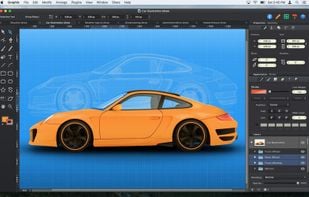
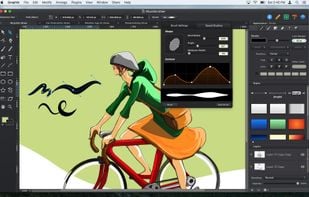
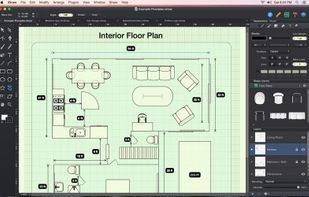
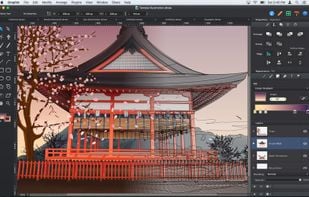
    Graphic is a modern full-featured graphic design and illustration application, created specifically for Mac OS X. Packed with many powerful features, and designed to be easy to use, you can use Graphic to create everything from simple diagrams to intricate detailed vector...

    Cost / License

    • Paid
    • Proprietary

    Application type

    Platforms

    • Mac
    • iPhone
    • iPad
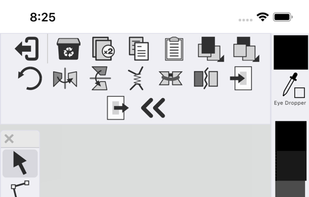
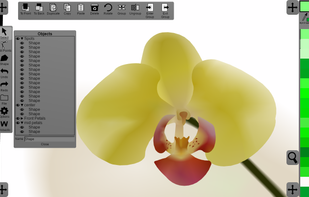
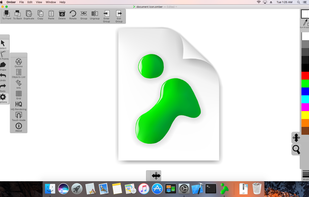
    Graphic screenshot 1
    Graphic screenshot 1
    Graphic screenshot 2
    +8
    Graphic screenshot 3
    37 alternatives
  12. Plasfy icon
     4 likes

    Plasfy is the ultimate easy-to-use online design editor with thousands of customizable templates and millions of high-quality photos, cliparts, and icons.

    Cost / License

    • Paid
    • Proprietary

    Platforms

    • Online
    • Software as a Service (SaaS)
    Plasfy Editor
    Plasfy Editor
    Plasfy Editor
    35 alternatives