Video Editors Page 2 of 22

All apps in Video Editors category. Use the filters below to narrow down your search. 
Copy a direct link to this comment to your clipboard
  1. Final Cut Pro icon
     114 likes

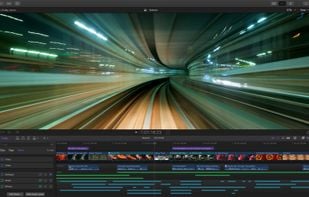
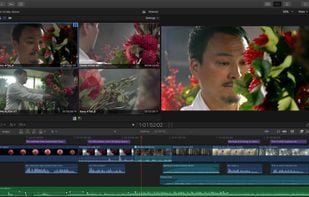
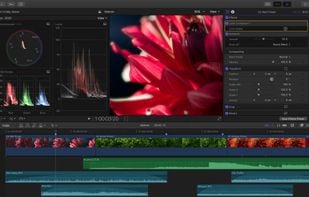
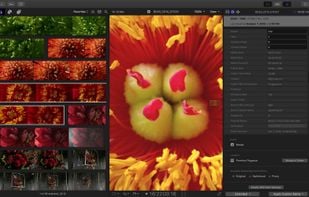
    Final Cut Pro provides non-linear, non-destructive editing of any QuickTime-compatible video format including DV, HDV, P2 MXF (DVCProHD), XDCAM (via plug-in), and 2K film formats. It supports a number of simultaneously composited video tracks (limited mainly by video format and...

    Cost / License

    • Paid
    • Proprietary

    Application type

    Platforms

    • Mac
    • iPad
    Final Cut Pro screenshot 1
    Final Cut Pro screenshot 1
    Final Cut Pro screenshot 2
    +2
    Final Cut Pro screenshot 3
    126 alternatives
  2. Klap icon
     7 likes

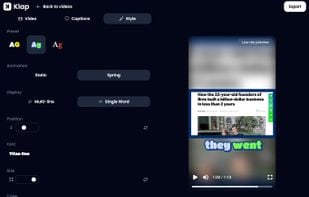
    Klap is a web application that converts YouTube videos into short clips for social media platforms like TikTok, Reels, and Shorts. Users can upload a video, add captions, and share the clips on social media.
    Cost / License

    • Paid
    • Proprietary

    Platforms

    • Online
    • Software as a Service (SaaS)
    Klap screenshot 1
    Klap screenshot 1
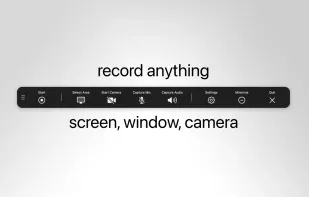
    Klap screenshot 2
    +1
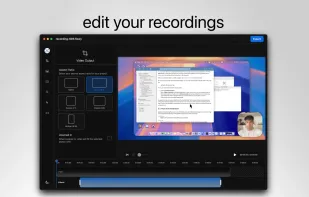
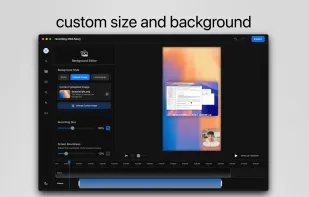
    Klap screenshot 3
    62 alternatives
  3. iMovie icon
     121 likes

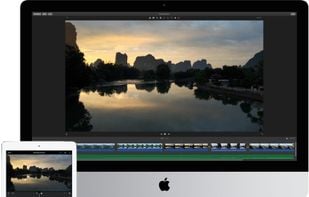
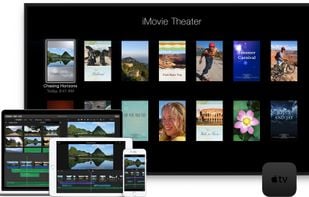
    With iMovie for iOS and macOS, you can enjoy your videos like never before. It’s easy to browse your clips and create Hollywood-style trailers and stunning 4K-resolution movies. You can even start editing on iPhone or iPad, then finish on your Mac.

    Cost / License

    • Free
    • Proprietary

    Application type

    Platforms

    • Mac
    • iPhone
    • iPad
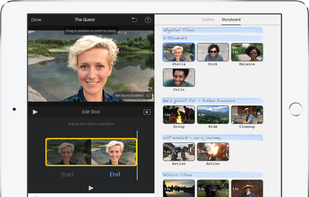
    Whether you’re using a Mac or an iOS device, it’s never been easier to make it in the movies. Just choose your clips, then add titles, music, and effects. iMovie even supports 4K video for stunning cinema-quality films. And that, ladies and gentlemen, is a wrap.
    A powerful performance in every movie.

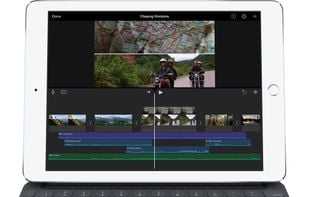
iMovie delivers a tour de force on iPad Pro. Work with multiple 4K video clips. Create effects like picture-in-picture or split screen in real time. And use keyboard shortcuts to speed up your editing performance.
    iMovie screenshot 2
    +1
    iMovie screenshot 3
    154 alternatives
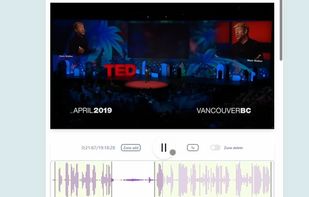
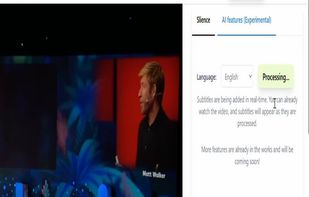
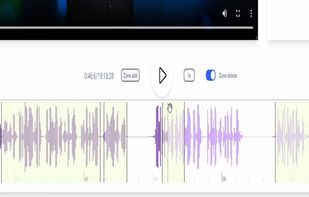
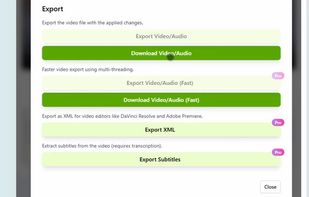
  4. Edit videos privately in your browser — no downloads or uploads needed. Remove silence, generate subtitles, and create clips with complete privacy.

    Cost / License

    • Freemium
    • Proprietary

    Application type

    Platforms

    • Online
    • Software as a Service (SaaS)
    Silence Slicer screenshot 1
    Silence Slicer screenshot 1
    Silence Slicer screenshot 2
    +1
    Silence Slicer screenshot 3
    20 alternatives
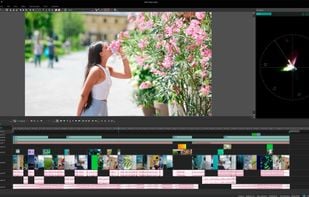
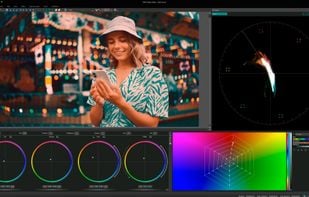
  5. VSDC Free Video Editor allows you to add quick changes to a video file as well as create a more complex project involving advanced post-production techniques.

    Cost / License

    • Freemium
    • Proprietary

    Application type

    Platforms

    • Windows
    • iPhone
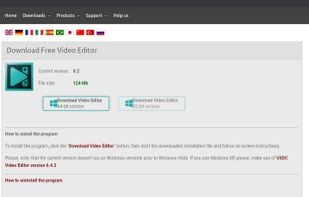
    Vsdc latest version 8.2
    Vsdc tutorial on vsdc youtube channel
    Vsdc timeline
    +9
    Vsdc colour grading 1
    119 alternatives
    4.0
    Very Good6 reviews
  6. Animation Desk icon
     180 likes

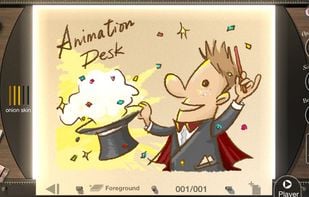
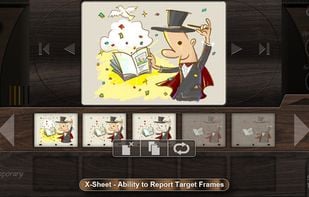
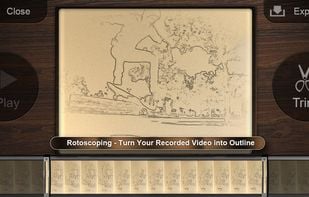
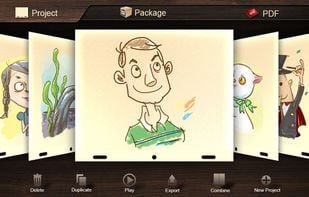
    Create frame-by-frame animation, storyboards, and sketches with various painting tools, layers, onion skinning, stamp features, and social media sharing.

    Cost / License

    • Freemium
    • Proprietary

    Platforms

    • Windows
    • Android
    • iPhone
    • Android Tablet
    • iPad
    Animation Desk screenshot 1
    Animation Desk screenshot 1
    Animation Desk screenshot 2
    +2
    Animation Desk screenshot 3
    90 alternatives
  7. Ashampoo Burning Studio 2025 reliably burns movies, music, and data to all types of disc media. It also supports data backups, CD ripping, and custom cover designs–perfect for all types of burning projects.

    Cost / License

    • Freemium
    • Proprietary

    Platforms

    • Windows
    Ashampoo Burning Studio screenshot 1
    Ashampoo Burning Studio screenshot 1
    Ashampoo Burning Studio screenshot 2
    60 alternatives
    4.0
    Very Good7 reviews
  8. Cinelerra icon
     74 likes

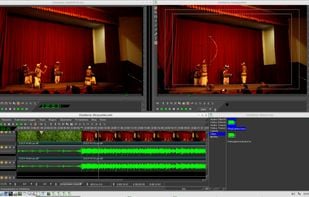
    Cinelerra is a highly advanced and professional non-linear video editing software, but still remains open source. Cinelerra solves three main tasks: capturing, editing and compositing.

    Cost / License

    Application type

    Platforms

    • Linux
    Cinelerra screenshot 1
    Cinelerra screenshot 1
    Cinelerra screenshot 2
    +3
    Cinelerra screenshot 3
    105 alternatives
  9. Pimosa icon
     5 likes

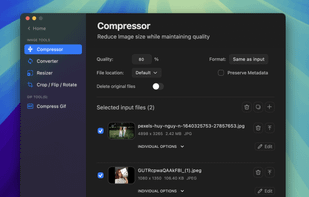
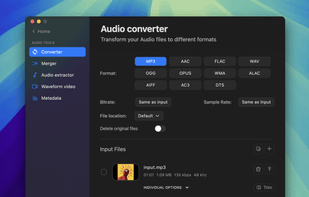
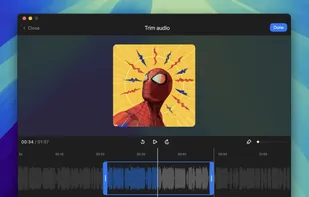
    Edit and convert video, audio, and images with batch processing, combining, cropping, compression, resizing, text, overlays, filters, and waveform creation.

    Cost / License

    • Paid
    • Proprietary

    Platforms

    • Mac
    • Windows
    Pimosa screenshot 1
    Pimosa screenshot 1
    Pimosa screenshot 2
    +5
    Pimosa screenshot 3
    35 alternatives
  10. LightCut icon
     7 likes

    LightCut is an AI-powered video editing app with awesome templates and effects that help you create stylish videos and vlogs with ease. Try the AI video editor for unique videos with just a tap, or the Inspire Cam feature, which lets you shoot like a pro.

    Cost / License

    • Free
    • Proprietary

    Application type

    Platforms

    • Android
    • iPhone
    • iPad
    • Android Tablet
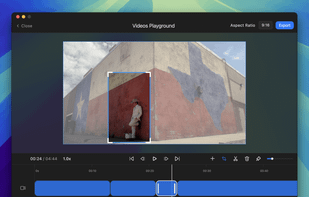
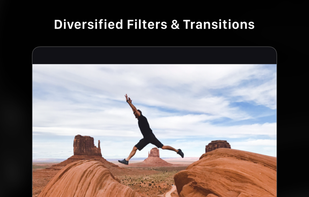
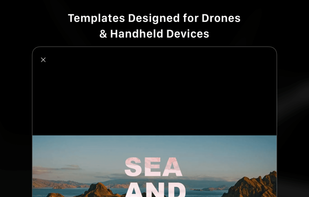
    LightCut screenshot 1
    LightCut screenshot 1
    LightCut screenshot 2
    +17
    LightCut screenshot 3
    93 alternatives
  11. Cuts video and audio files with lossless precision, supporting automatic transcripts, speech detection, and vertical clip conversion.

    Cost / License

    • Freemium
    • Proprietary

    Application type

    Platforms

    • Mac
    • Windows
    • Linux
    Smart Media Cutter screenshot 1
    56 alternatives
  12. Clipchamp icon
     14 likes

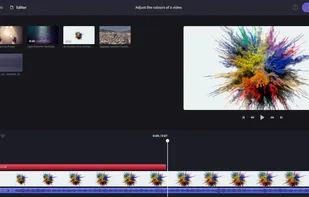
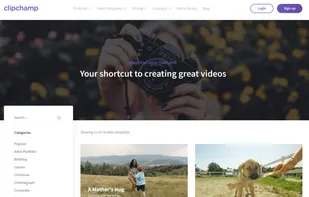
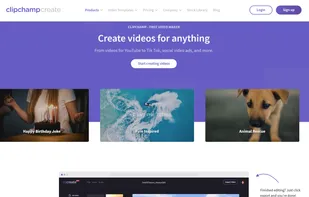
    All your video needs in one place. Use Clipchamp’s free video editor to create beautiful videos today.

    Cost / License

    • Freemium
    • Proprietary

    Application type

    Platforms

    • Windows
    • Online
    • iPhone
    • Google Chrome
    Clipchamp screenshot 1
    Clipchamp screenshot 1
    Clipchamp screenshot 2
    +1
    Clipchamp screenshot 3
    122 alternatives
  13. Google Flow icon
     3 likes

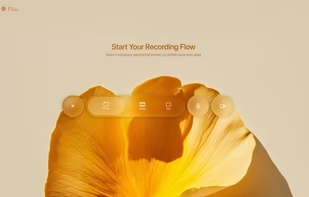
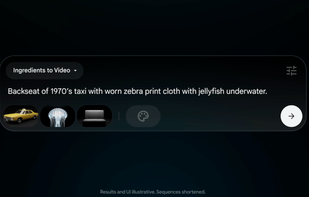
    Dedicated AI-powered filmmaking tool that integrates technologies with Google’s Gemini AI, alongside Veo 3, a state-of-the-art video generation model and Imagen 4, a next-generation image creation system.

    Cost / License

    • Paid
    • Proprietary

    Platforms

    • Online
    Google Flow screenshot 1
    Google Flow screenshot 1
    Google Flow screenshot 2
    +2
    Google Flow screenshot 3
    52 alternatives
  14. Runway icon
     8 likes

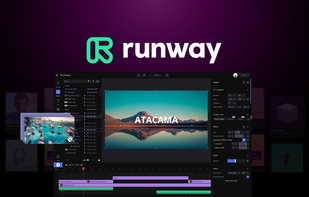
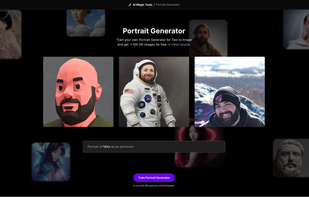
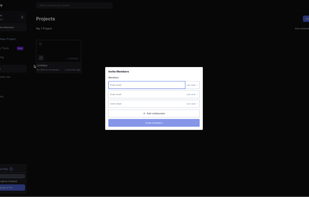
    Suite offers over 30 AI tools for creating, editing, and modifying images, audio, and video with controls for style, resolution, and content, plus team features.

    Cost / License

    • Freemium
    • Proprietary

    Application type

    Platforms

    • Online
    • iPhone
    Runway screenshot 1
    Quicken editing with AI Magic Tools
    Train your AI Portrait Generator
    +3
    Invite members to collaborate
    92 alternatives
  15. DreamCut icon
     6 likes

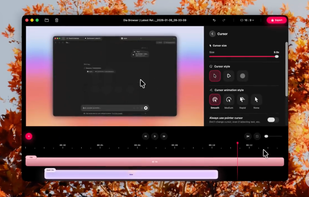
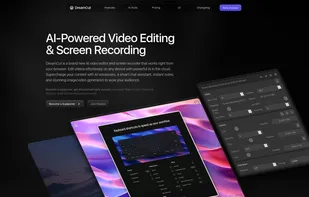
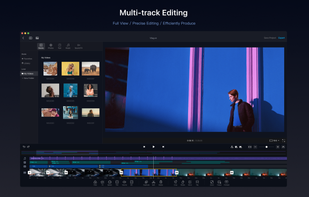
    AI video editor and screen recorder in your browser. Features lifelike voiceovers, dynamic backgrounds, 4K export, and real-time editing effects.

    Cost / License

    • Freemium
    • Proprietary

    Application type

    Platforms

    • Online
    • Software as a Service (SaaS)
    DreamCut screenshot 1
    DreamCut screenshot 1
    19 alternatives
  16. VN Video Editor icon
     14 likes

    VN, a professional mobile video editor, allows you to become a director of your own life via VN video editor maker. Simple, but powerful as desktop editor, VN is suitable for both beginners and professional users.

    Cost / License

    • Freemium
    • Proprietary

    Application type

    Platforms

    • Mac
    • Android
    • iPhone
    • Android Tablet
    • iPad
    VN Video Editor screenshot 1
    VN Video Editor screenshot 1
    VN Video Editor screenshot 2
    +9
    VN Video Editor screenshot 3
    126 alternatives
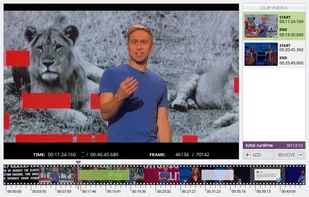
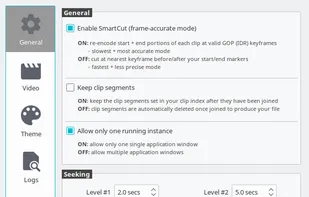
  17. VidCutter icon
     28 likes

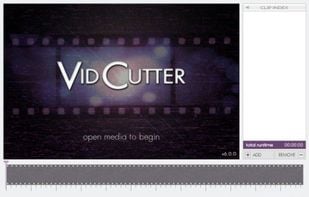
    A modern, simple to use, constantly evolving and hella fast MEDIA CUTTER + JOINER w/ frame-accurate SmartCut technology + Qt5, libmpv, FFmpeg and MediaInfo powering the backend.

    Cost / License

    Application type

    Platforms

    • Mac
    • Windows
    • Linux
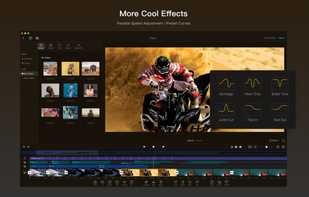
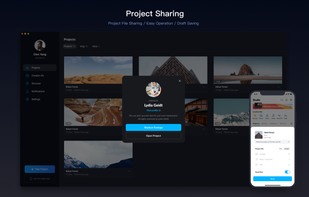
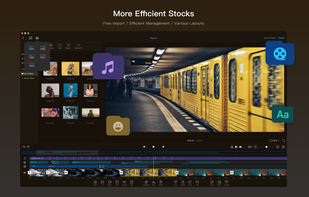
    VidCutter screenshot 1
    VidCutter screenshot 1
    VidCutter screenshot 2
    +5
    VidCutter screenshot 3
    53 alternatives
    1.4
    Very Poor9 reviews
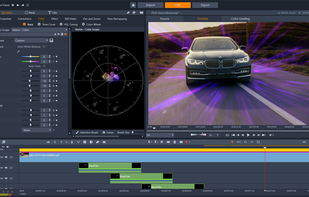
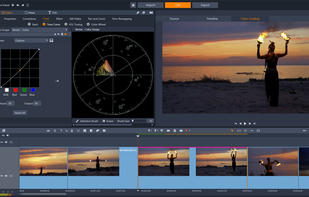
  18. Pinnacle Studio icon
     40 likes

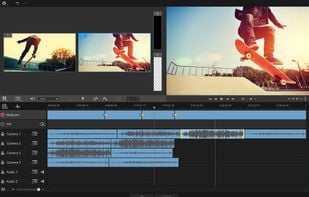
    Non-linear video editor for Windows with support for HD, 4K, 360 video, unlimited tracks, advanced effects, multi-camera editing, and precise keyframe controls.

    Cost / License

    • Paid
    • Proprietary

    Application type

    Platforms

    • Windows
    Pinnacle Studio screenshot 1
    Pinnacle Studio screenshot 1
    Pinnacle Studio screenshot 2
    +1
    Pinnacle Studio screenshot 3
    130 alternatives
  19. Trupeer.ai icon
     4 likes

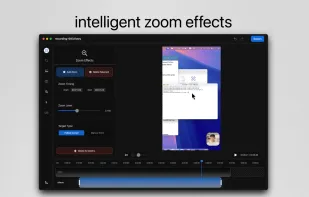
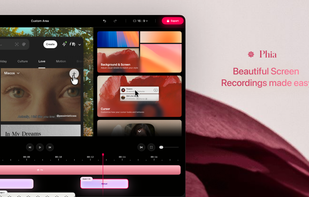
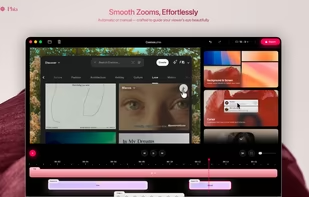
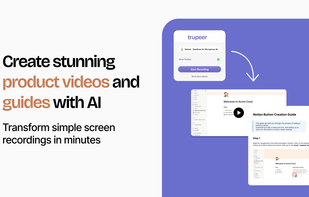
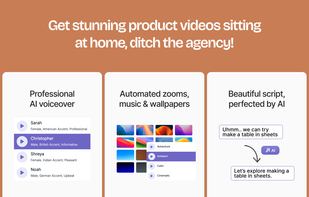
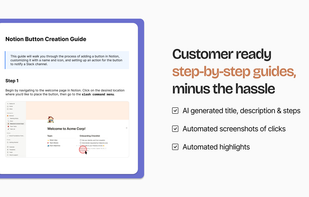
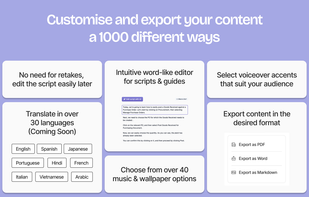
    Transforms screen recordings into professional videos and step-by-step guides with AI-generated scripts, voiceovers, grammar fixes, and zoom effects.

    Cost / License

    • Freemium
    • Proprietary

    Platforms

    • Online
    • Google Chrome
    Trupeer.ai screenshot 1
    Trupeer.ai screenshot 1
    Trupeer.ai screenshot 2
    +2
    Trupeer.ai screenshot 3
    21 alternatives
  20. VideoPad icon
     70 likes

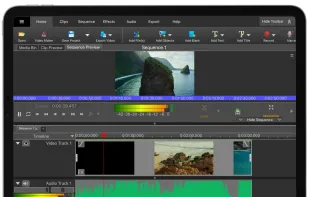
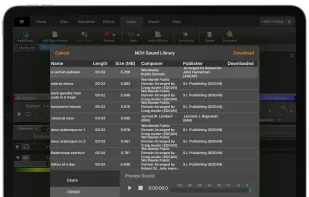
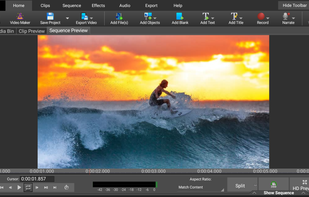
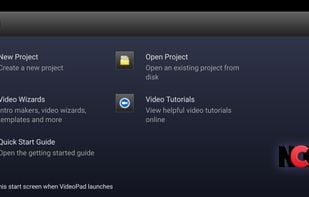
    Versatile video editing software with 50+ effects, real-time previews, and optimization tools for brightness and color. Share projects on DVDs, online, or mobile devices.

    Cost / License

    • Freemium
    • Proprietary

    Application type

    Platforms

    • Mac
    • Windows
    • Android
    • iPhone
    • Android Tablet
    • iPad
    • Kindle Fire
    VideoPad screenshot 1
    VideoPad screenshot 1
    VideoPad screenshot 2
    +14
    VideoPad screenshot 3
    153 alternatives
  21. Coub icon
     38 likes

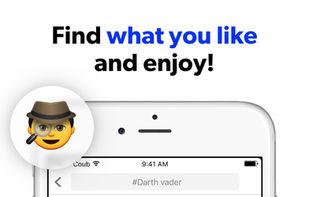
    Coub is YouTube for video loops. You can take any video, trim the best part, combine with other videos, add soundtrack. It might be a funny scene, movie quote, animation, meme or a mashup of multiple sources.

    Cost / License

    • Free
    • Proprietary

    Application type

    Platforms

    • Online
    • Android
    • iPhone
    • Android Tablet
    • iPad
    • Apple Messages
    Coub screenshot 1
    Coub screenshot 1
    Coub screenshot 2
    +5
    Coub screenshot 3
    47 alternatives