The software I'll install on my laptop once I ditch macOS for Linux

Spoiler: I've switched to Linux for my main computer, and here's what I'm currently using.

Paul
Paul List by Paul , last updated 
Copy a direct link to this comment to your clipboard
  1. Operating system

  2. As the desktop environment to replace Aqua.

    Cost / License

    • Free
    • Open Source

    Application type

    Platforms

    • Linux
    • BSD
    • KDE Plasma
    • postmarketOS
    • openSUSE
    • Arch Linux
    • Fedora
    • FreeBSD
    • SteamOS
    • Wayland
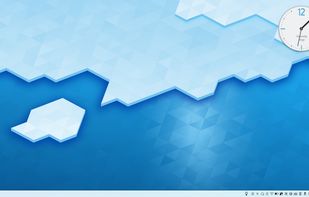
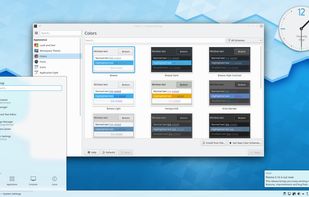
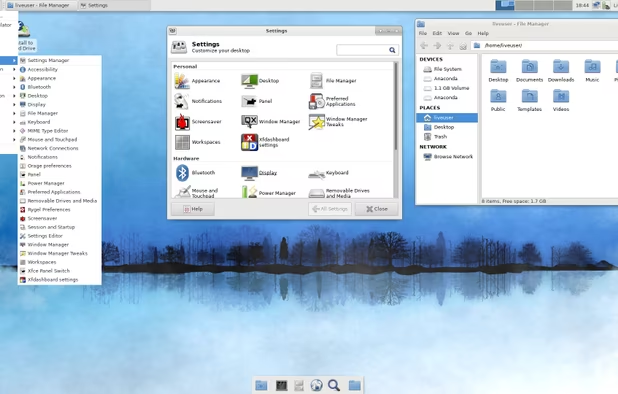
    A typical Plasma desktop looks like this
    KDE Plasma 5.16
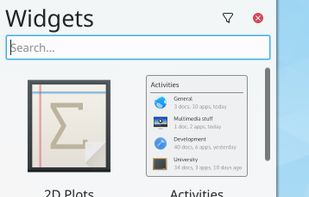
    Plasma Widgets
    +3
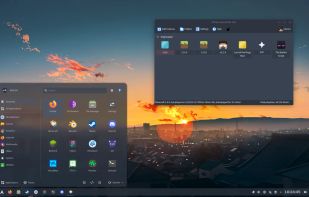
    KDE Plasma screenshot 3
  3. Utilities

  4. Internet

  5. Main web browser to replace Google Chrome icon Google Chrome (Google…) and Safari icon Safari. Like I do on macOS, I would use ungoogled-chromium icon ungoogled-chromium or Brave icon Brave as my second web browser.

    Cost / License

    • Free
    • Open Source

    Application type

    Platforms

    • Mac
    • Windows
    • Linux
    • Android
    • iPhone
    • Android Tablet
    • BSD
    • HUAWEI AppGallery
    • iPad
    • AppImageHub
    • Snapcraft
    • Flathub
    • Samsung Galaxy Store
    • PortableApps.com
    • Haiku
    • Flatpak
    • Homebrew
    • Chocolatey
    • Gecko
    • Linux Mobile
    More protection from the start
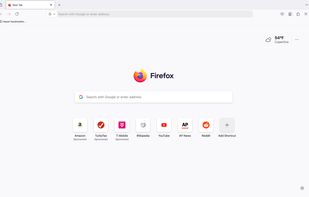
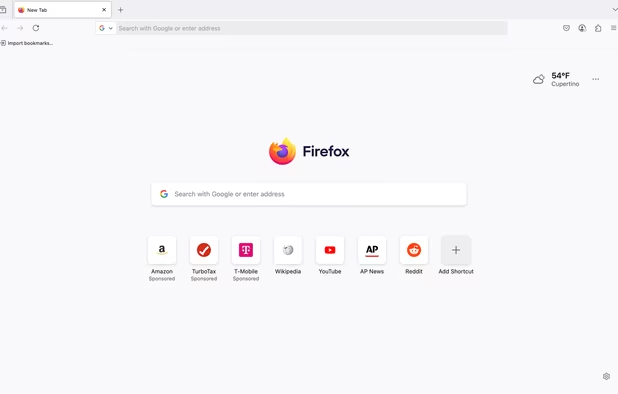
    Firefox Desktop (Light Theme)
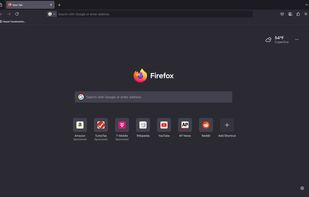
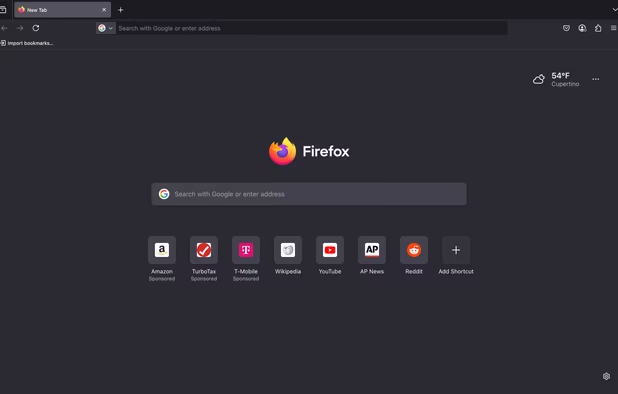
    Firefox Desktop (Dark Theme)
    +8
    Firefox iOS (Light Theme)
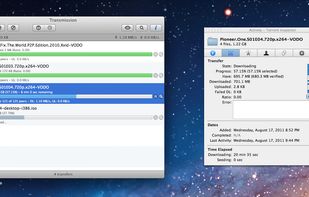
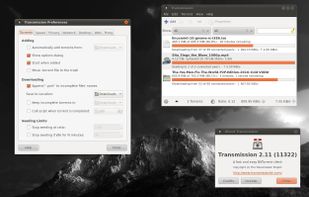
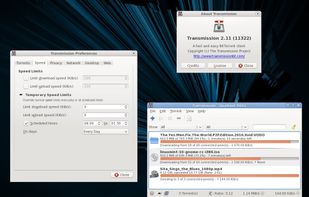
  6. This is the BitTorrent client I'm already using on macOS. qBittorrent icon qBittorrent also looks pretty good but I've never tried it.
    Cost / License

    • Free
    • Open Source

    Application type

    Platforms

    • Mac
    • Windows
    • Linux
    • BSD
    • Flathub
    • PortableApps.com
    • Haiku
    • Cloudron
    • Xfce
    • Snapcraft
    Transmission Windows
    Transmission Mac
    Transmission GTK+
    +3
    Transmission Qt
  7. Media
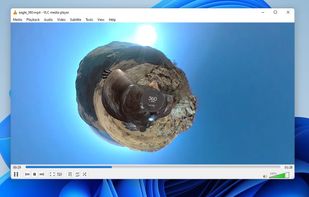
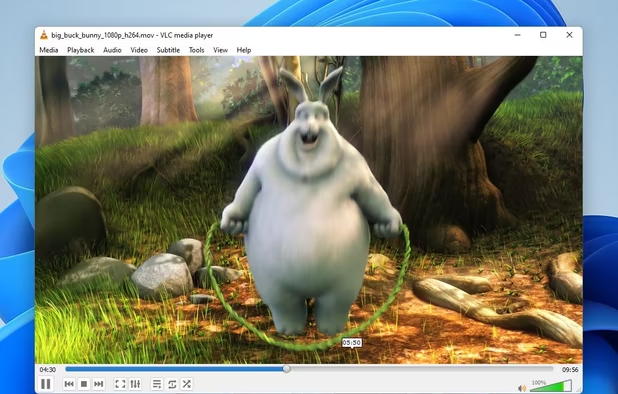
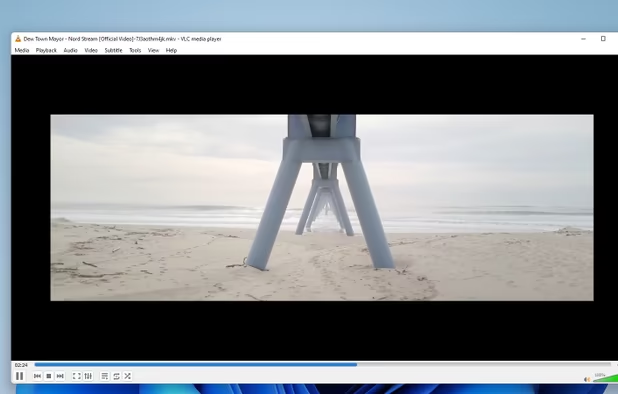
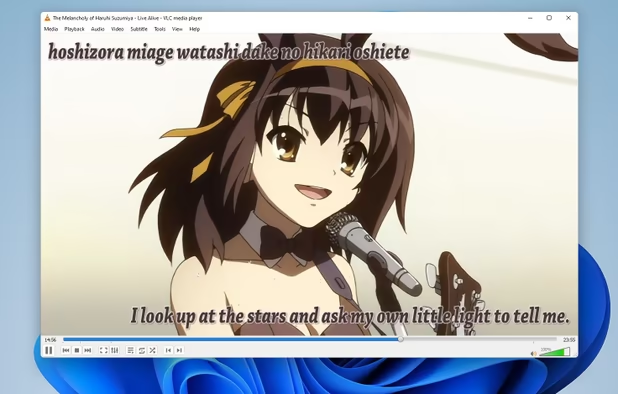
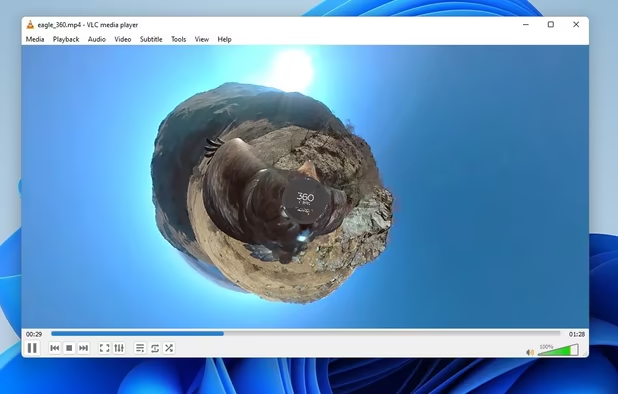
  8. To play videos and cast movies on my AndroidTV videoprojector. To replace IINA icon IINA and Airflow icon Airflow. Also worth mentioning: MPV icon MPV & Celluloid icon Celluloid.

    Cost / License

    • Free
    • Open Source

    Application type

    Platforms

    • Mac
    • Windows
    • Linux
    • Windows Mobile
    • Android
    • iPhone
    • Android Tablet
    • BSD
    • HUAWEI AppGallery
    • iPad
    • AppImageHub
    • Apple Watch
    • Snapcraft
    • Google Chrome
    • Apple TV
    • Flathub
    • PortableApps.com
    • F-Droid
    • Kindle Fire
    • Haiku
    • Android TV
    • Homebrew
    • Chocolatey
    • Xbox
    • OpenAPK
    VLC Media Player screenshot 1
    VLC Media Player screenshot 1
    VLC Media Player screenshot 2
    +4
    VLC Media Player screenshot 3
  9. HandBrake icon
     Like

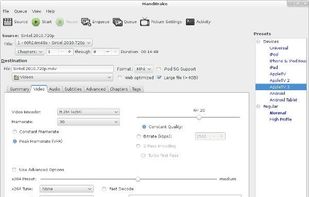
    For video conversion/transcoding. It's already what I'm using on macOS.

    Cost / License

    • Free
    • Open Source

    Application type

    Platforms

    • Mac
    • Windows
    • Linux
    • BSD
    • Snapcraft
    • Flathub
    • Haiku
    • Flatpak
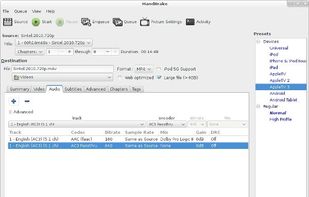
    HandBrake screenshot 1
    HandBrake screenshot 1
    HandBrake screenshot 2
  10. Ocenaudio icon
     Like

    To record audio. It's already what I'm using on my Mac.

    Cost / License

    • Free
    • Proprietary

    Application type

    Platforms

    • Mac
    • Windows
    • Linux
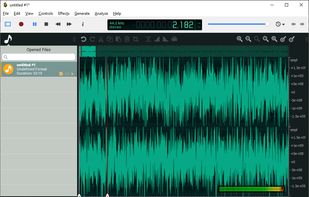
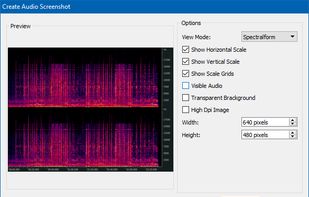
    Ocenaudio version 3.7.19 running on Windows with an audio file open.
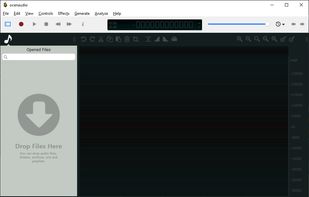
    Ocenaudio version 3.7.19 running on Windows with no file open.
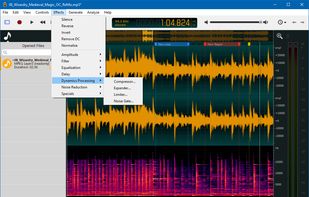
    Ocenaudio screenshot 2
    +4
    audio screenshot
  11. Okular icon
     Like

    As a document viewer to replace Preview icon Preview and Skim icon Skim. Also worth mentioning: zathura icon zathura & MuPDF icon MuPDF.

    Cost / License

    • Free
    • Open Source

    Application type

    Platforms

    • Windows
    • Linux
    • BSD
    • KDE Plasma
    • Snapcraft
    • Linux Mobile
    • Flathub
    • Haiku
    Okular screenshot 1
    Okular screenshot 1
    Okular screenshot 2
    +2
    Okular screenshot 3
  12. Gwenview icon
     Like

    As an image viewer to replace Preview icon Preview. Also worth mentioning: nomacs icon nomacs & qView icon qView also look interesting, so I'd have to take a look at it.

    Cost / License

    • Free
    • Open Source

    Application type

    Platforms

    • Linux
    • KDE Plasma
    • Snapcraft
    • Flathub
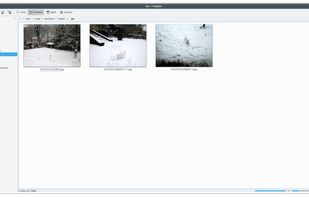
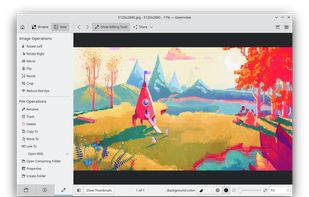
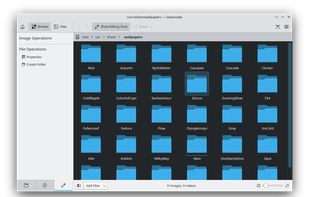
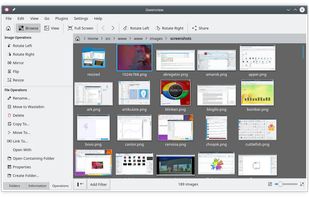
    Gwenview screenshot 1
    Gwenview screenshot 1
    Gwenview screenshot 2
  13. Graphic design

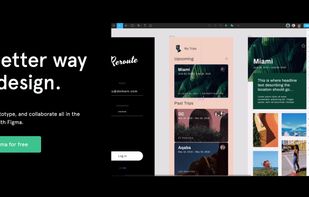
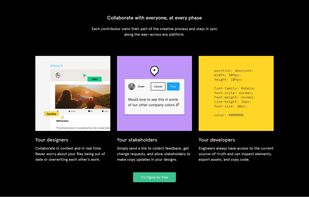
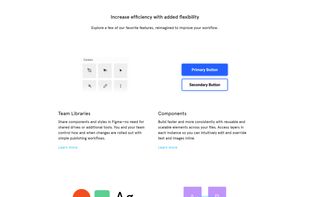
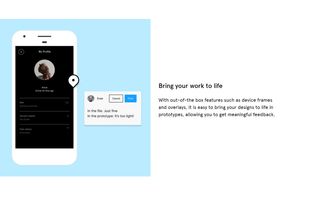
  14. Figma icon
     Like

    For graphic design. It's already what I'm using on macOS. Also: Corel Vector icon Corel Vector & Akira icon Akira

    Cost / License

    • Freemium
    • Proprietary

    Application type

    Platforms

    • Mac
    • Windows
    • Online
    • Android
    • iPhone
    • Chrome OS
    • Android Tablet
    • iPad
    • Software as a Service (SaaS)
    ,
    ,
    Figma screenshot 2
    +4
    Figma screenshot 3
  15. Boxy SVG icon
     Like

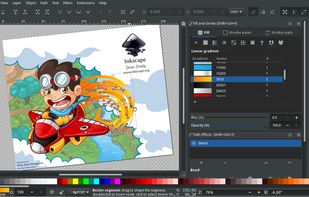
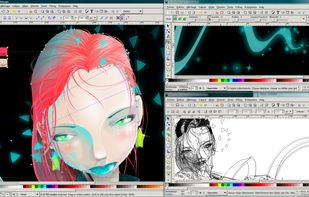
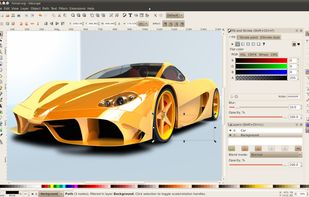
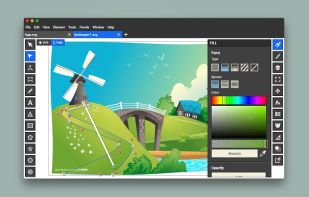
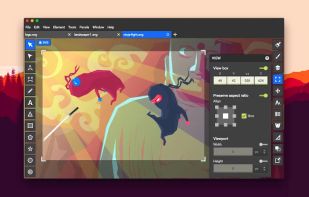
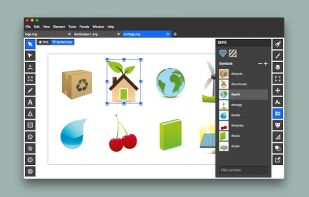
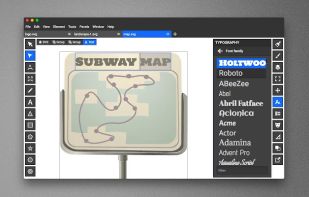
    A nice vector graphics app when I don't want to open Inkscape. It's free on Linux.

    Cost / License

    • Paid
    • Proprietary

    Application type

    Platforms

    • Mac
    • Linux
    • Online
    • Android
    • Flathub
    • Linux Mobile
    Boxy SVG screenshot 1
    Boxy SVG screenshot 1
    Boxy SVG screenshot 2
    +2
    Boxy SVG screenshot 3
  16. Web development

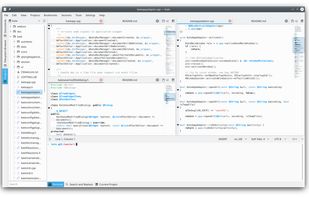
  17. Kate icon
     Like

    Code editor to replace TextMate icon TextMate.

    Cost / License

    • Free
    • Open Source

    Application type

    Platforms

    • Mac
    • Windows
    • Linux
    • BSD
    • KDE Plasma
    • Flathub
    • Flatpak
    • Snapcraft
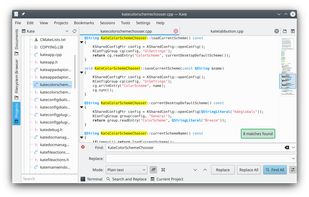
    Kate screenshot 1
    Kate screenshot 1
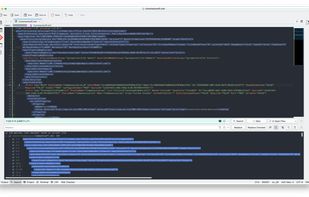
    Kate with an ATOM color scheme using some RegEx to find and replace.
  18. FileZilla icon
     Like

    FTP client to replace Transmit icon Transmit.

    I'm using Dolphin, since it can handle FTP/SFTP natively.

    Cost / License

    • Freemium
    • Open Source

    Application type

    Platforms

    • Mac
    • Windows
    • Linux
    • BSD
    • PortableApps.com
    • ReactOS
    • Haiku
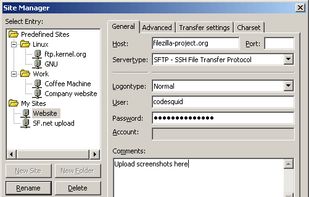
    FileZilla screenshot 1
    FileZilla screenshot 1
  19. Gaming

    I'm not playing games on my Mac, so this would be new.

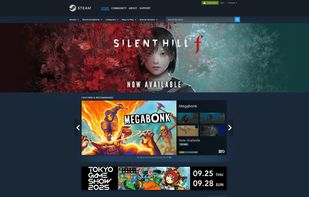
  20. Steam icon
     Like

    For gaming.

    Cost / License

    • Free
    • Proprietary

    Application type

    Platforms

    • Mac
    • Windows
    • Linux
    • Online
    • Android
    • iPhone
    • Android Tablet
    • Windows Phone
    • iPad
    • Snapcraft
    • Flathub
    • SteamOS
    Steam screenshot 1
    Steam screenshot 1
    Steam screenshot 2
    +4
    Steam Store
  21. 0 A.D. icon
     Like

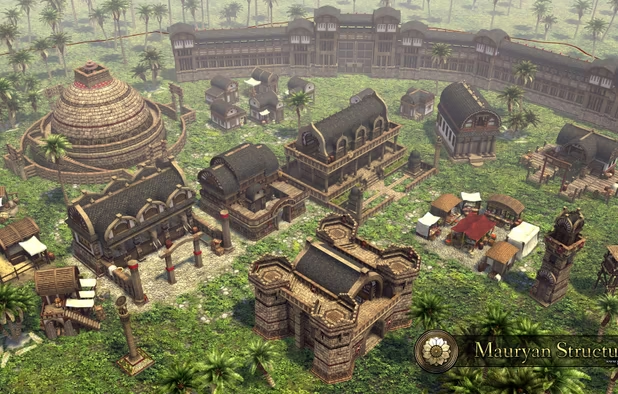
    A free, open-source, cross-platform real-time strategy (RTS) game of ancient warfare.

    Cost / License

    • Free
    • Open Source

    Application type

    Platforms

    • Mac
    • Windows
    • Linux
    • BSD
    • Snapcraft
    • Flathub
    • Haiku
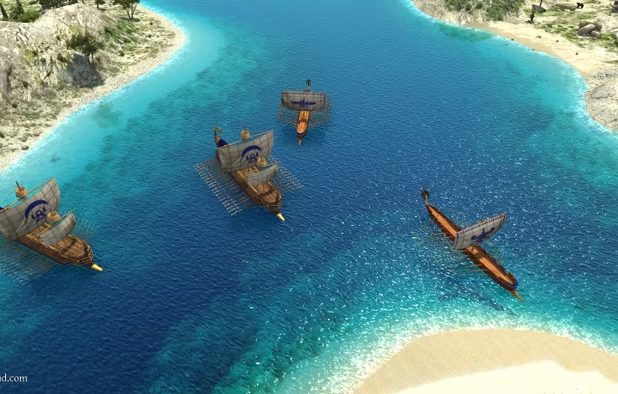
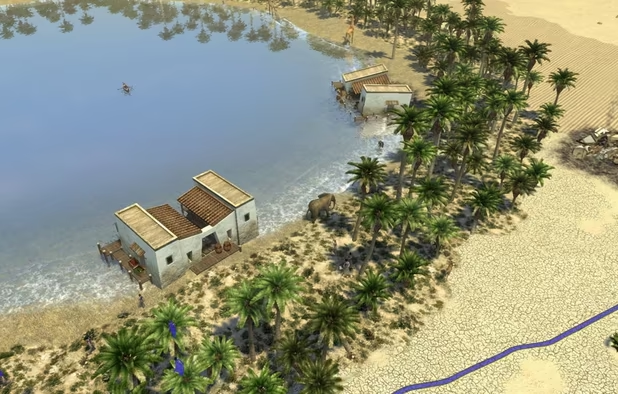
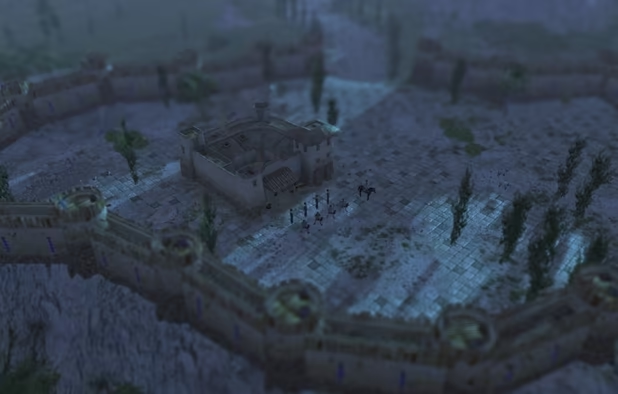
    0 A.D. screenshot 1
    0 A.D. screenshot 1
    0 A.D. screenshot 2
    +5
    0 A.D. screenshot 3

Comments

VM_
0

Yes, good list, here more software https://pkgs.org

markhu
0

Great list, but didn't specify what each one is equivalent to on the Mac. For me, finding Typora.io was a revelation since it is the closest to Bear Notes that I've found so far.

RemovedUser
3

Interesting list, mixing libre software with closed freemium.

Thanks for putting a light on Oni :)

If you prefer KDE integration:

  • Gparted has got a KDE fork, called KDE partition manager.
  • Qbittorrent > Transmission,
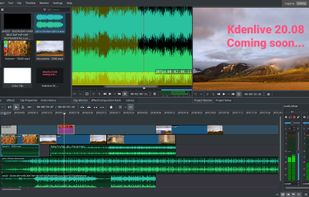
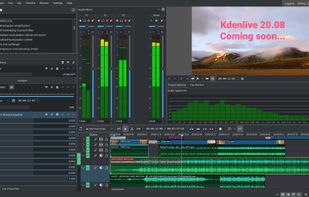
  • Kdenlive > DaVinci Resolve imo
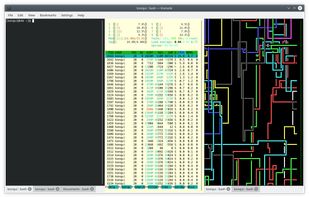
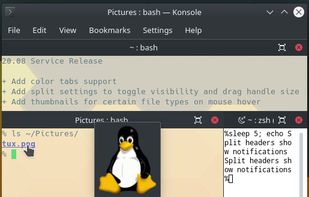
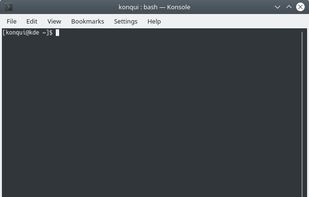
  • Konsole if you like single terminal with a nice looking translucent blur (i use terminator or Tmux to get split terminals though)
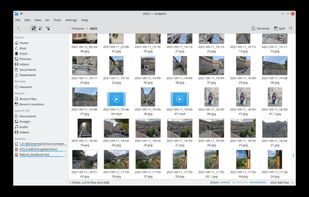
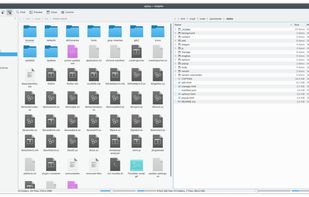
  • Dolphin > Thunar on KDE w/ ffmpegthumbnails previews
  • KDE widgets for note taking if you like have them hanging on desktop
  • to edit image, try Krita it's very intuitive, lighter, nice looking and very powerful.

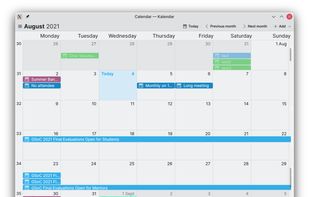
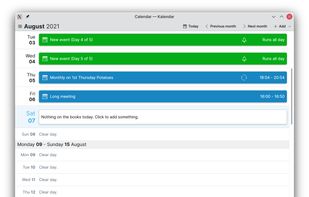
For mail, there's also Kontact which can does what thunderbird does and more (cal, contacts), in a KDE integrated style. For screenshots Spectacle is integrated with KDE, it's got timing options. Although flameshot is great to edit on the fly, you can edit with a almost-light editor like Krita.

And if you're not into Firefox (waterfox being outdated), try https://github.com/Eloston/ungoogled-chromium instead of Google Chromium (which is bloated with spyware).

Cheers

Gu