Apps with 'local-first' feature

All apps in Apps with 'local-first' feature category. Use the filters below to narrow down your search. 
Copy a direct link to this comment to your clipboard
  1. Anytype icon
     277 likes

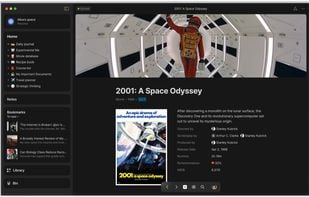
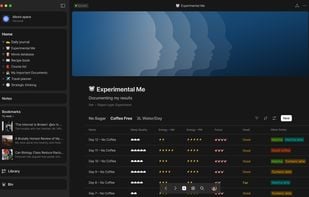
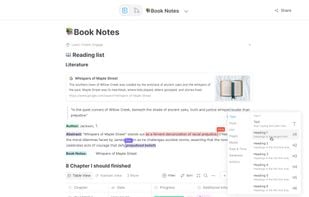
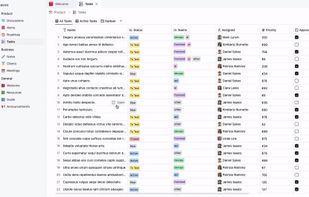
    Organizes notes, tasks, and projects offline using Markdown, P2P syncing, and encrypted storage, complemented by dynamic collections on all devices.

    Cost / License

    • Freemium
    • Proprietary

    Platforms

    • Mac
    • Windows
    • Linux
    • Android
    • iPhone
    • Android Tablet
    • iPad
    • Google Chrome
    • Flathub
    • Flatpak
    Movie Database
    Daily Journal
    Habit Tracker
    +6
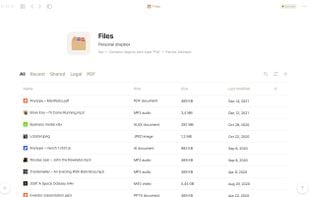
    Files
    140 alternatives
    4.1
    Very Good47 reviews
  2. AFFiNE icon
     107 likes

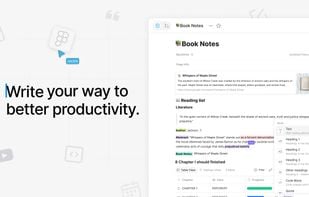
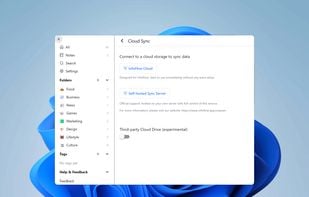
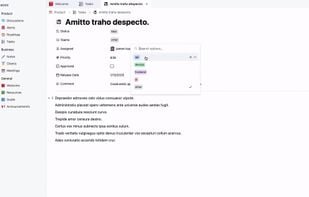
    Open-source, privacy-focused workspace merging notes, tasks, project management, Kanban, Pomodoro timer, interactive whiteboard, and real-time collaboration.

    Cost / License

    • Freemium
    • Open Source

    Platforms

    • Mac
    • Windows
    • Linux
    • Online
    • Android
    • iPhone
    • Self-Hosted
    AFFiNE screenshot 1
    AFFiNE screenshot 1
    AFFiNE screenshot 2
    +3
    Write your way to better productivity
    135 alternatives
    3.3
    Fair10 reviews
  3. PearPass icon
     27 likes

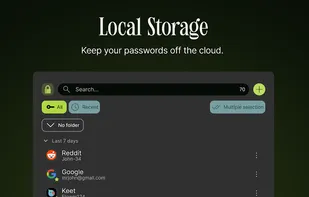
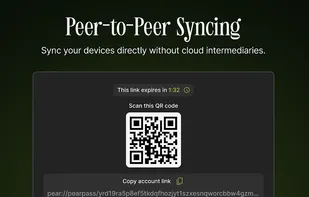
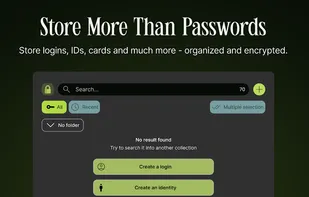
    Fully local, open-source password manager with end-to-end encryption, no cloud storage, peer-to-peer sync between devices, offline access, and strong password generation.

    Cost / License

    Application type

    Platforms

    • Mac
    • Windows
    • Linux
    • Android
    • iPhone
    • Google Chrome
    PearPass screenshot 1
    PearPass screenshot 1
    PearPass screenshot 2
    +7
    PearPass screenshot 3
    53 alternatives
  4. InfoFlow icon
     20 likes

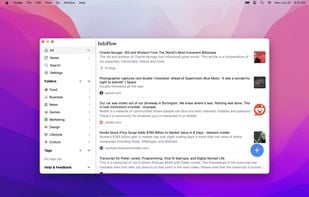
    A local-first tool for article and webpage saving with offline full-text search, organizing capabilities, and privacy-focused features.

    Cost / License

    • Free Personal
    • Proprietary

    Platforms

    • Mac
    • Windows
    • Android
    • iPhone
    • Microsoft Edge
    • Google Chrome
    • Safari
    • Mozilla Firefox
    InfoFlow screenshot 1
    InfoFlow screenshot 1
    InfoFlow screenshot 2
    +3
    InfoFlow screenshot 3
    62 alternatives
  5. Pinokio icon
     22 likes

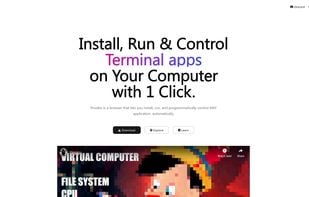
    Install, run & control servers, bots, databases, AI apps, terminal apps, or anything on your computer with 1 click.

    Cost / License

    • Free
    • Open Source (MIT)

    Platforms

    • Mac
    • Windows
    • Linux
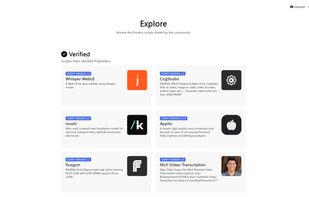
    Pinokio screenshot 1
    Pinokio screenshot 1
    Pinokio screenshot 2
    14 alternatives
  6. Orkana icon
     12 likes

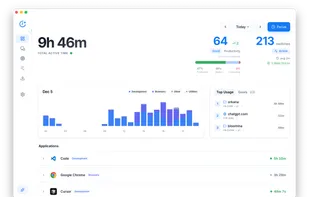
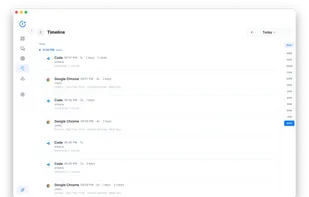
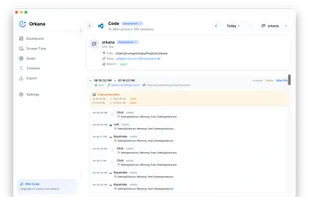
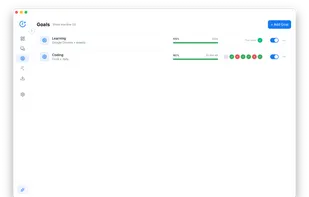
    Privacy-first time tracking with offline data storage, automatic activity monitoring, real-time insights, goal setting, Pomodoro sessions, and app blocking.

    Cost / License

    • Freemium
    • Proprietary

    Application type

    Platforms

    • Mac
    • Windows
    Orkana screenshot 1
    Orkana screenshot 1
    Orkana screenshot 2
    +3
    Orkana screenshot 3
    51 alternatives
  7. Anchor icon
     10 likes

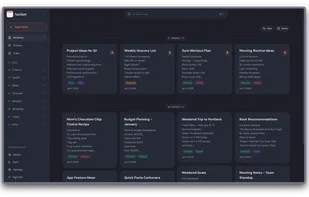
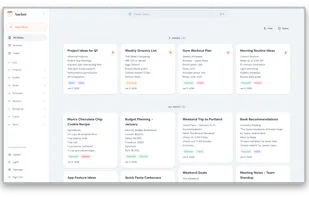
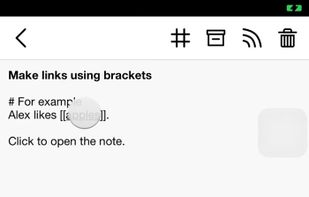
    Offline-first, self-hostable note app with rich text editing, tags, synced local storage, admin panel, archive, search, pinning, dark mode, and privacy.

    Cost / License

    Application type

    Platforms

    • Android
    • Android Tablet
    • Self-Hosted
    • Docker
    Anchor screenshot 1
    Anchor screenshot 1
    Anchor screenshot 2
    +1
    Anchor screenshot 3
    52 alternatives
  8. Pixsnip icon
     6 likes

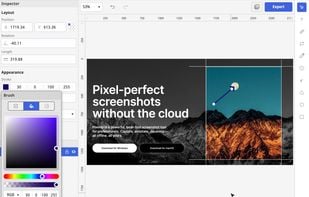
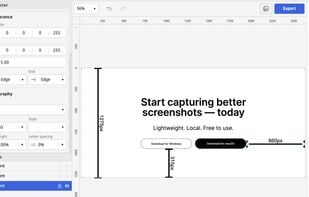
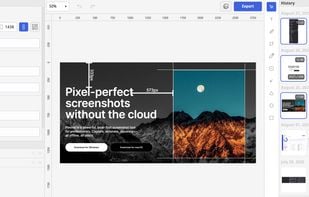
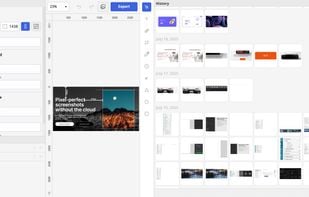
    Screenshot tool with local storage, editing after capture, precision tools, grouping, collage creation, and full history, requiring no login or cloud.

    Cost / License

    • Free
    • Proprietary

    Application type

    Platforms

    • Mac
    • Windows
    Pixsnip screenshot 1
    Pixsnip screenshot 1
    Pixsnip screenshot 2
    +4
    Pixsnip screenshot 3
    54 alternatives
  9. CopyMagic icon
     4 likes

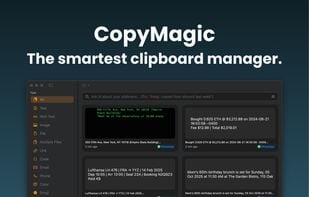
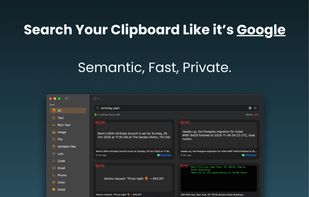
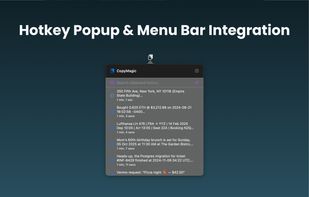
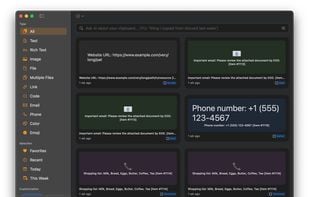
    Search your clipboard like it's Google. A smart, local-first clipboard manager for macOS. Completely offline. Your data never leaves your device.

    Cost / License

    • Paid
    • Proprietary

    Application type

    Platforms

    • Mac
    CopyMagic screenshot 1
    CopyMagic screenshot 1
    CopyMagic screenshot 2
    +1
    CopyMagic screenshot 3
    62 alternatives
  10. Unfriction icon
     4 likes

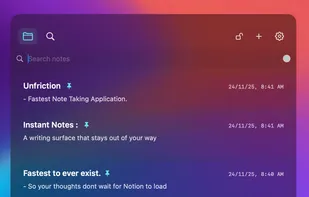
    Opens in under 400ms with one shortcut, offers overlay notes, screenshot OCR, offline-first storage, auto-pauses on lock, and delivers a clutter-free writing surface.

    Cost / License

    • Freemium
    • Proprietary

    Application type

    Platforms

    • Mac
    Unfriction screenshot 1
    27 alternatives
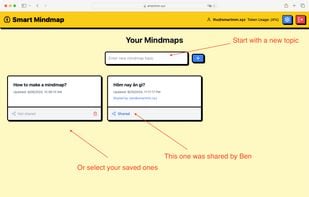
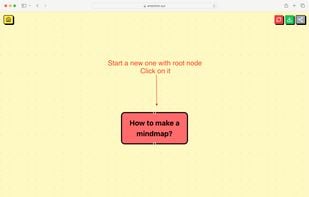
  11. Smart Mindmap icon
     3 likes

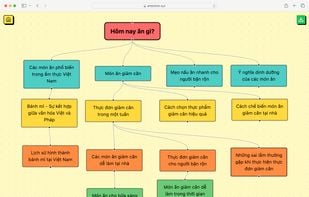
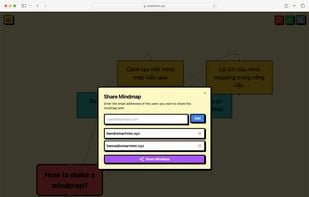
    AI-powered software for swift mind mapping, presenting ideas in organized, visually appealing formats, perfect for structured thinking and brainstorming.

    Cost / License

    • Freemium
    • Proprietary

    Application type

    Platforms

    • Online
    Smart Mindmap screenshot 1
    Smart Mindmap screenshot 1
    Smart Mindmap screenshot 2
    +1
    Smart Mindmap screenshot 3
    18 alternatives
  12. Finderlock icon
     2 likes

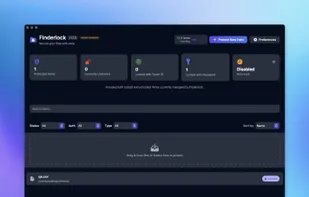
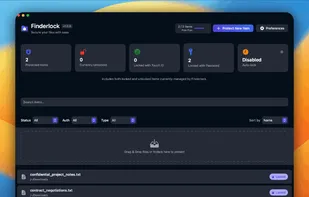
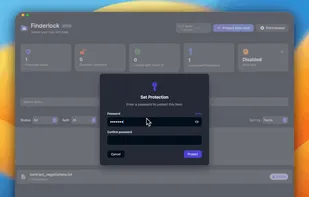
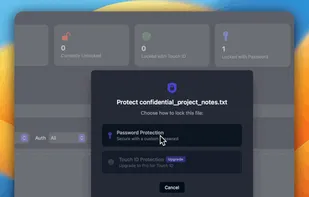
    Finderlock is a macOS utility that lets you lock files and folders directly in Finder using AES-256 encryption. Authentication is handled with Touch ID or a master password, and all encryption happens locally on your Mac—nothing is uploaded.

    Cost / License

    • Freemium
    • Proprietary

    Platforms

    • Mac
    Finderlock screenshot 1
    Finderlock screenshot 1
    Finderlock screenshot 2
    +3
    Finderlock screenshot 3
    24 alternatives
  13. FaceFusion icon
     2 likes

    Platform for instant facial manipulation in images and videos with local processing, privacy-friendly design, easy installation, no recurring fees, and open-source customization.

    Cost / License

    • Freemium
    • Open Source

    Application type

    Platforms

    • Mac
    • Windows
    • Linux
    FaceFusion screenshot 1
    45 alternatives
  14. Timelinize icon
     2 likes

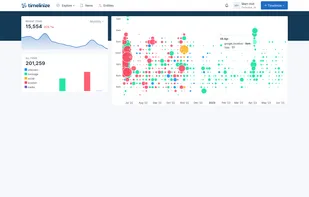
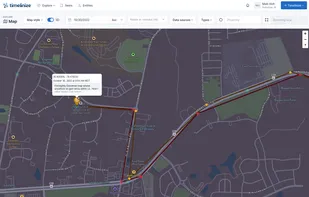
    Organize your photos & videos, chats & messages, location history, social media content, contacts, and more into a single cohesive timeline on your own computer where you can keep them alive and own them forever.

    Cost / License

    Platforms

    • Mac
    • Windows
    • Linux
    • Visual Studio Code
    • Docker
    Timelinize screenshot 1
    Timelinize screenshot 1
    Timelinize screenshot 2
    +6
    Timelinize screenshot 3
    8 alternatives
  15. TeXlyre icon
     3 likes

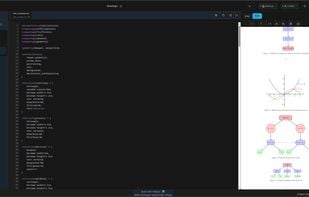
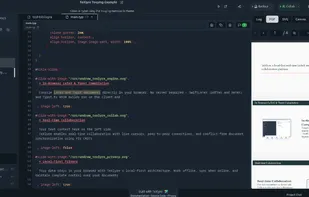
    A local-first real-time LaTeX and Typst collaboration platform with offline editing capabilities. Built with React, TypeScript, and Yjs for collaborative document editing.

    Cost / License

    Application type

    Platforms

    • Online
    • Self-Hosted
    LaTeX Tikz compilation
    TeXlyre screenshot 1
    52 alternatives
  16. Vinaya icon
     2 likes

    Vinaya Journal is a cross-platform journaling desktop app that integrates local AI via Ollama and a retrieval-augmented generation (RAG) pipeline using ChromaDB. It is designed for offline-first, privacy-conscious AI journaling so that your thoughts stay on your device.

    Cost / License

    • Free
    • Open Source (MIT)

    Application type

    Platforms

    • Linux
    • Windows
    Vinaya screenshot 1
    Vinaya screenshot 1
    Vinaya screenshot 2
    +1
    Vinaya screenshot 3
    73 alternatives
  17. NodeTool icon
     5 likes

    NodeTool is a playground for AI that uses a visual canvas to connect different AI tools - like GPT, image creators, and video generators - into one seamless workflow. Instead of jumping between five different apps to write a script, generate an image, and turn it into a video...

    Cost / License

    Platforms

    • Mac
    • Windows
    • Linux
    NodeTool screenshot 1
    NodeTool screenshot 1
    19 alternatives
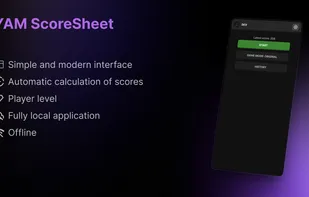
  18. Say goodbye to paper and pencil. Whether you're playing with family or friends, YAM ScoreSheet turns your smartphone into a smart, modern, and intuitive score sheet for all your Yams (Yam's) games.

    Cost / License

    • Free
    • Proprietary

    Platforms

    • Android
    Banner
    YAM ScoreSheet screenshot 1
    YAM ScoreSheet screenshot 2
    +3
    YAM ScoreSheet screenshot 3