Apps with 'NTFS' feature

All apps in Apps with 'NTFS' feature category. Use the filters below to narrow down your search. 
Copy a direct link to this comment to your clipboard
  1. Rufus icon
     1569 likes

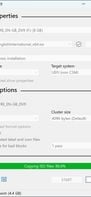
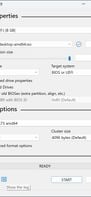
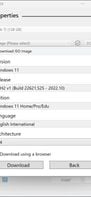
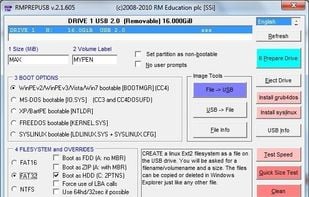
    Formats USB drives to various file systems and creates bootable USBs from ISOs. Supports MS-DOS/FreeDOS bootable sticks and offers BIOS or UEFI options.

    Cost / License

    Application type

    Platforms

    • Windows
    • PortableApps.com
    Rufus screenshot 1
    Rufus screenshot 2
    Rufus screenshot 3
    72 alternatives
    4.6
    Excellent89 reviews
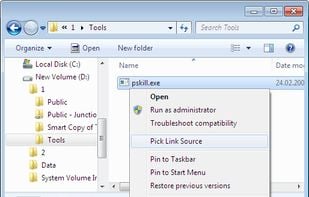
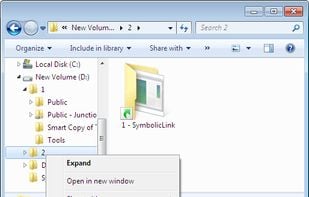
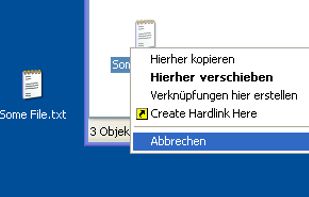
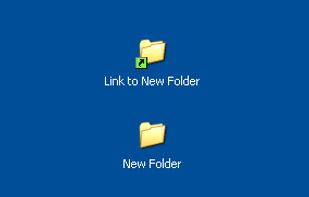
  2. Link Shell Extension (LSE) provides for the creation of Hardlinks , Junctions , Volume Mountpoints , and Vistas Symbolic Links, (herein referred to collectively as Links) and a Folder Cloning process that utilizes Hardlinks or Symbolic Links.
    Cost / License

    • Free
    • Open Source

    Application type

    Platforms

    • Windows
    • File Explorer
    • Chocolatey
    Pick Link Source... (file/dir)
    and Drop As... Symbolic Link, Junction, Hard Link and more
    5 alternatives
  3. Samba icon
     63 likes

    Samba is the standard Windows interoperability suite of programs for Linux and Unix.

    Cost / License

    Platforms

    • Mac
    • Linux
    • BSD
    16 alternatives
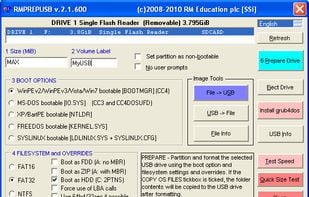
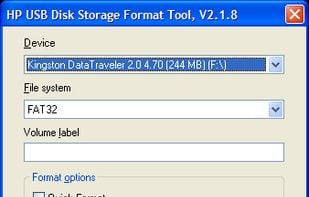
  4. HP USB Disk Storage Format Tool utility will format any USB flash drive, with your choice of FAT, FAT32, or NTFS partition types. You can also make the disk bootable by specifying a file location.

    Cost / License

    • Free
    • Proprietary

    Application type

    Alerts

    • Discontinued

    Platforms

    • Windows
    HP USB Disk Storage Format Tool screenshot 1
    9 alternatives
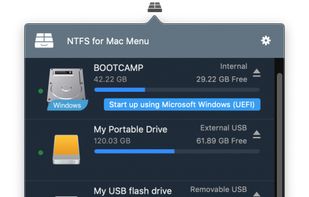
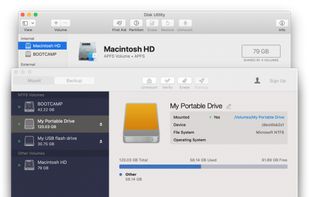
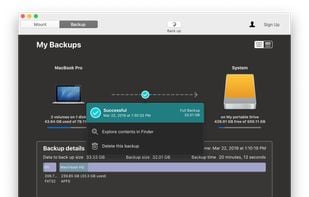
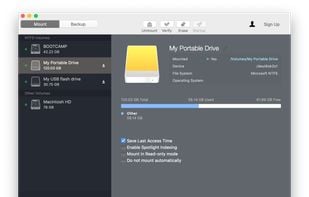
  5. Paragon NTFS for Mac OS X is a driver which gives you full read and write access to Windows partitions under Mac OS X. When working with media files or documents in Mac, you need access to the high performance of your system regardless if the files are located on the Mac’s HFS+...

    Cost / License

    • Paid
    • Proprietary

    Platforms

    • Mac
    Paragon NTFS for Mac OS X screenshot 1
    Paragon NTFS for Mac OS X screenshot 1
    Paragon NTFS for Mac OS X screenshot 2
    +1
    Paragon NTFS for Mac OS X screenshot 3
    5 alternatives
  6. SwiftSearch icon
     21 likes

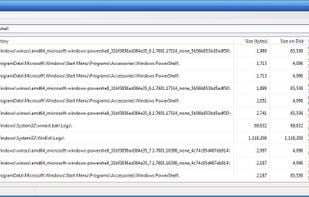
    SwiftSearch is a lightweight program whose purpose is to help you quickly find the files you need on your Windows machine without ever requiring you to index your drives. Most search utilities that achieve similar speeds do so by indexing drives while the computer is idle, but...

    Cost / License

    • Free
    • Open Source

    Application type

    Platforms

    • Windows
    SwiftSearch screenshot 1
    79 alternatives
  7. DMDE icon
     12 likes

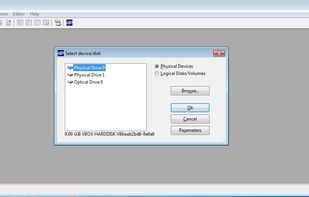
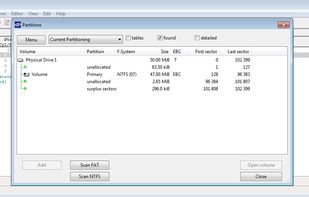
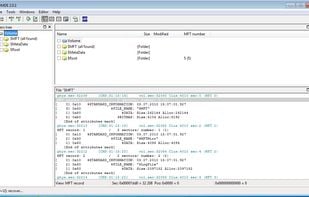
    DM Disk Editor and Data Recovery (DMDE) is a disk editor which can help you to understand NTFS. Its capable to view your hard disk sector wise, on MFT level, to disect mft attributes and to edit bytes on your hard disk.

    Cost / License

    • Freemium
    • Proprietary

    Platforms

    • Mac
    • Windows
    • Linux
    hard disk selection
    partition selection
    MFT viewer
    99 alternatives
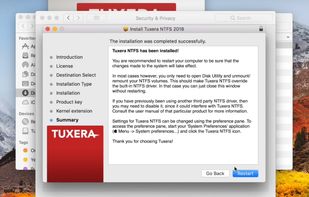
  8. The fastest way to read and write Windows disks from Mac OS X, which doesn't support writing to NTFS volumes out-of-the box. It builds and extends upon the proven stability of the open source NTFS-3G to deliver a full featured, commercial grade NTFS driver for your Mac.

    Cost / License

    • Paid
    • Proprietary

    Platforms

    • Mac
    Tuxera NTFS for Mac screenshot 1
  9. WinfrGUI icon
     2 likes

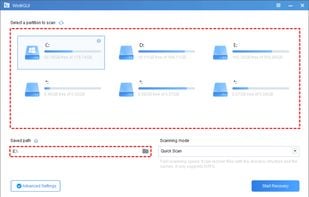
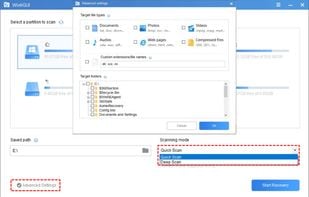
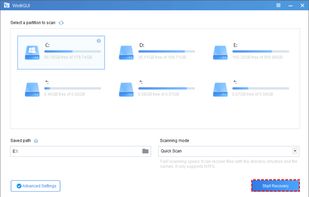
    Released in December 2021, WinfrGUI is a 100% free Windows file recovery utility with a GUI. Its interface is clear at a glance, and all levels of users can recover deleted or lost Windows files with just a few mouse clicks.

    Cost / License

    • Free
    • Proprietary

    Platforms

    • Windows
    Step 1. Select a partition to scan & a location to save.
    Step 2. Choose scanning methods
    Step 3. Click “Start Recovery”
    5 alternatives
  10. BURP icon
     14 likes

    Burp is a network backup and restore program. It uses librsync in order to save network traffic and to save on the amount of space that is used by each backup. It also uses VSS (Volume Shadow Copy Service) to make snapshots when backing up Windows computers.

    Cost / License

    • Free
    • Open Source

    Platforms

    • Windows
    • Linux
    11 alternatives
  11. NTFS Link icon
     1 like

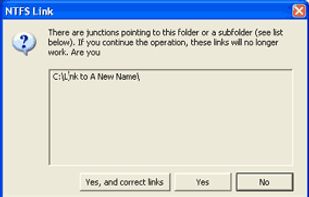
    NTFS Link is a set of Windows Shell Extensions (i.e. they hook into the Windows Explorer), providing extended functionality for creating and using hard links and junction points on NTFS file systems. As neither hard links nor junctions are available on FAT, it will really only...

    Cost / License

    • Free
    • Proprietary

    Application type

    Platforms

    • Windows
    • Windows Explorer
    NTFS Link screenshot 1
    NTFS Link screenshot 1
    NTFS Link screenshot 2
    3 alternatives
  12. chkdsk icon
     6 likes

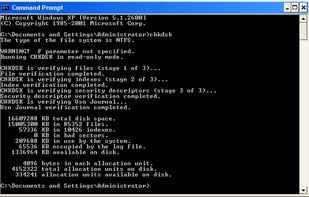
    A command line tool to check for errors on and repair ntfs filesystems.

    Cost / License

    • Paid
    • Proprietary

    Platforms

    • Windows
    chkdsk running in cmd
    8 alternatives
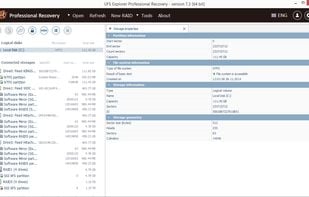
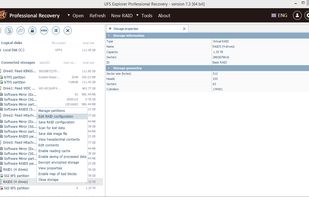
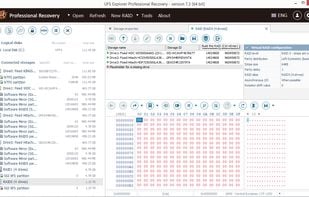
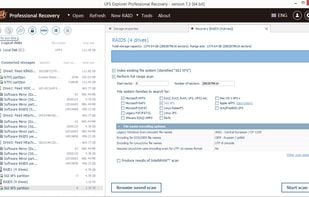
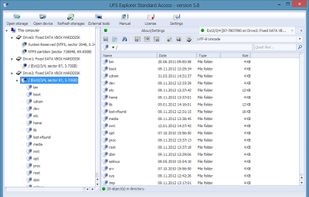
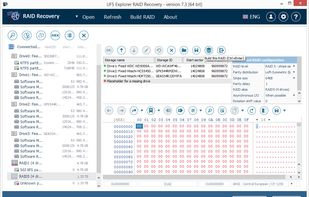
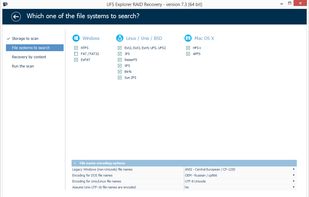
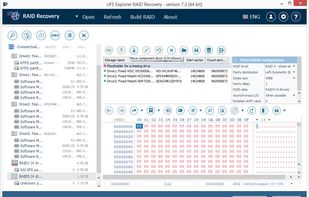
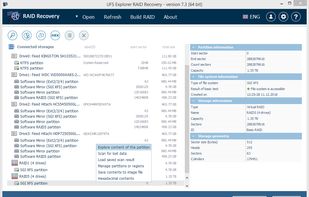
  13. UFS Explorer RAID Recovery is designed to effectively deal with RAID-related data recovery tasks in addition to common data loss cases. The intelligent software mechanisms allow reconstructing RAID of any configuration, both software and hardware.

    Cost / License

    • Paid
    • Proprietary

    Platforms

    • Mac
    • Windows
    • Linux
    UFS Explorer RAID Recovery screenshot 1
    UFS Explorer RAID Recovery screenshot 1
    UFS Explorer RAID Recovery screenshot 2
    +5
    UFS Explorer RAID Recovery screenshot 3
    8 alternatives
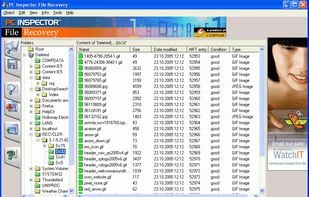
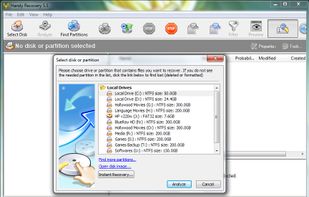
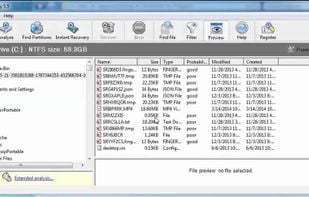
  14. Handy Recovery is an easy-to-use solution that restores files accidentally deleted from hard drives, all types of USB/eSATA devices and memory cards. The tool can recover files damaged by virus attacks, power failures and software faults.

    Cost / License

    • Paid
    • Proprietary

    Platforms

    • Windows
    Handy Recovery screenshot 1
    Handy Recovery screenshot 1
    120 alternatives
  15. NTFS Access icon
     3 likes

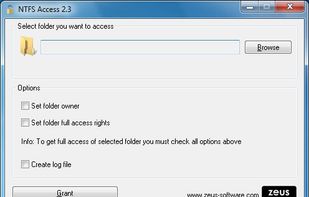
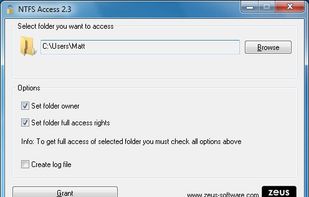
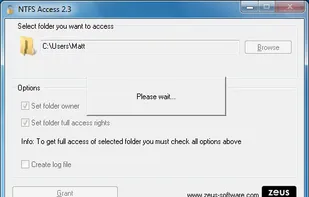
    If you're using Windows system and you have lost access to own files or folders (i.e. user account folder is not accessible after system reinstallation), use NTFS Access to regain the access. NTFS Access can be also helpful if you want to access private files or folders of...

    Cost / License

    • Free
    • Proprietary

    Platforms

    • Windows
    NTFS Access screenshot 1
    NTFS Access screenshot 1
    NTFS Access screenshot 2
  16.  5 likes

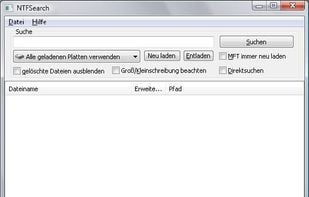
    This tool enables users to search their NTFS formatted harddrives within seconds. It uses the MFT (master file table) of NTFS to search for files very fast.

    Cost / License

    • Free
    • Open Source

    Application type

    Platforms

    • Windows
    NTFS-Search screenshot 1
    61 alternatives
  17. DiskExplorer icon
     3 likes

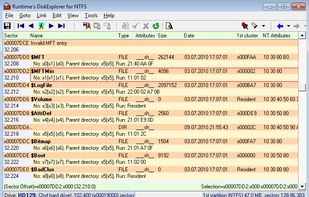
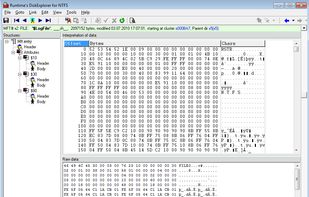
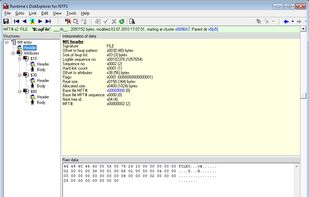
    This is also a disk editor. It comes with a very clean and usable UI and offers comprehensive information about NTFS.

    Cost / License

    • Paid
    • Proprietary

    Platforms

    • Windows
    MFT
    hex editor
    dissected MFT entry attributes
    15 alternatives