
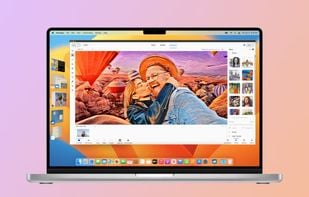
Online editor providing filters, frames, text, stickers, collage maker, graphic design tools, templates, batch editing, and social media sharing.
Cost / License
- Freemium
- Proprietary
Application types
 China
ChinaPlatforms
- Mac
- Windows
- Online
- Android
- iPhone
+3
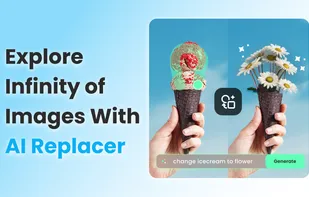


Online editor providing filters, frames, text, stickers, collage maker, graphic design tools, templates, batch editing, and social media sharing.

gThumb is an image viewer and browser for the GNOME Desktop. It also includes an importer tool for transferring photos from cameras.
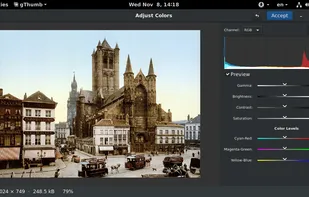
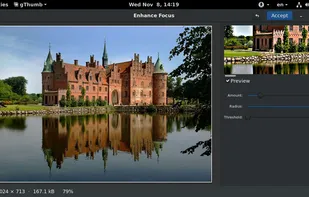
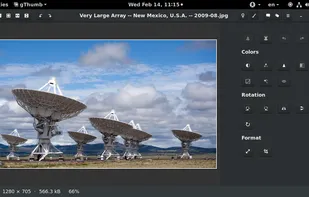
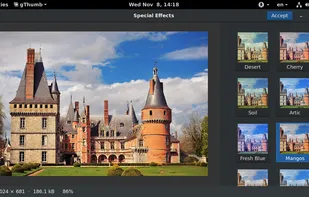
Photo editing with AI and automation in a simple, non-subscription package. Includes fun creation tools, an organizer, and layer support.
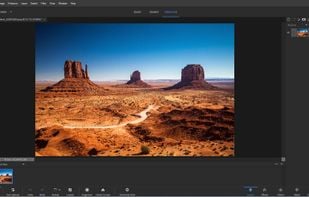
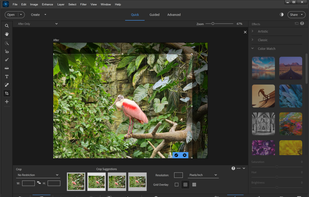
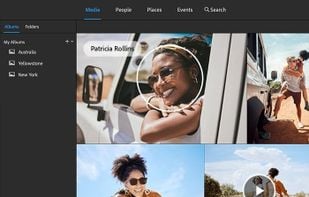
Pixelitor is an open source image editor with an intuitive interface and with a special emphasis on non-destructive editing.
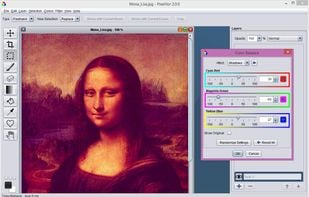
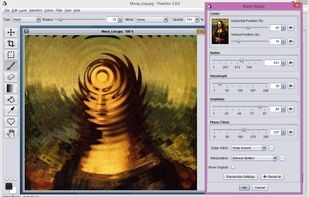
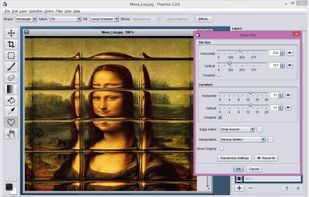

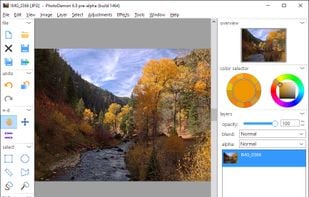
PhotoDemon provides a comprehensive selection of photo editing tools in an 8 MB download. It runs on any Windows machine (XP through Win 10) and does not require installation. It can easily be run from a USB stick or SD card.

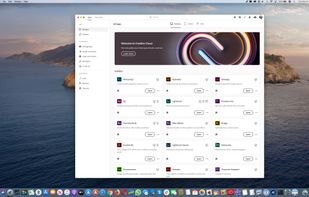
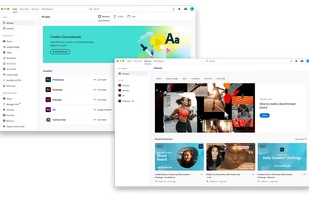
Access a suite of over 20 design and editing tools, including Photoshop, Illustrator, InDesign, After Effects, and Premiere Pro, with cloud storage and regular updates.

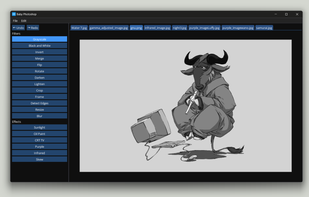
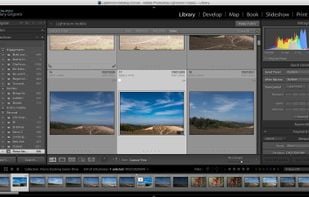
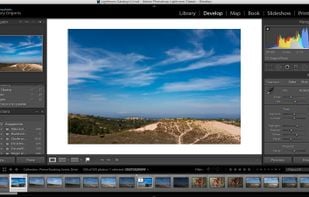
Desktop-based photo editing software with advanced controls, offering tools for enhancing, organizing, and sharing photos. Includes new masking tools and Content-Aware Remove.
Adjust color, add effects, rotate, crop, resize, frame, and draw on your photos. Color adjustment options include hue, saturation, contrast, and brightness. Additionally, Photo Editor offers a large variety of effects for your photos including gamma correction, auto contrast...
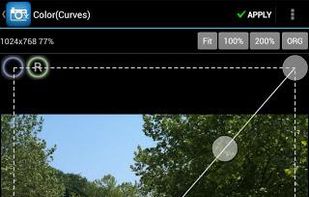
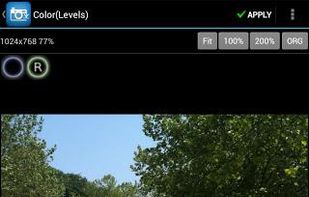
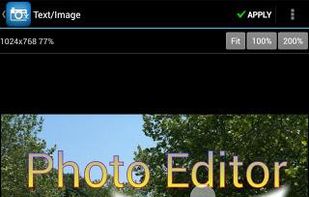
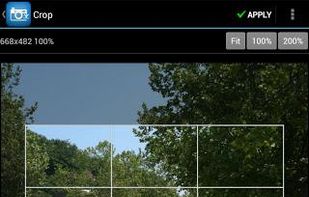

PicMonkey is a feature-rich online photo editor that works right in your browser; no downloads necessary. Touch-up tools like Teeth Whiten, Blemish Fix, Weight Loss. Effects like Orton, Cross Process, Color Boost, with drag and drop ease.
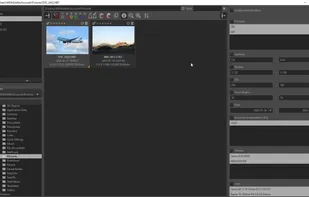
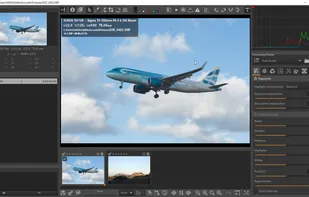
ART, a free, open-source, cross-platform raw image processing program. ART is a derivative of the popular RawTherapee , trading a bit of customization and control over various processing parameters for a simpler and (hopefully) easier...
Edit photos with filters, magic effects, drawing tools, stickers, and text overlays. Share creations in a global community or on social networks. Crop, rotate, adjust colors, and make collages.

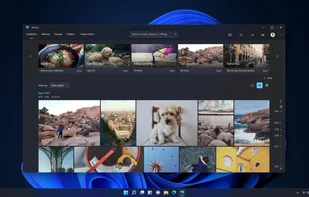
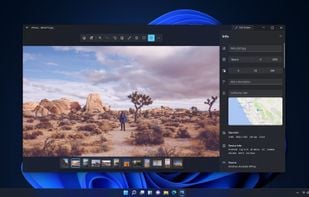
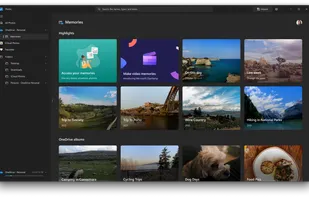
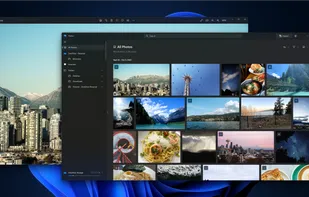
You can use the Photos app to view or edit photos and videos in your Pictures library and on OneDrive, and to import photos and videos. The Photos app includes a wide range of editing options to enhance your photos, from automatic fixes to advanced adjustments.

Powerful workflow software with fast RAW processing, seamless Photoshop integration, and features like batch processing and HDR for creative efficiency.
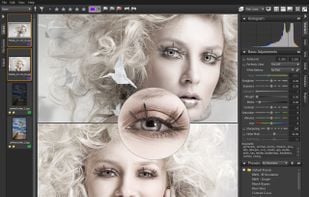
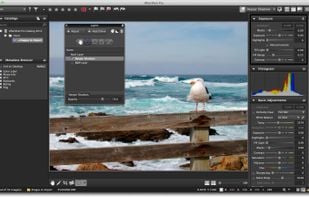
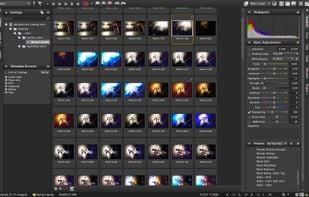
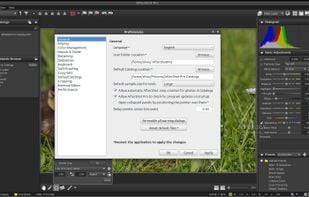

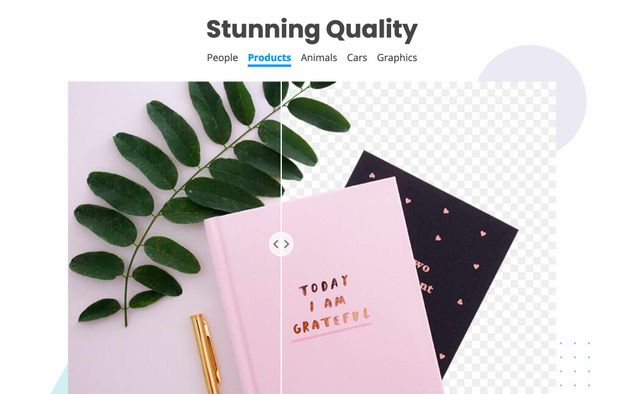
Removes backgrounds from images automatically in about 5 seconds using AI, with downloads available in high or low resolution and no manual selection required.
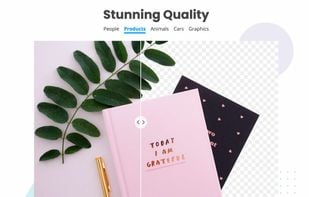
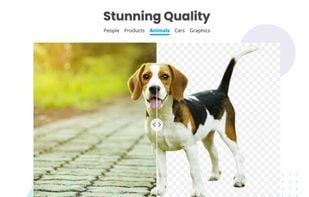
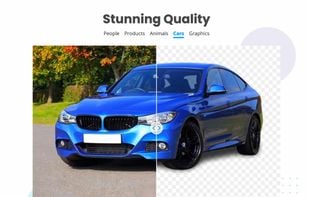
Advanced image enhancement and creative upscaling with control over regions, preservation of small faces, detail addition, and precise generative editing.


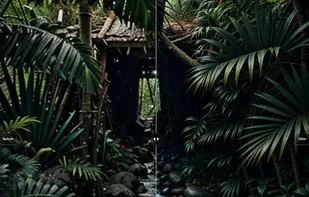
Glimpse is an open source image editor based on the GNU Image Manipulation Program. The goal is to experiment with new ideas and expand the use of free software.
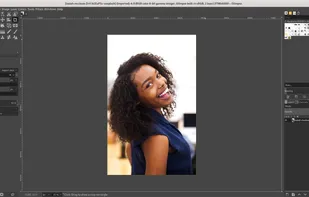
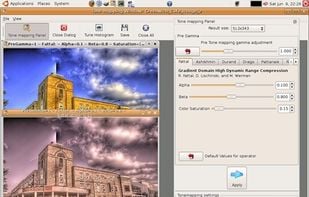
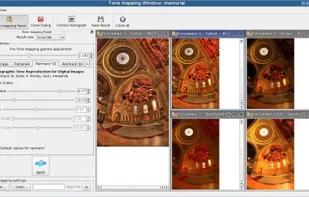
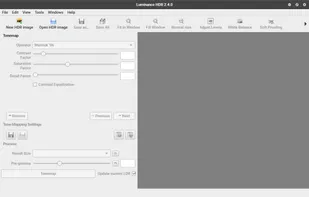
Luminance HDR is a graphical user interface (based on the Qt5 toolkit) that provides a complete workflow for HDR imaging.
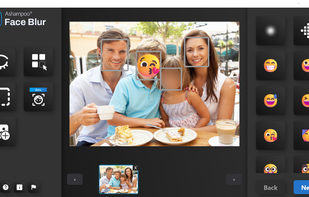
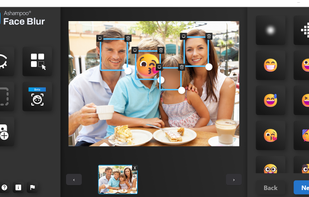
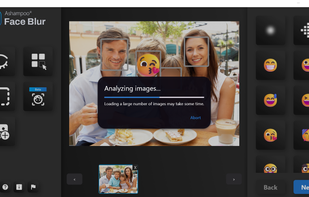
Automatically detects faces in digital images for quick privacy protection using blur, pixelation, or emoticon, with an intuitive interface for easy use.

Zoner Studio is your all-in-one photo editor that brings solid and photographer friendly tools to your fingertips. Use AI tools that aren't gimmicks, cull your library without having them locked to the program forever, edit your RAW files with a top notch RAW developer, use...
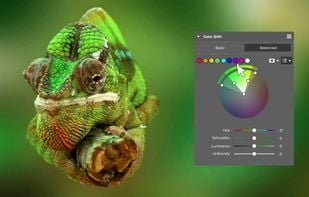
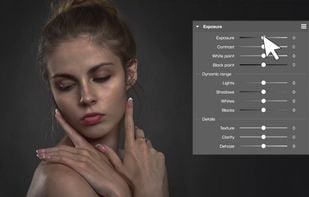
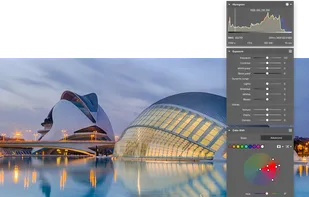
For creators, by creators, the VSCO app helps you reach your creative potential within a community that values honest and imaginative expression above all else.

PhotoScan lets you create enhanced digital scans of your old photos, with automatic edge detection, perspective correction, and smart rotation.


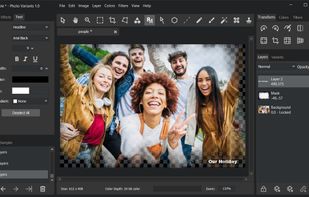

Design t-shirts, social media images, & more with templates or from scratch. Enjoy vector editing freedom that outshines the alternatives.
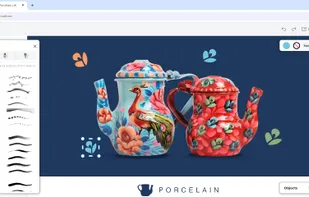
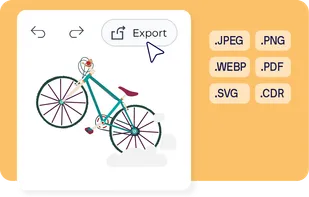

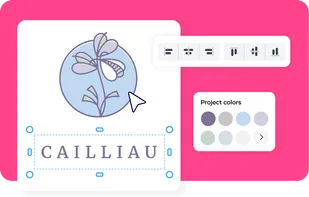
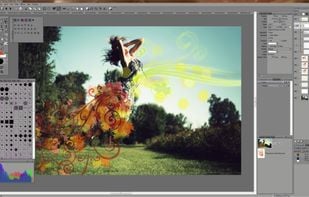
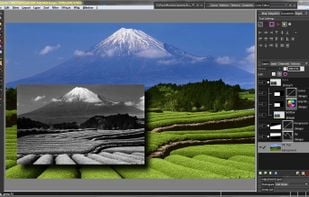
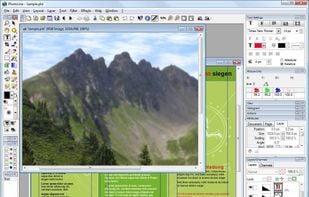
Photoline is a professional image editor which offers creatives a mostly non-destructive workflow for 8/16/32bpc image processing and compositing in RGB, CMYK, and Lab modes.
Full vector editing, DTP features, and a HSV/HIS workflow are supported.

 United States

 Hungary
 EU
EU




 Canada
 Australia
 Germany



 Czechia


