
Cost / License
- Free
- Proprietary
Application types
Platforms
- Mac
+1



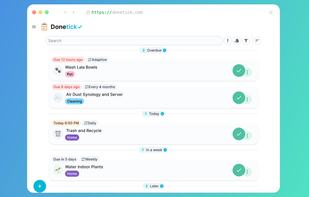
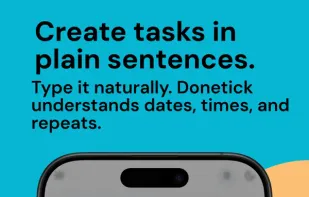
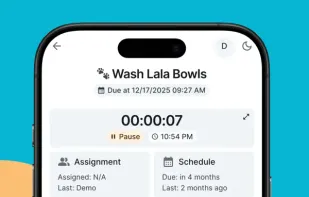
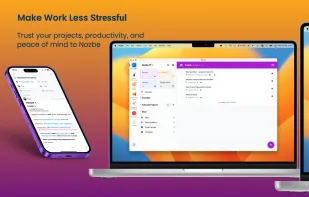
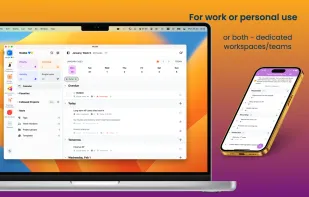
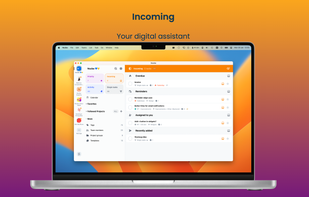
Open-source, collaborative task and chore manager with circles for families and teams, natural language input, adaptive scheduling, analytics, file attachments, and smart integrations.

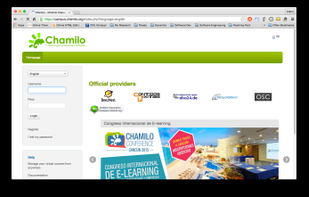
Chamilo is an open-source (under GNU/GPL licensing) e-learning and content management system, aimed at improving access to education and knowledge globally. It is backed up by the Chamilo Association, an international ONG based in Europe.

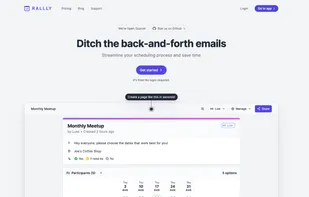
Rallly is an open-source scheduling and collaboration tool designed to make organizing events and meetings easier.

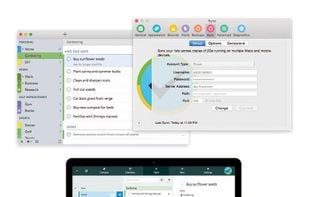
fruux is a free service that takes care of your contacts, calendars and more so you don't have to. Never manually copy contacts and calenders between your devices again!


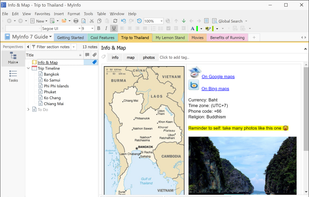
MyInfo is a personal information manager for Windows. It will help you capture, organize, edit and share ideas, documents, tasks, and web pages.


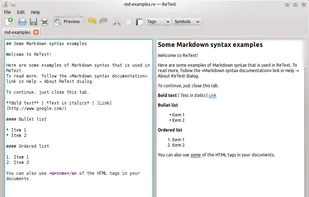
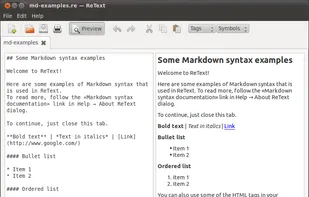
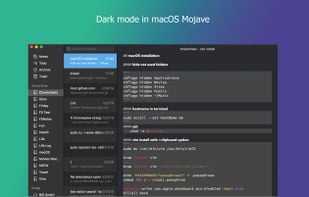
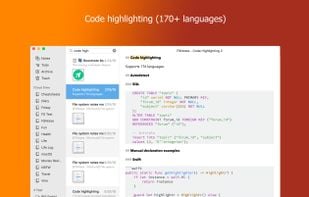
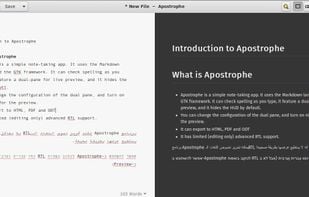
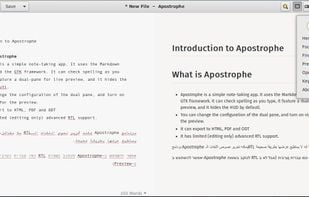
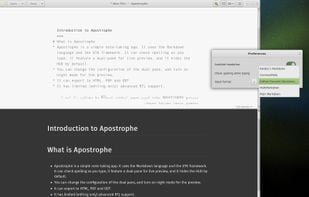
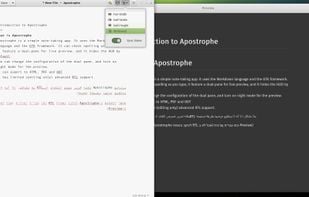
ReText is a simple text editor for Markdown and reStructuredText documents with syntax highlighting and optional live preview.

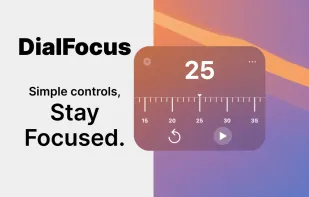
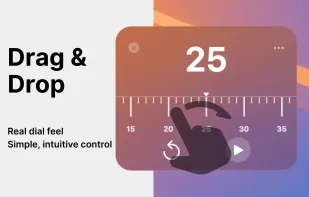
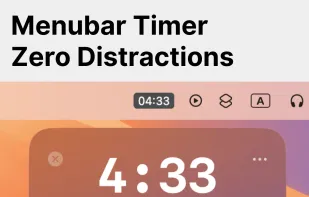
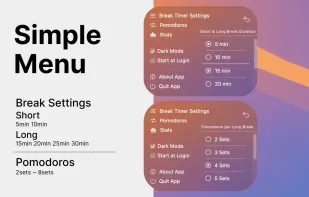
Simple menubar focus timer. Optimize work & breaks with intuitive dial for deep, distraction-free focus. Track progress with stats for continuous growth.

Enables team and individual task management, offline access, file sharing, deadlines, reminders, calendar integration, and project progress tracking.
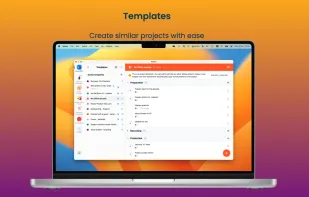

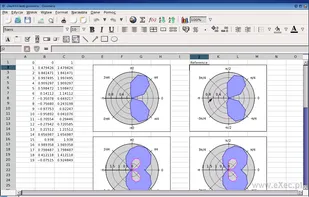
The Gnumeric spreadsheet is part of the GNOME desktop environment: a project to create a free, user friendly desktop environment.


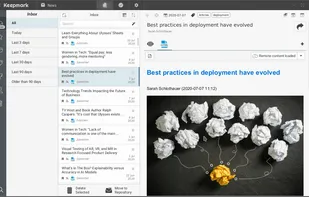
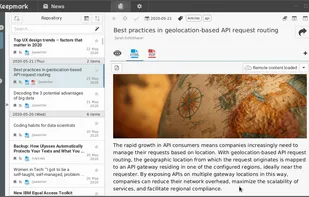
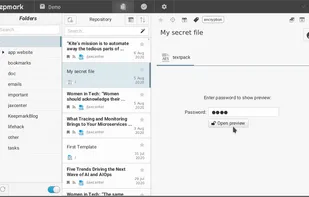
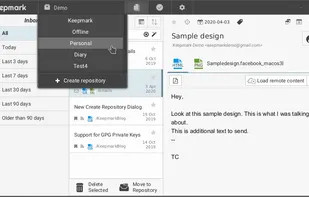
Keepmark is a desktop, privacy first documents organizer. You can organize with it your files, email, bookmarks, tasks, news, and other resources. Its available for Windows, Linux and Mac.
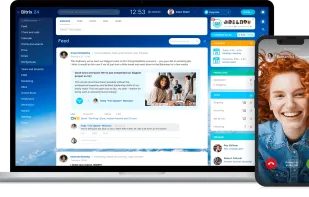
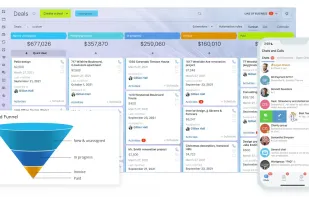
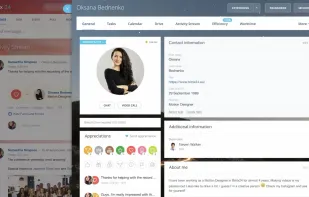
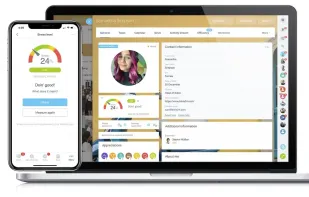
Replace a multitude of services and apps with a single ecosystem for your business to work in. Explore the tools of Bitrix24.

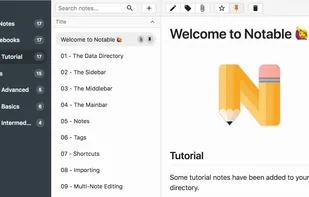
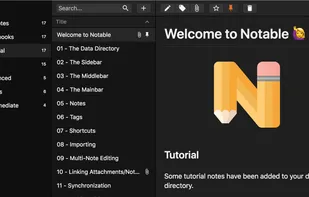
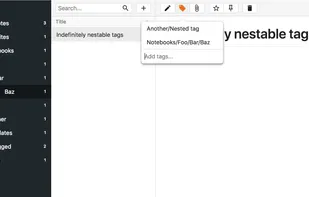
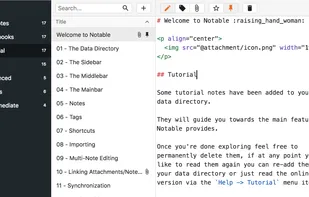
Notable is a cross-platform note app. Notes are plain Markdown files, their metadata is stored as Markdown front matter. Attachments are also plain files, if you attach a picture.jpg to a note everything about it will be preserved, and it will remain accessible like any other...

Crossnote is probably the world's first markdown notes reader & editor Progressive Web Application that works offline and supports syncing with arbitrary git repository right inside your browser.
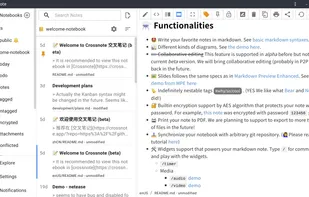
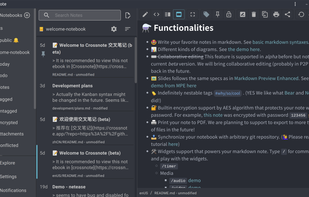

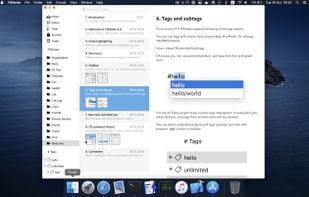
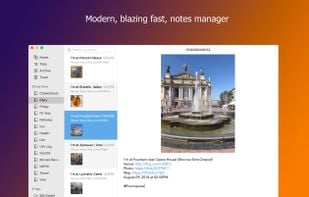

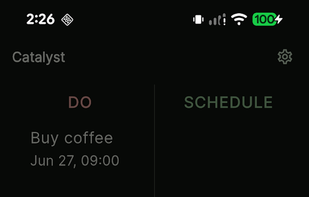
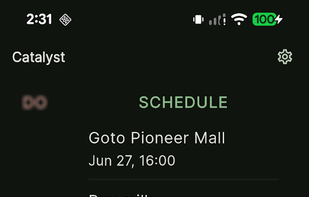
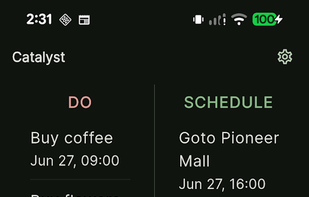
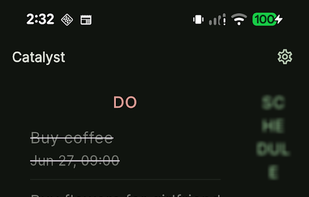
Catalyst is an intelligent, desktop-first, local-first to-do app that uses AI and the Eisenhower Matrix to help you prioritize tasks and get things done effortlessly.

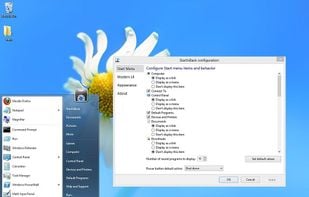
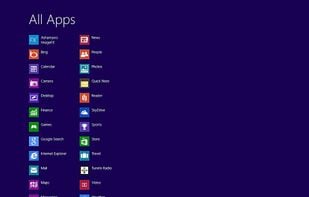
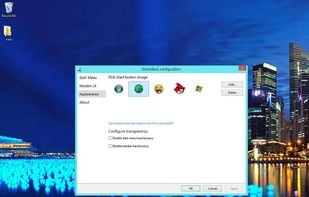
StartIsBack returns Windows 8 a real fully featured start menu and start button, behaving exactly like the ones in Windows 7. StartIsBack radically improves desktop usability and makes new Start screen clutter-free.


Talanoa is the first inbox designed around people. Cut the noise, focus only on what matters.
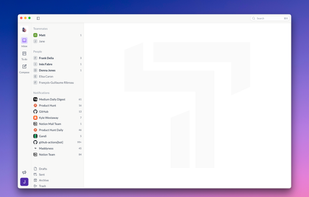
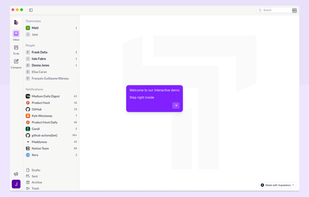
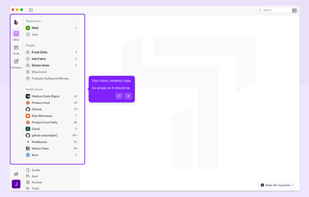


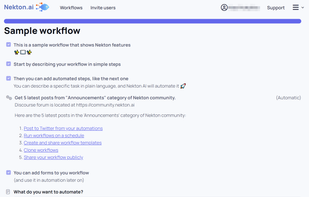
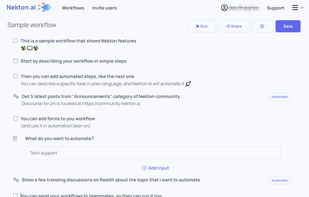
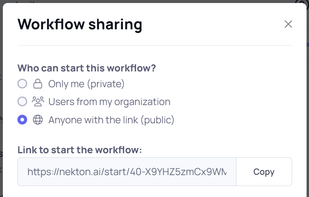
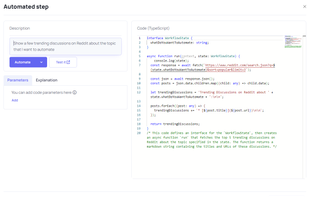
Nekton is a service that will help you automate your workflows using generative AI. You can describe your workflow or a business process in plain text steps, and then those steps will be automated by Nekton and executed in the cloud.

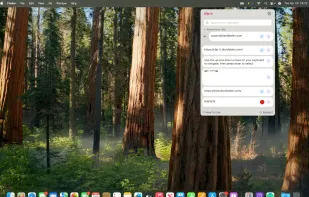
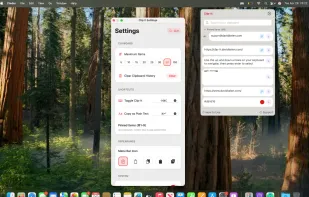
Clip-it is a local, offline and private clipboard history, where you can take control of your copied data. Boost your productivity with this app that should come pre-installed with every Mac sold.

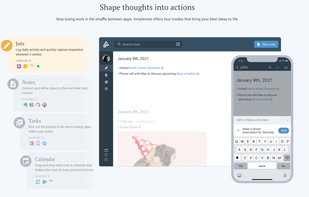
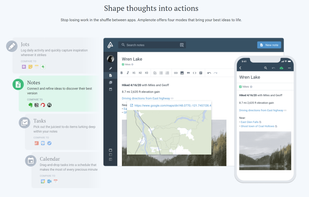
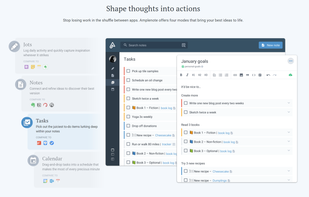
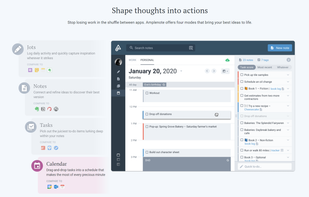
Amplenote allows you to take notes and link those notes to functional task and contacts lists for seamless project management. It supports integration with Google and Outlook calendars to schedule tasks and allows e-mail integration as well.


 Belgium
 EU
EU
 Malta
Malta
 Germany


 France
 United States
 Bulgaria


 Poland


 Italy
Italy

 Ukraine
 Singapore