

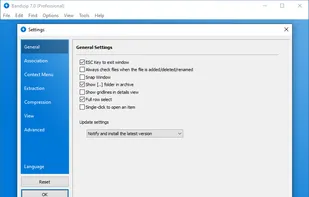
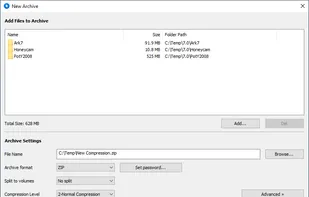
Bandizip is a powerful archiver which provides an ultrafast processing speed and convenient features. Available free of charge, and its paid editions support a variety of advanced features.
 South Korea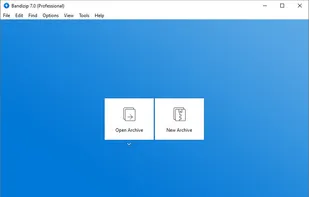
+9
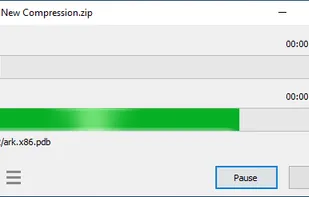


Bandizip is a powerful archiver which provides an ultrafast processing speed and convenient features. Available free of charge, and its paid editions support a variety of advanced features.

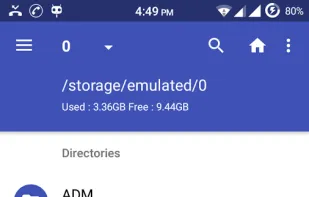
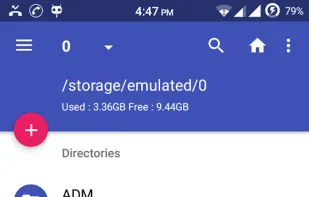
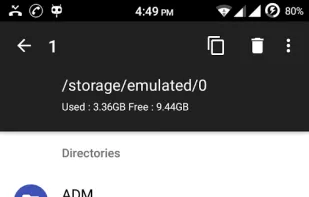
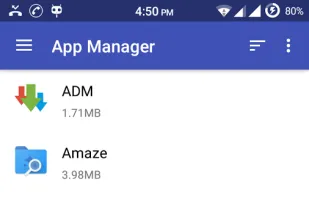
Amaze File Manager is an intuitive, open-source file manager for Android that's both free and ad-free (no upgrade offers, no popups, no ads at all). It's based on Material Design guidelines so it sits very nicely alongside the stock Android experience from Google and...

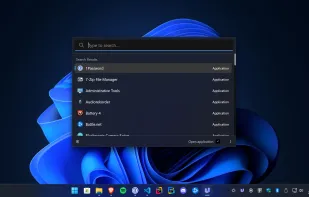
Developed with the Electron framework, ueli is the type of tool that adopts simplicity, leaving out any unnecessary options and configuration settings. It creates an icon in the system tray at startup, where it sits silently throughout its runtime, without disturbing you with...
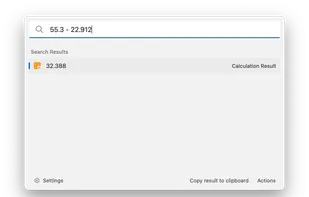
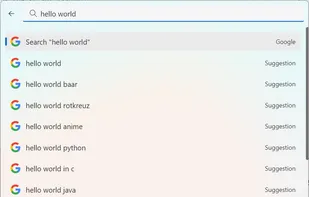
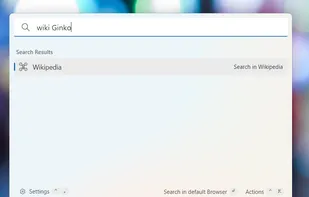

MiXplorer (Mix of Explorers) is a fast, smooth, beautiful, reliable and fully-featured file manager with a simple and intuitive user interface.
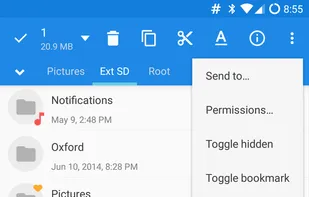
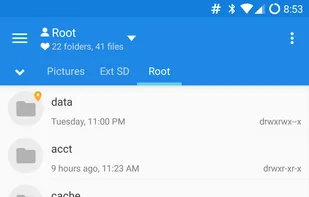
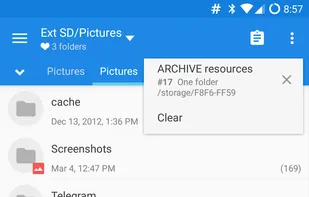
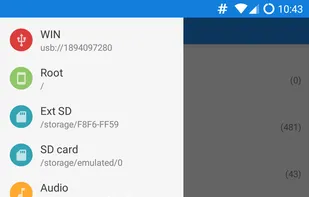

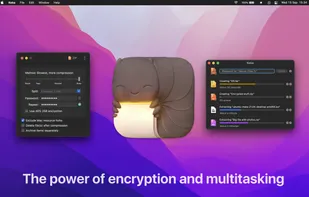
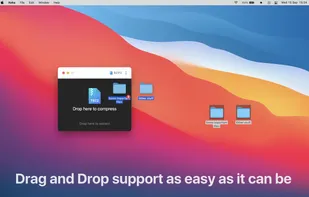
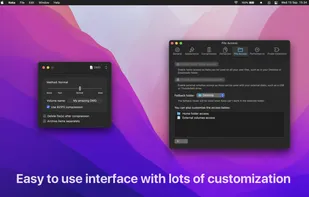
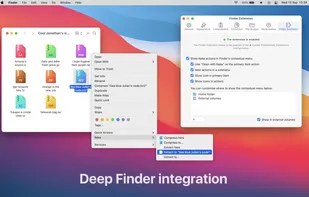

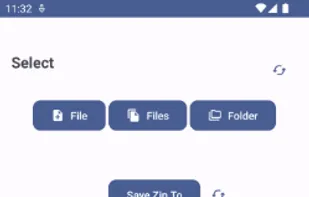
ZipXtract is a comprehensive, open-source file extraction utility designed to handle a wide range of compressed file formats, including RAR, ZIP, TAR, BZ2, GZ, 7Z, XZ, JAR, and Z. This versatile application offers users the ability to extract files from both standard and...

Wings for your Windows Explorer!
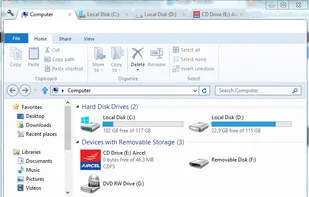
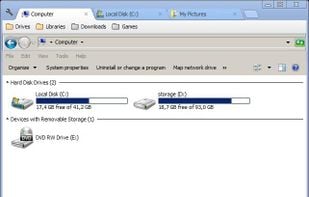
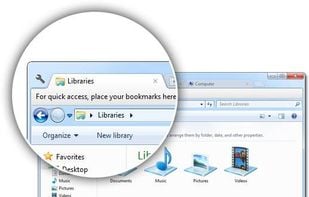
Clover is an extension of the Windows Explorer, to add multi-tab functionality similar to Google Chrome browser. After Clover is installed, you will be able to open multiple folders in tabs within the same window, and you can also be able to add.

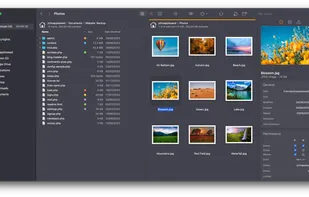
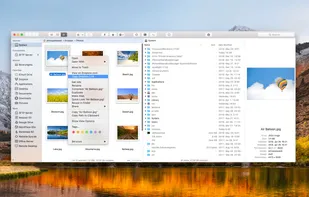
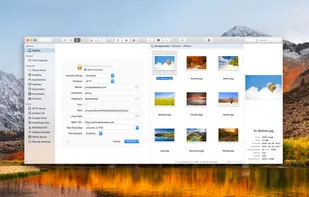
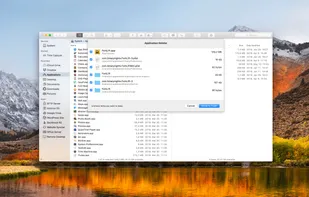

Clipboard manager for macOS storing all copied items locally, offering quick search, file support, type detection, favorites pinning, and keyboard shortcut access.
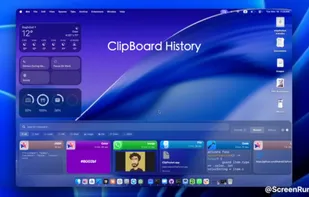
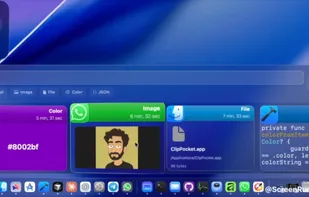
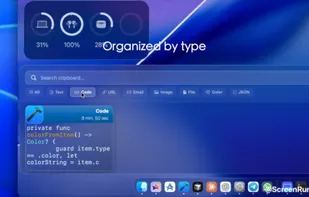
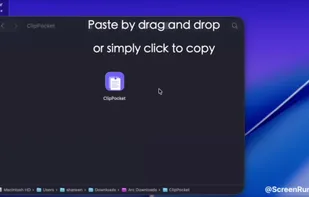

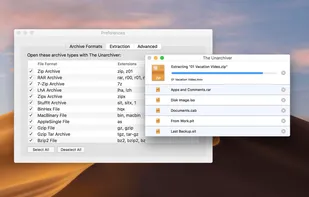
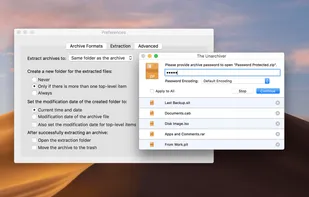
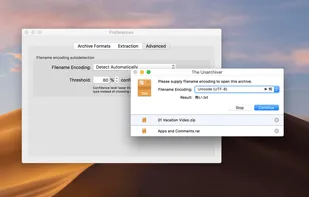
The Unarchiver is a small and easy to use program that can unarchive many different kinds of archive files. It will open common formats such as Zip, RAR (including v5), 7-zip, Tar, Gzip and Bzip2. It will also open many older formats, such as StuffIt, DiskDoubler, LZH, ARJ and...

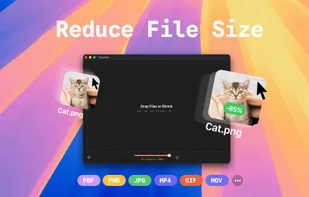
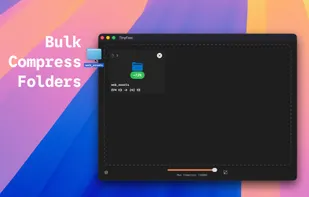
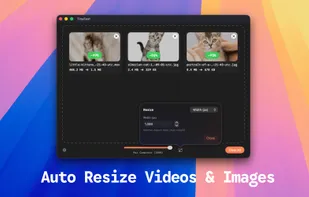
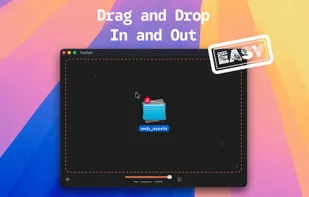
Compress images, videos, and PDFs locally with batch processing, full privacy, quality preservation, and drag-and-drop workflow, all on your Mac.

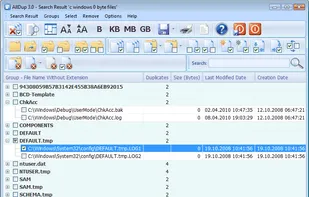
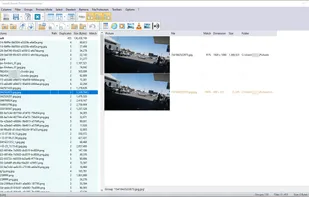
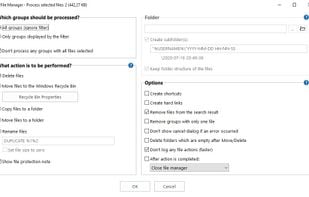
Find and remove duplicate files! Find and hardlink duplicate files! Find and shortcut duplicate files! Find similar files!.

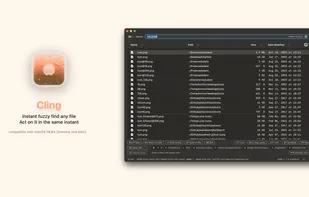
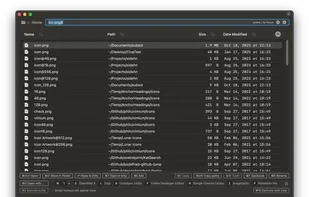
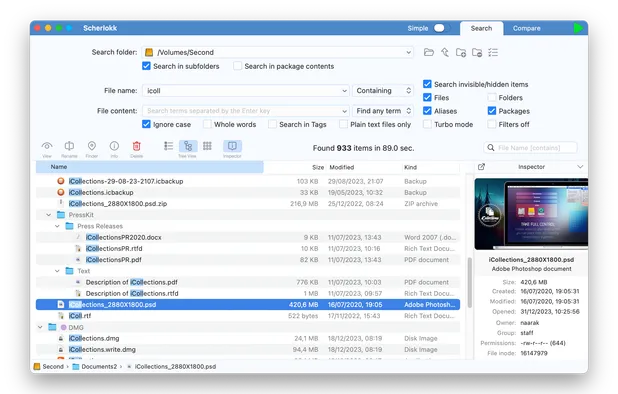
Fuzzy search all files, including system and hidden, then perform instant keyboard-driven actions like preview, batch rename, or custom scripts on macOS.

Offline-first, self-hostable note app with rich text editing, tags, synced local storage, admin panel, archive, search, pinning, dark mode, and privacy.




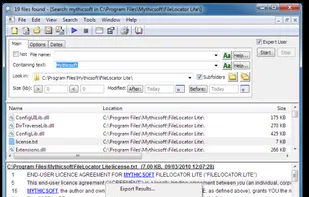
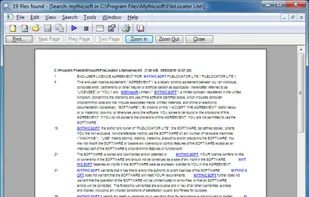
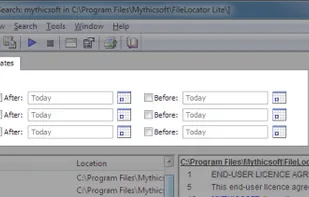
Agent Ransack is a tool for finding files and information on your hard drive fast and efficiently. When searching the contents of files Agent Ransack also displays the text found. Users can then quickly browse the results without having to separately open each file!
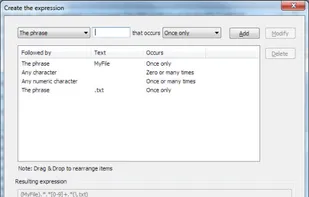

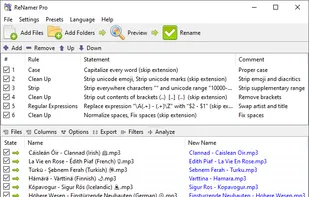
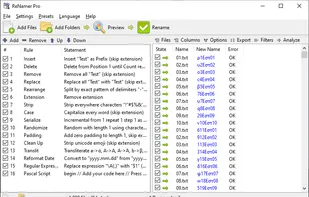
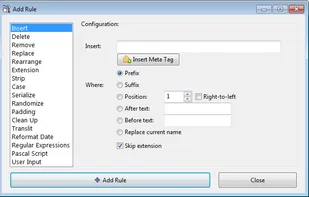
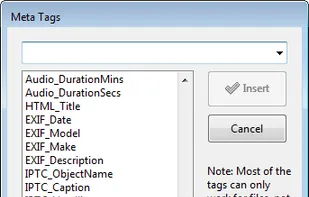
Batch file and folder renaming with meta tag support, RegEx, rule sets, prefix, suffix, case change, extension handling, and Unicode compatibility.

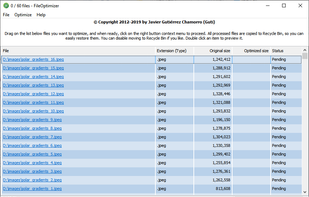
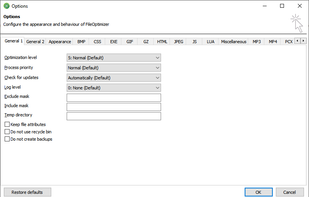
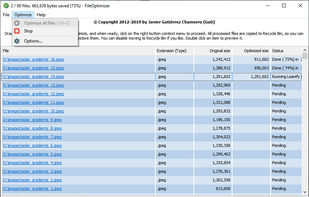
FileOptimizer is a lossless file size optimizer supporting AIR, APK, APNG APPX, BMP, CBZ, DOCX, DLL, EPUB, EXE, GIF, GZ, ICO, JAR, JPEG, MNG, MP3, MPP, PNG, PPTX, ODT, OGG, OGV, PDF, PUB, SCR, SWF, TIF, VSD, WEBP, XAP, XLSX, and ZIP file formats among others.

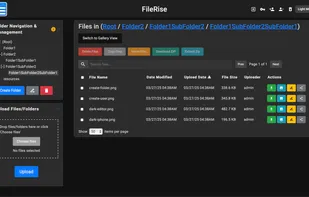
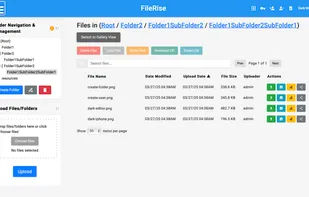
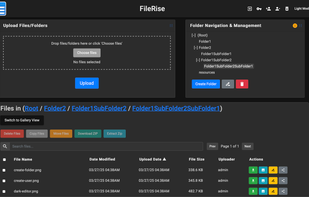
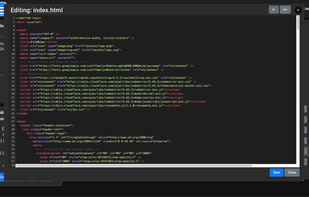
Lightweight, self-hosted web interface features multi-file upload, syntax-highlighted editing, batch operations, drag & drop support, and Docker compatibility.

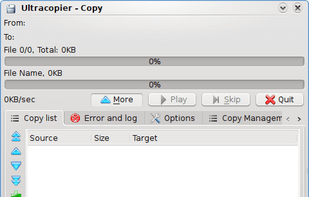
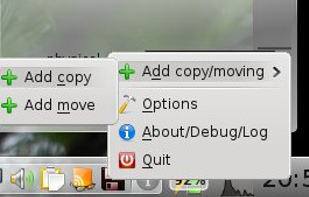
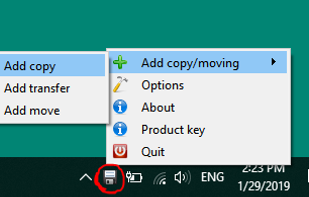
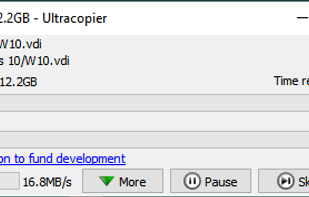
Ultracopier replaces Windows explorer file copy and adds many features: Transfer resuming, transfer speed control, transfer speed computation, better transfer progress display, faster transfers, copy list editable while transferring.

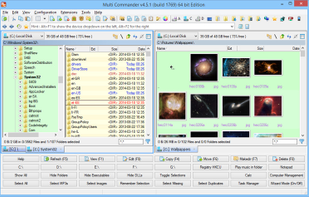
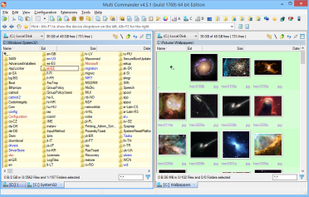
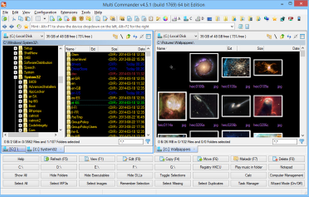
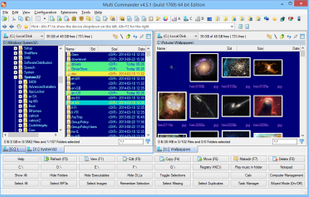
Multi Commander is a multi-tabbed file manager and is an alternative to the standard Windows Explorer. It uses the very popular and efficient dual-panel layout.

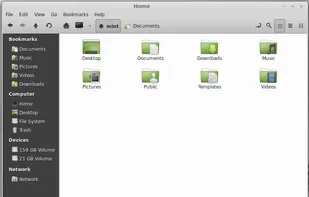
Nemo is the official file manager for the Linux Mint operating system running the Cinnamon desktop. It re-introduced several features removed from the file manager Nautilus, from which it originated.

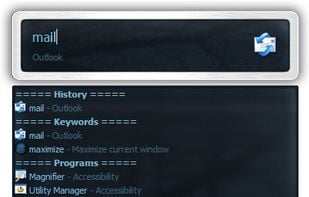
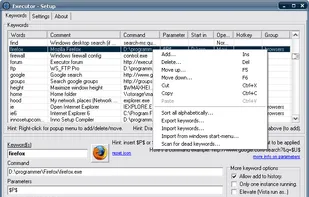
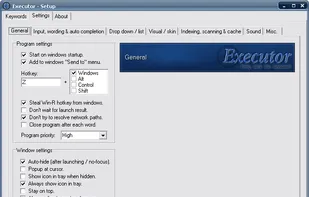
A multi purpose launcher and more advanced and customizable freeware windows run replacement and more. Executor is available also as a portable app and can be integrated in LiberKey.

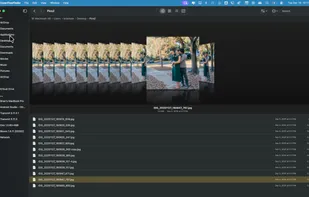
macOS file browser featuring classic 3D Cover Flow carousel, dual pane mode, Quick Look previews, sidebar navigation, instant sorting, and robust search.

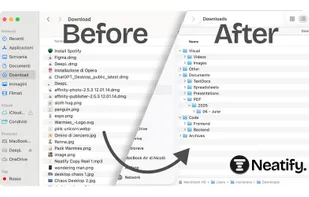
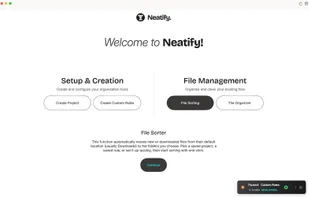
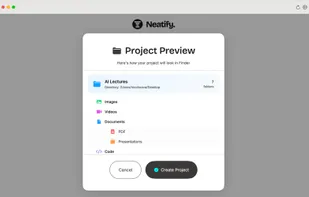
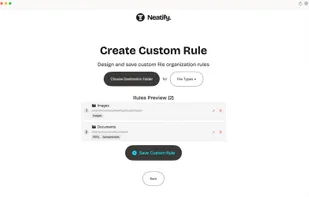
Automatically organizes files and folders on macOS with one-click project-based sorting rules, bulk cleanup, Quick Sorter, and menu bar access for instant automation.

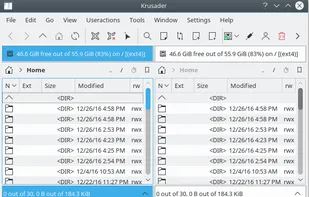
Krusader is an advanced twin panel (commander style) file manager for KDE Plasma and other desktops in the *nix world.

 India
India
 Switzerland
 Iran
Iran


 China
China
 Hungary
 EU
EU
 Iraq
Iraq
 Ukraine
 Malta
Malta
 Germany
 Romania
 Bangladesh
 United Kingdom
 Australia
 Spain
Spain
 United States
 France
 Sweden
 Ireland
 Denmark

